

Throughput measures how much data a system successfully transfers or processes within a specific period. In networking, it describes the actual rate at which data moves between two points, rather than the maximum capacity a connection may support.
Understanding network throughput helps VPS users evaluate data transfer performance, investigate slow file uploads and downloads, and understand why real-world speeds may differ from advertised network capacity.
In this guide, you will learn what throughput means, how it differs from bandwidth and latency, what affects it, and how to interpret throughput measurements when evaluating VPS performance.
What Is Throughput?
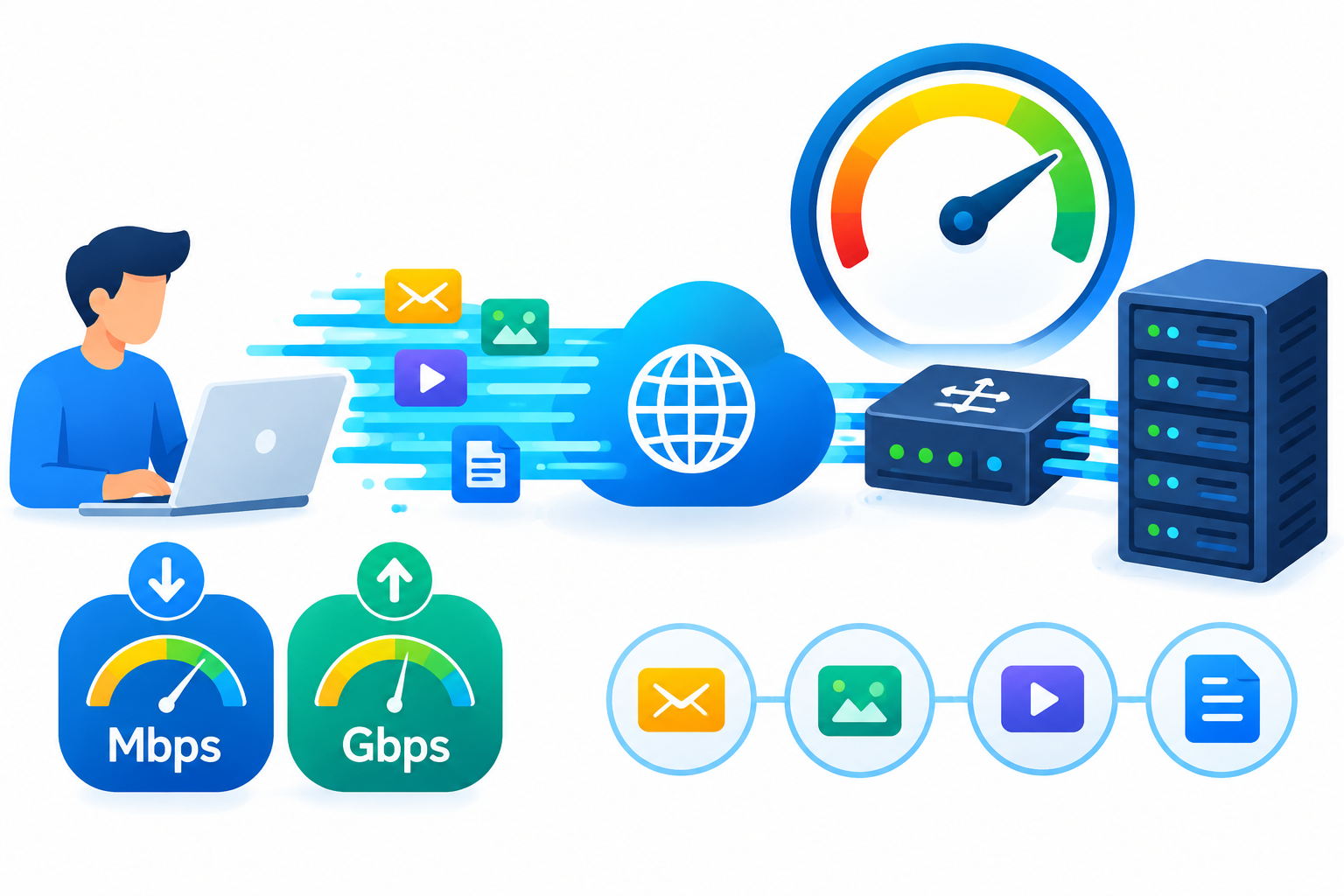
Network throughput is the amount of data successfully transferred across a network during a given period. It is commonly measured in megabits per second (Mbps) or gigabits per second (Gbps).
For example, suppose a VPS has a network connection advertised at 1 Gbps. During a file transfer, a suitable test measures an average transfer rate of 700 Mbps. The observed throughput for that test is 700 Mbps, not 1 Gbps.
This difference does not automatically indicate a server problem. The result may depend on the receiving server, network route, congestion, protocol overhead, or available server resources.
Throughput is also used in other computing contexts. Disk throughput measures how quickly storage reads or writes data, while application throughput may describe how many requests a service processes per second.
For VPS users, the relevant type of throughput depends on the workload being evaluated.
Throughput vs. Bandwidth vs. Latency
Throughput, bandwidth, and latency are related but measure different aspects of network performance.
| Metric | Meaning | Common unit |
| Bandwidth | The maximum data-carrying capacity of a connection or link | Mbps or Gbps |
| Throughput | The actual rate of data transfer achieved under specific conditions | Mbps or Gbps |
| Latency | The time data takes to travel between two points, commonly measured using round-trip time | Milliseconds (ms) |
Think of a network connection as a road. Bandwidth represents its capacity, throughput represents how much traffic actually passes through it, and latency represents the time required to travel between locations.
A connection can have high bandwidth but lower throughput because of congestion, packet loss, or limitations elsewhere along the route. Similarly, low latency does not guarantee high throughput.
When evaluating VPS performance, consider all three metrics rather than relying on a single advertised speed.
For more information, see the dedicated guide to Network Bandwidth or What Is Network Latency?
How Is Throughput Measured?
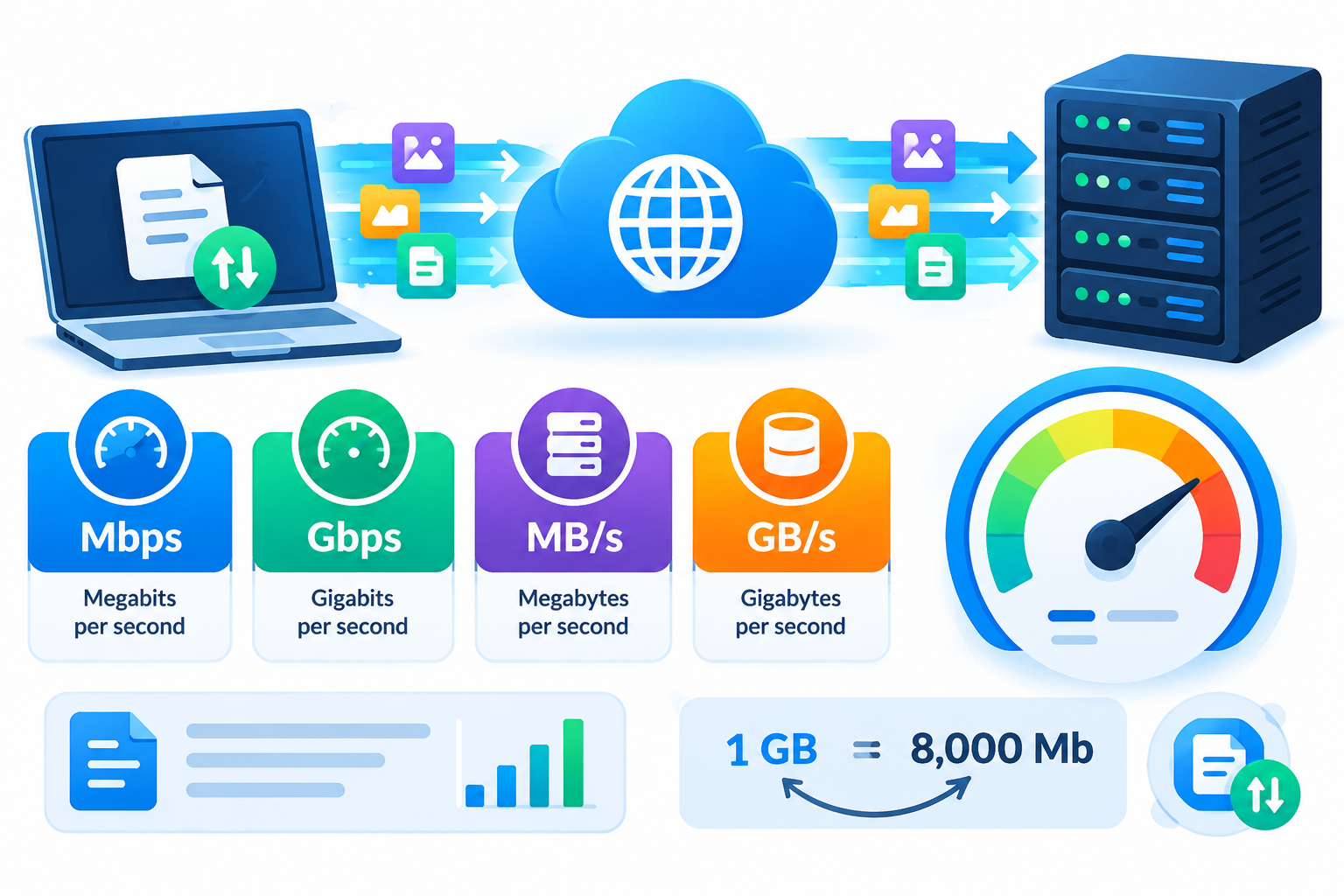
Throughput can be calculated by dividing the amount of data transferred by the time required to transfer it.
Throughput = Data transferred ÷ Time taken
For example, if a system transfers 500 megabytes of data in 10 seconds:
- Data transferred: 500 MB
- Time taken: 10 seconds
- Average transfer rate: 50 MB/s
- Equivalent rate: approximately 400 Mbps
The conversion works because one byte contains eight bits. This example uses decimal units and assumes that the measured transfer rate is 50 MB/s.
However, the result depends on what is being measured. A network-level throughput test, a browser download, and a storage benchmark may report different results because they measure different parts of the data transfer process.
Common throughput measurement units
- Mbps: Megabits per second, commonly used for network connections.
- Gbps: Gigabits per second, commonly used for high-capacity network links.
- MB/s: Megabytes per second, commonly used for file transfers and storage performance.
- GB/s: Gigabytes per second, often used for high-performance storage and data processing.
Remember that Mbps and MB/s are not interchangeable. A transfer rate of 100 MB/s is approximately 800 Mbps before accounting for differences in measurement methods and overhead.
What Factors Affect Network Throughput?
Actual network throughput depends on the connection, the systems involved, and the conditions under which data is transferred.
1. Network congestion
When multiple users or applications compete for the same network resources, available capacity may become limited. This can reduce throughput, particularly during periods of heavy traffic.
2. Latency
Latency is the delay associated with communication between systems. Higher latency can limit throughput for some connections, particularly when a protocol must wait for acknowledgements before sending more data.
The effect depends on the protocol, connection characteristics, and amount of data that can remain in transit.
3. Packet loss
Packet loss occurs when data packets fail to reach their destination. Protocols such as TCP may retransmit missing packets and adjust their sending rate, which can reduce effective throughput.
Packet loss is one possible cause of poor performance, but it should be investigated rather than assumed to be the problem.
4. Server hardware and resources
A VPS may be limited by CPU capacity, network interface performance, virtualization overhead, or competing workloads.
Storage can also affect transfers. If an application cannot read data from disk quickly enough, a faster network connection will not necessarily improve the overall transfer rate.
5. Network route and destination
Data may pass through several networks and devices before reaching its destination. A slow or congested segment along the route can limit the throughput measured between the two endpoints.
The destination server’s own capacity also matters. A VPS cannot download data faster than a remote server and the connection between them can reliably deliver it.
Why Does Throughput Matter for VPS Hosting?
Throughput helps VPS users understand how efficiently their servers transfer data. Its importance depends on the workload.
Common examples include:
- Website hosting: Throughput affects how quickly website content and downloadable files can be delivered when network capacity is a limiting factor.
- File transfers: Higher throughput can reduce the time needed to upload, download, or move large files.
- VPS backups: Throughput influences how quickly backup data can be transferred to remote storage.
- Media delivery: Video and other large files require sufficient transfer capacity to support their delivery requirements.
- APIs and web applications: Throughput can influence how much traffic a service handles, although application processing and latency also affect response times.
- Database replication: Throughput may influence how quickly database changes are transferred between systems.
A practical VPS example
Imagine that you use a VPS to host websites and transfer daily backups to a remote storage server.
During a backup, you observe a transfer rate significantly below the network capacity advertised for your VPS.
There are several possible explanations:
- The remote storage server cannot receive data any faster.
- The network route is congested.
- The VPS is busy processing other workloads.
- Disk reads are limiting how quickly the backup data can be supplied.
- The transfer protocol or application is introducing additional overhead.
The correct next step is to identify the bottleneck, not immediately upgrade the VPS or assume the hosting provider is responsible.
This is why throughput is most useful when considered alongside latency, packet loss, CPU utilization, and disk performance.
Network Throughput vs. Disk Throughput
Network throughput and disk throughput measure different parts of a system.
Network throughput measures the rate at which data moves across a network. Disk throughput measures the rate at which a storage device reads or writes data.
Consider a VPS sending a large backup file to another server. The source disk must read the file, the application must process it, and the network must transmit it.
If the disk reads data more slowly than the network could transmit it, storage performance may limit the overall transfer. If the network is the limiting factor, a faster SSD alone will not solve the problem.
For this reason, investigate the resource associated with the actual workload before changing your VPS configuration.
For further reading, see a dedicated VPS Disk I/O and Storage Performance Guide, if available.
How Can You Check VPS Throughput?
You can measure network throughput using a suitable speed test, a controlled file transfer, or a dedicated network testing tool.
For more meaningful results, follow these guidelines:
- Choose a suitable destination. Use a reliable test server with sufficient capacity. An overloaded or distant endpoint may affect the results.
- Test under realistic conditions. Measure performance during your normal workload and, if useful, compare it with results from a quieter period.
- Check both directions. Upload and download performance may differ because the network paths and provider policies may not be identical.
- Repeat the measurement. Multiple tests help distinguish consistent limitations from temporary fluctuations.
- Review related metrics. Check latency, packet loss, CPU utilization, and disk activity when they are relevant to the workload.
- Confirm what is being measured. A network benchmark and an application-level file transfer may report different results.
Using iPerf3 for network throughput testing
iPerf3 is a network performance testing tool that measures throughput between a client and a server. It supports TCP, UDP, and SCTP tests.
A basic test requires two compatible endpoints: one running the iPerf3 server and another running the client. The results describe performance between those endpoints under the selected test conditions.
Use a test server you own or have permission to access, and restrict test-service access appropriately. A result from one destination does not establish the maximum throughput available to your VPS across every network route.
How should you interpret the results?
| Observation | What it may indicate |
| Consistently low throughput across suitable test endpoints | A possible VPS, network, or configuration limitation |
| Low throughput with packet loss | A possible network quality or congestion problem |
| Good network benchmark results but slow file transfers | A possible disk, application, destination, or protocol limitation |
| Different results at different times | Changing network conditions or competing workloads |
| Good throughput but slow website responses | Application processing, latency, database performance, or another bottleneck |
These are starting points for investigation, not definitive diagnoses. Confirm the cause using additional measurements before making configuration changes.
How Can You Improve Low Throughput?
The appropriate response depends on the source of the limitation.
- If congestion is suspected: Compare results at different times and across suitable destinations.
- If packet loss is present: Investigate the network path and connection quality.
- If CPU utilization is high: Identify processes consuming server resources.
- If file transfers are slow: Compare network performance with disk read and write activity.
- If only one application is affected: Investigate its configuration, request handling, and dependencies.
- If performance remains below documented service limits: Share repeatable test results, timestamps, destinations, and relevant measurements with your hosting provider.
Change one variable at a time and measure the result. This makes it easier to determine whether a change has improved performance.
For detailed diagnostic procedures, use dedicated resources such as the VPS Network Troubleshooting Guide, VPS Performance Monitoring Guide, and How to Fix High CPU Usage on a VPS.
Frequently Asked Questions
