
Choosing the right Windows Server edition is important when hosting business applications, running websites, managing databases, or building a virtualized infrastructure. Each edition offers different capabilities and licensing rights, so the right choice depends on your workload, deployment environment, and future requirements.
This guide explains the main Windows Server editions, how they differ, and which options may suit your business or Windows VPS requirements.
What Are Windows Server Editions?
Windows Server editions are Microsoft’s different product offerings for server workloads. They provide different combinations of features, deployment options, and licensing rights.
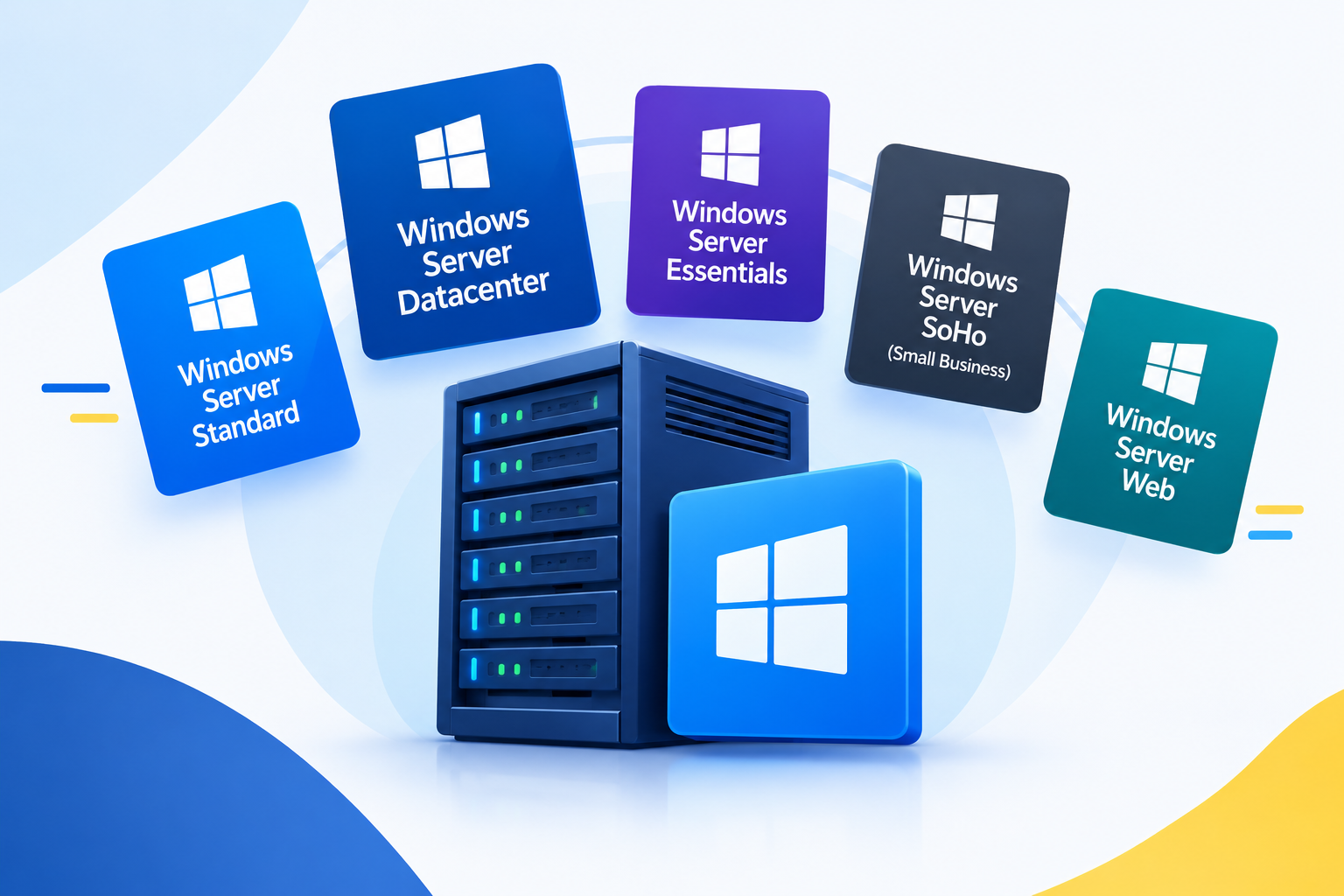
The main editions include:
- Windows Server Standard: Designed for general-purpose server workloads and environments with limited virtualization requirements.
- Windows Server Datacenter: Designed for highly virtualized infrastructure and advanced data center deployments.
- Windows Server Datacenter: Azure Edition: A specialized edition for supported Microsoft Azure and Azure Local environments.
- Windows Server Essentials: A small-business-oriented offering whose availability and licensing depend on the release and distribution channel.
Windows Server 2025 includes Standard, Datacenter, Datacenter: Azure Edition, and Essentials. However, not every edition is available through every hosting provider or licensing arrangement. 1
Windows Server Standard Edition
Windows Server Standard is a practical choice for many conventional business server workloads. It supports common server roles and applications without requiring the extensive virtualization rights offered by Datacenter.
Key features
- Supports common Windows Server roles, including file services and Active Directory.
- Can host websites and applications using Internet Information Services (IIS).
- Supports Hyper-V virtualization.
- Provides rights for up to two virtual operating system environments (OSEs) per fully licensed physical server, subject to Microsoft’s licensing conditions.
- Can suit organizations with a small number of server workloads.
The two-virtual-OSE entitlement is associated with licensing the physical server appropriately. Additional virtual machines may require additional Standard licenses, depending on the configuration and applicable licensing rules.
When should you choose Standard?
Consider Windows Server Standard when you need to:
- Host a business application.
- Run a Windows-based website or web application.
- Manage files, users, and network services.
- Run a limited number of Windows Server virtual machines on your own physical host.
For a typical Windows VPS running one main application, Standard may provide the required features. The hosting provider’s licensing arrangement still determines what is included with the service.
Windows Server Datacenter Edition
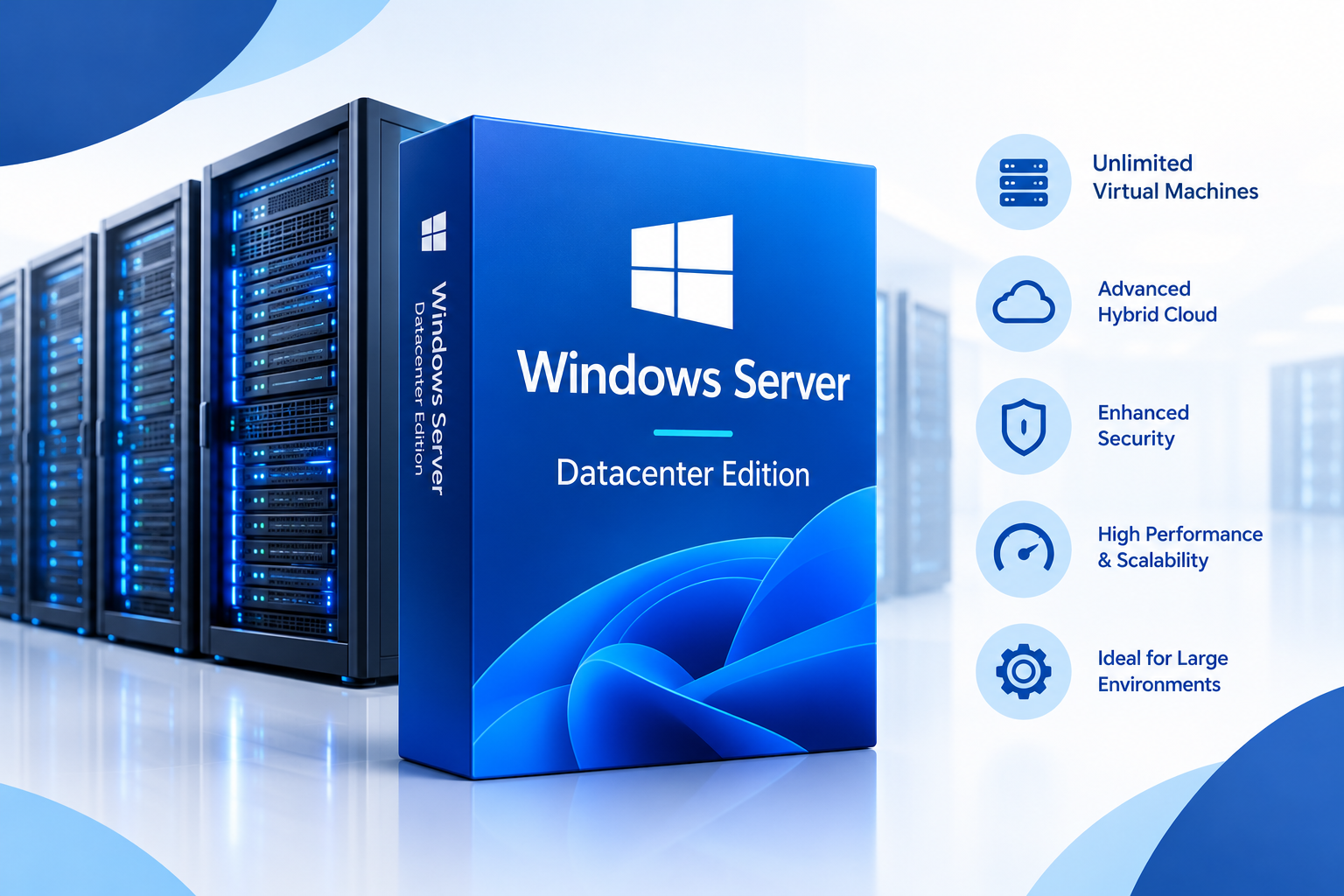
Windows Server Datacenter is designed for environments that require extensive virtualization or advanced infrastructure capabilities.
It includes common Windows Server workloads alongside additional features intended for larger, more virtualized environments.
Key features
- Supports general-purpose Windows Server workloads.
- Provides rights for an unlimited number of virtual operating system environments on a fully licensed physical server, subject to Microsoft’s licensing requirements.
- Supports advanced infrastructure features, including Storage Spaces Direct and Software-Defined Networking, where supported by the release and configuration.
- Is suited to large Hyper-V deployments and software-defined data centers.
When should you choose Datacenter?
Datacenter may be appropriate when an organization:
- Runs many virtual machines on its own licensed physical servers.
- Operates large Hyper-V environments.
- Needs supported software-defined storage or networking capabilities.
- Builds private cloud or data center infrastructure.
Datacenter is not automatically necessary just because a business uses a virtual private server. A VPS customer typically uses a virtual machine provided by a hosting company rather than licensing the underlying physical virtualization host directly.
Windows Server Datacenter: Azure Edition
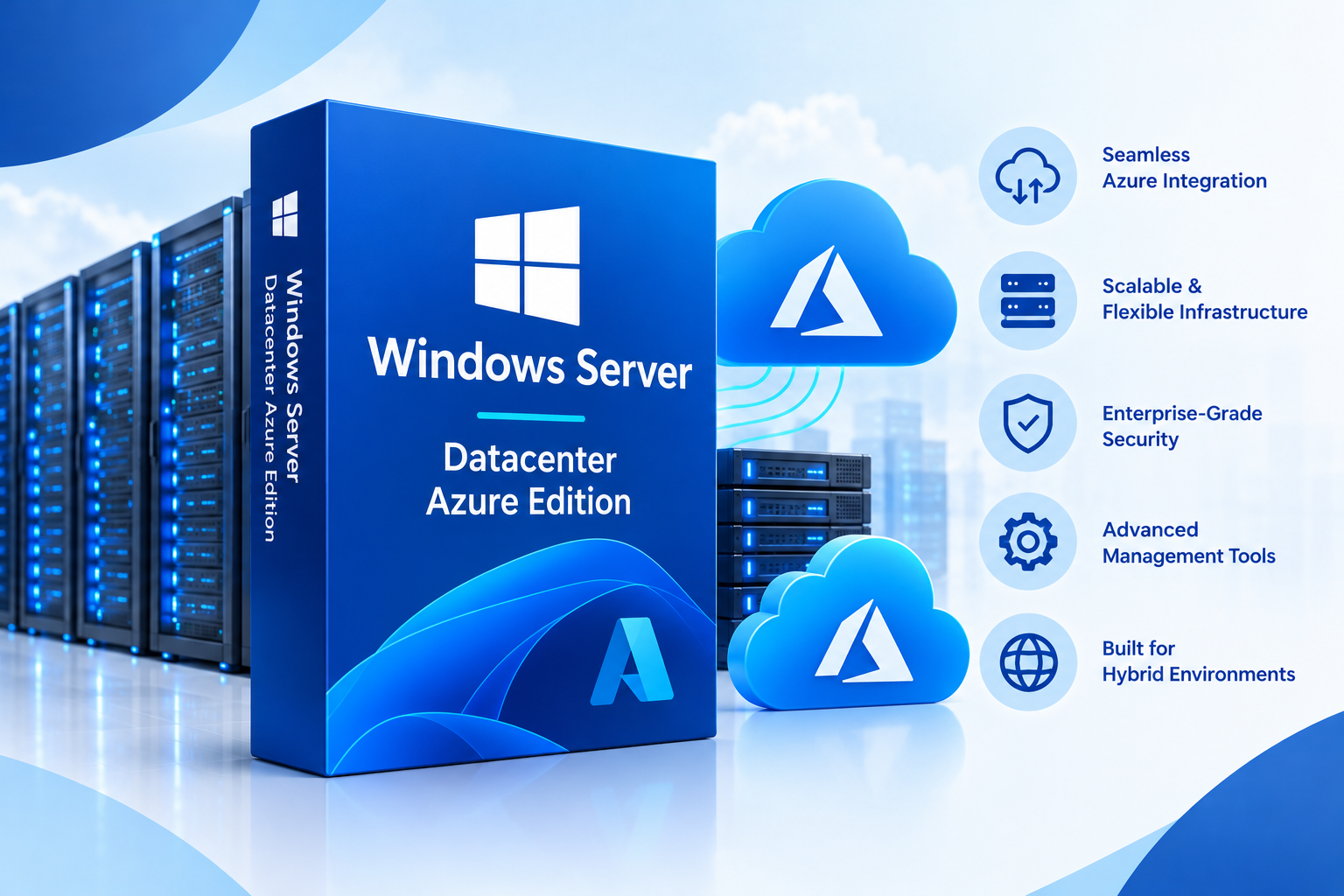
Windows Server Datacenter: Azure Edition is a specialized edition designed for supported Microsoft cloud environments. It provides selected capabilities intended for Azure-based deployments and compatible Azure Local environments.
Depending on the release and deployment, features may include Hotpatch, SMB over QUIC, and Azure-specific networking capabilities. Feature availability and prerequisites vary.
Who should consider Azure Edition?
This edition may suit organizations that:
- Deploy Windows Server virtual machines in supported Azure environments.
- Need particular Azure-integrated server capabilities.
- Operate compatible Azure Local infrastructure.
Azure Edition has specific eligibility, installation, and licensing requirements. Microsoft identifies its associated virtualization rights as none, unlike Standard and Datacenter, which have their own virtual OSE entitlements. Therefore, do not assume that Azure Edition grants unlimited virtualization rights simply because it includes Datacenter in its name. 2
For a conventional third-party Windows VPS, check whether the provider offers Azure Edition and whether your deployment is supported before selecting it.
Windows Server Essentials: Is It Still Available?
Windows Server Essentials is aimed at smaller organizations with relatively straightforward server requirements.
Microsoft lists Essentials among the Windows Server 2025 editions. However, the product’s availability, features, and licensing arrangements can differ from those of older Essentials releases.
Before selecting Essentials, confirm:
- Whether the required release is available through your vendor or hosting provider.
- Which features and restrictions apply.
- Whether the licensing arrangement suits your organization.
- Whether your applications support that release and configuration.
Do not assume that Essentials is available as a standard installation option from every hosting provider.
Windows Server Editions Compared
The following table summarizes the main differences. It is a high-level guide rather than a complete licensing or feature matrix.
|
Feature |
Standard |
Datacenter |
Datacenter: Azure Edition |
|
General business workloads |
Yes |
Yes |
Yes, in supported environments |
|
Hyper-V virtualization |
Yes |
Yes |
Available in supported environments |
|
Virtual OSE rights |
Generally two per fully licensed physical server |
Unlimited per fully licensed physical server |
No associated virtualization rights |
|
Advanced data center capabilities |
More limited |
Includes additional capabilities |
Includes selected Azure-oriented capabilities |
|
Intended environment |
General-purpose servers |
Highly virtualized infrastructure |
Supported Azure and Azure Local deployments |
OSE means operating system environment. Licensing rights depend on the applicable Microsoft terms and deployment model. Consult Microsoft’s official comparison for version-specific details. 3
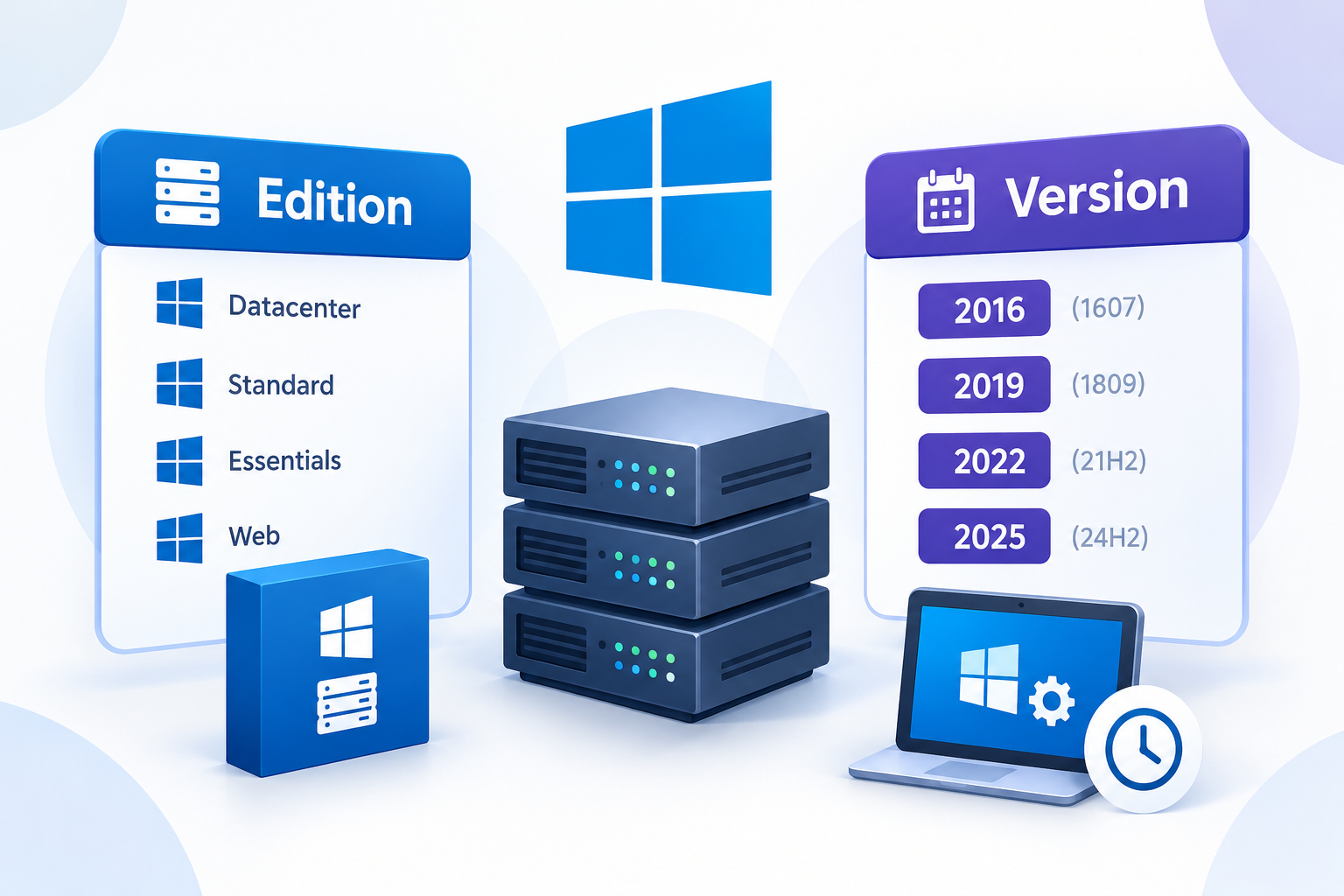
Windows Server Edition vs. Version: What’s the Difference?
A Windows Server version or release identifies the generation of the operating system, while an edition identifies a particular product offering.
For example:
- Windows Server 2025 Standard and Windows Server 2025 Datacenter are different editions of the same release.
- Windows Server 2022 Standard and Windows Server 2025 Standard are the same edition category from different releases.
This distinction matters because different releases can have different support timelines, features, and hardware requirements. Editions within the same release can also differ in licensing rights and available capabilities.
When choosing a server operating system, verify both the release and the edition.
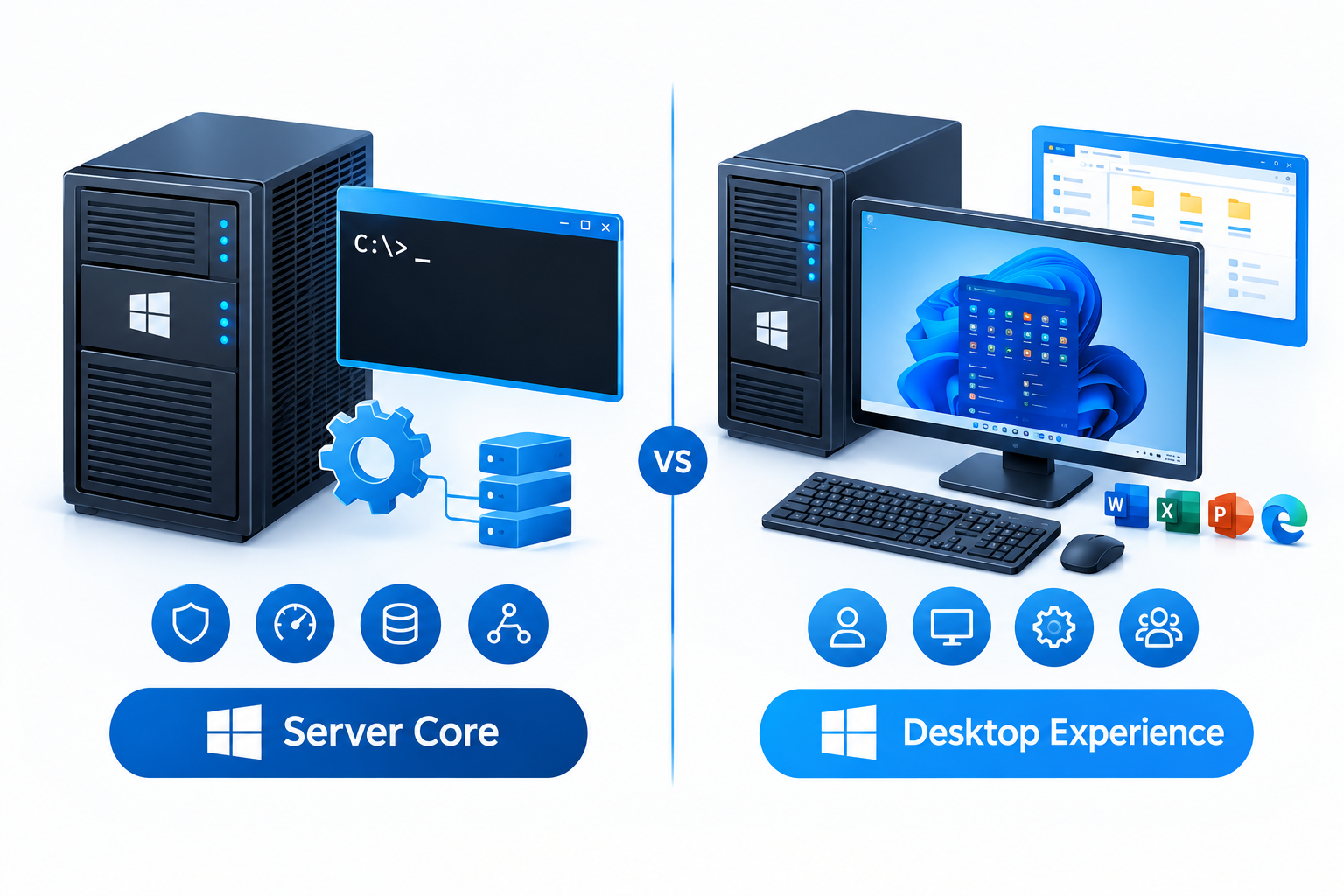
Server Core vs. Desktop Experience
Server Core and Desktop Experience are installation options, not separate Windows Server editions.
- Server Core: Provides a more minimal installation without the full traditional graphical desktop. Administration often uses PowerShell, command-line tools, or remote management.
- Desktop Experience: Includes the graphical interface that many administrators prefer for managing applications and server settings.
The available installation options depend on the Windows Server release and deployment image. Check Microsoft’s documentation before deployment.
For a Windows VPS administrator who prefers graphical management tools, Desktop Experience may be more convenient. Server Core can suit administrators comfortable with command-line or remote administration.
Which Windows Server Edition Should You Choose for a VPS?
When choosing a Windows VPS, focus on your intended applications, the operating system image offered, and the licensing arrangement provided by the host.
Use these guidelines as a starting point:
- Business applications: Standard may be suitable for typical Windows Server workloads.
- IIS website hosting: Standard can support IIS-based websites and applications, subject to application requirements.
- Microsoft SQL Server: Verify the Windows Server requirements and any separate SQL Server licensing requirements.
- Multiple virtual machines on your own physical server: Compare Standard and Datacenter virtualization rights.
- Azure-specific workloads: Consider Azure Edition only if your environment supports it and you need its specialized capabilities.
Remember that a Windows VPS is already a virtual machine supplied by a hosting provider. You generally do not need to choose Datacenter merely because your service runs on virtualized infrastructure.
If you are considering a Windows VPS from CreativeON, confirm the available Windows Server releases, editions, licensing arrangements, and installation options before deployment.
Frequently Asked Questions
