

Windows Server is Microsoft’s server operating system designed to run applications, websites, databases, network services, and business workloads. Unlike Windows 11, which is primarily designed for desktop computers, Windows Server is built to provide services to users, applications, and other computers across a network.
Windows Server can run on physical servers, virtual machines, private infrastructure, and cloud environments. It is also the operating system commonly used for Windows VPS hosting, where Windows Server runs inside a virtual server environment.
Microsoft currently documents Windows Server 2025, Windows Server 2022, Windows Server 2019, and Windows Server 2016.
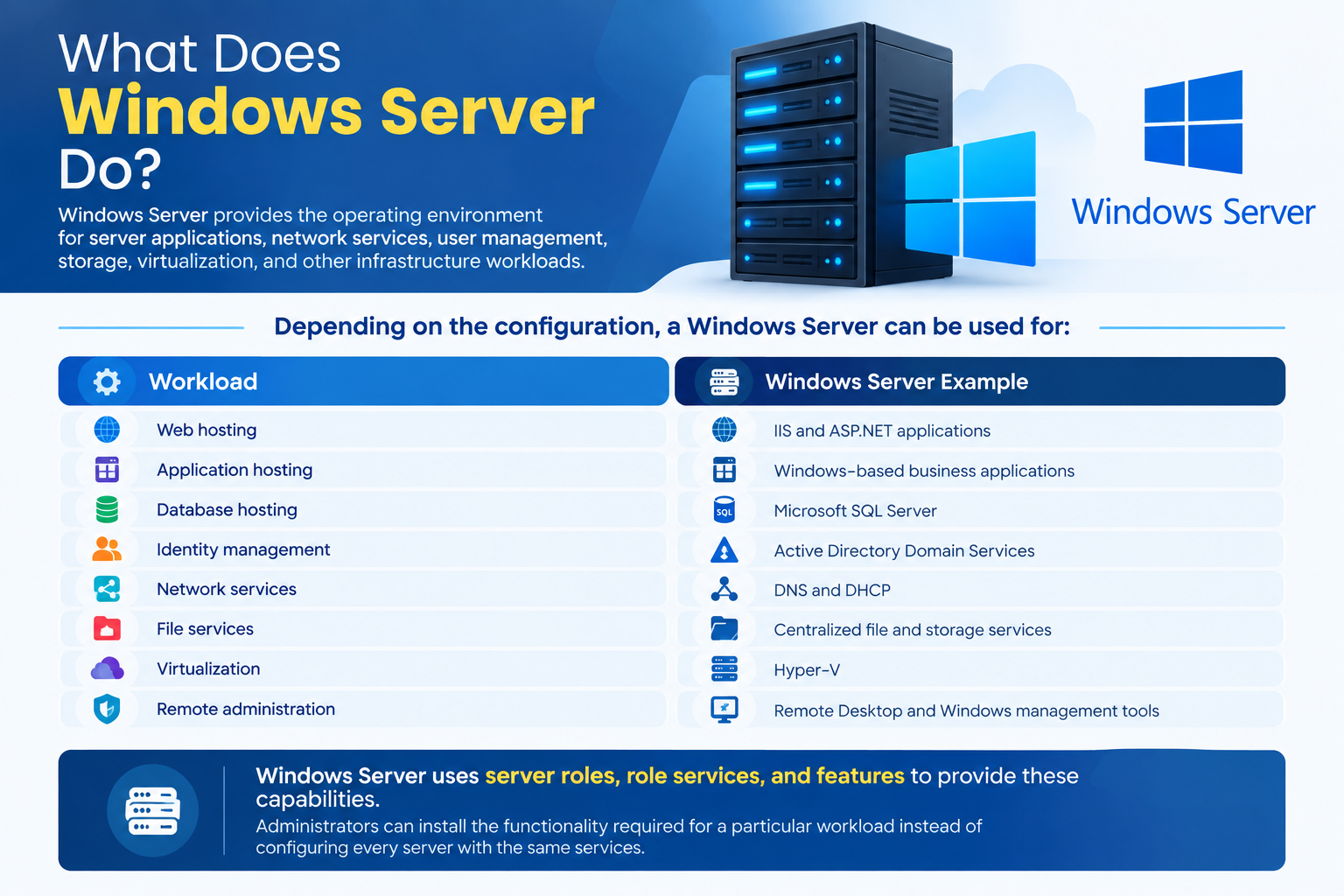
What Does Windows Server Do?
Windows Server provides the operating environment for server applications, network services, user management, storage, virtualization, and other infrastructure workloads.
Depending on the configuration, a Windows Server can be used for:
| Workload | Windows Server Example |
| Web hosting | IIS and ASP.NET applications |
| Application hosting | Windows-based business applications |
| Database hosting | Microsoft SQL Server |
| Identity management | Active Directory Domain Services |
| Network services | DNS and DHCP |
| File services | Centralized file and storage services |
| Virtualization | Hyper-V |
| Remote administration | Remote Desktop and Windows management tools |
Windows Server uses server roles, role services, and features to provide these capabilities. Administrators can install the functionality required for a particular workload instead of configuring every server with the same services.
This modular approach helps organizations build Windows Server environments around their specific requirements.
How Does Windows Server Work?
At a basic level, Windows Server sits between the underlying hardware or virtual machine and the applications and services running on it.
A simplified Windows Server environment looks like this:
Physical Server or Virtual Machine → Windows Server → Server Roles & Features → Applications and Services → Users or Client Devices
For example, a business might run a Windows VPS with Windows Server, install IIS, deploy an ASP.NET application, and make that application available to website visitors.
This is one reason Windows Server is commonly used in D: the VPS provides the virtual machine, while Windows Server provides the server operating environment.
Key Windows Server Features
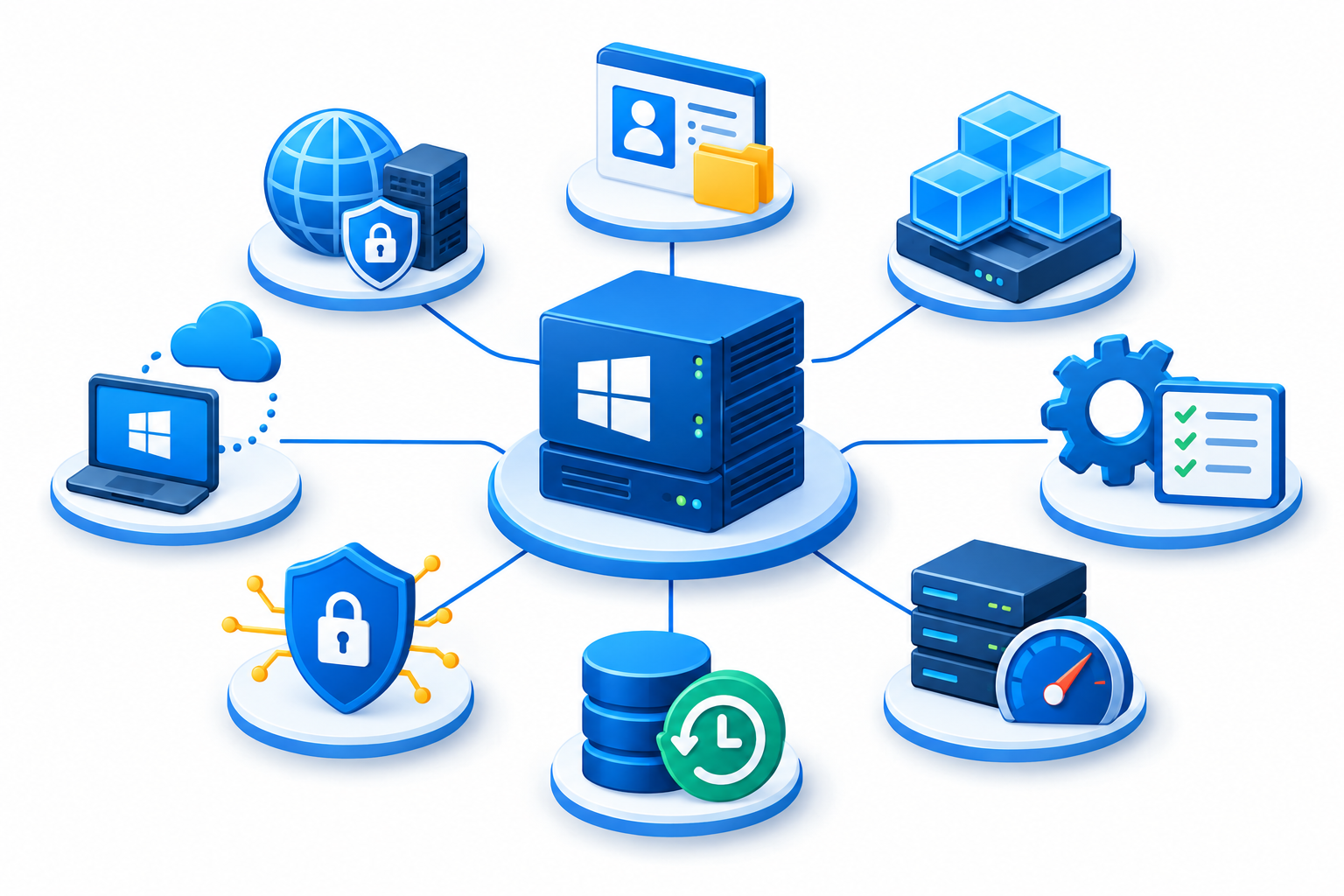
Windows Server includes many server roles and technologies. The features you use depend on the workload and the Windows Server edition.
Active Directory Domain Services
Active Directory Domain Services (AD DS) provides centralized directory and identity services for Windows-based environments.
Organizations can use Active Directory to manage users, computers, authentication, and access to network resources.
Active Directory is particularly important in business environments where administrators need centralized control over users and devices.
Internet Information Services (IIS)
Internet Information Services (IIS) is Microsoft’s web server role for Windows Server.
IIS can host websites and web applications, including applications built with Microsoft technologies such as ASP.NET.
For businesses running Windows-based websites or applications, IIS is one of the most important Windows Server components.
Hyper-V
Hyper-V is Microsoft’s virtualization technology for Windows Server.
It allows administrators to create and run virtual machines on a Windows Server host. Hyper-V is available as a Windows Server role and is commonly used in virtualized infrastructure.
Hyper-V is therefore relevant to organizations building their own virtualized server infrastructure, although it is not required for every Windows Server deployment.
PowerShell
PowerShell is Microsoft’s command-line shell and scripting environment for Windows administration.
Administrators can use PowerShell to inspect systems, configure server roles, automate repetitive tasks, and manage Windows Server environments.
It is especially useful when managing multiple servers or performing repeatable administrative operations.
Windows Server Roles and Features
Windows Server separates major server capabilities into roles, role services, and features.
Examples include:
- Active Directory Domain Services
- DNS Server
- DHCP Server
- Web Server (IIS)
- Hyper-V
- File and Storage Services
- Remote Desktop Services
Not every server needs every role. Administrators generally install only the functionality required for the intended workload.
What Is Windows Server Used For?
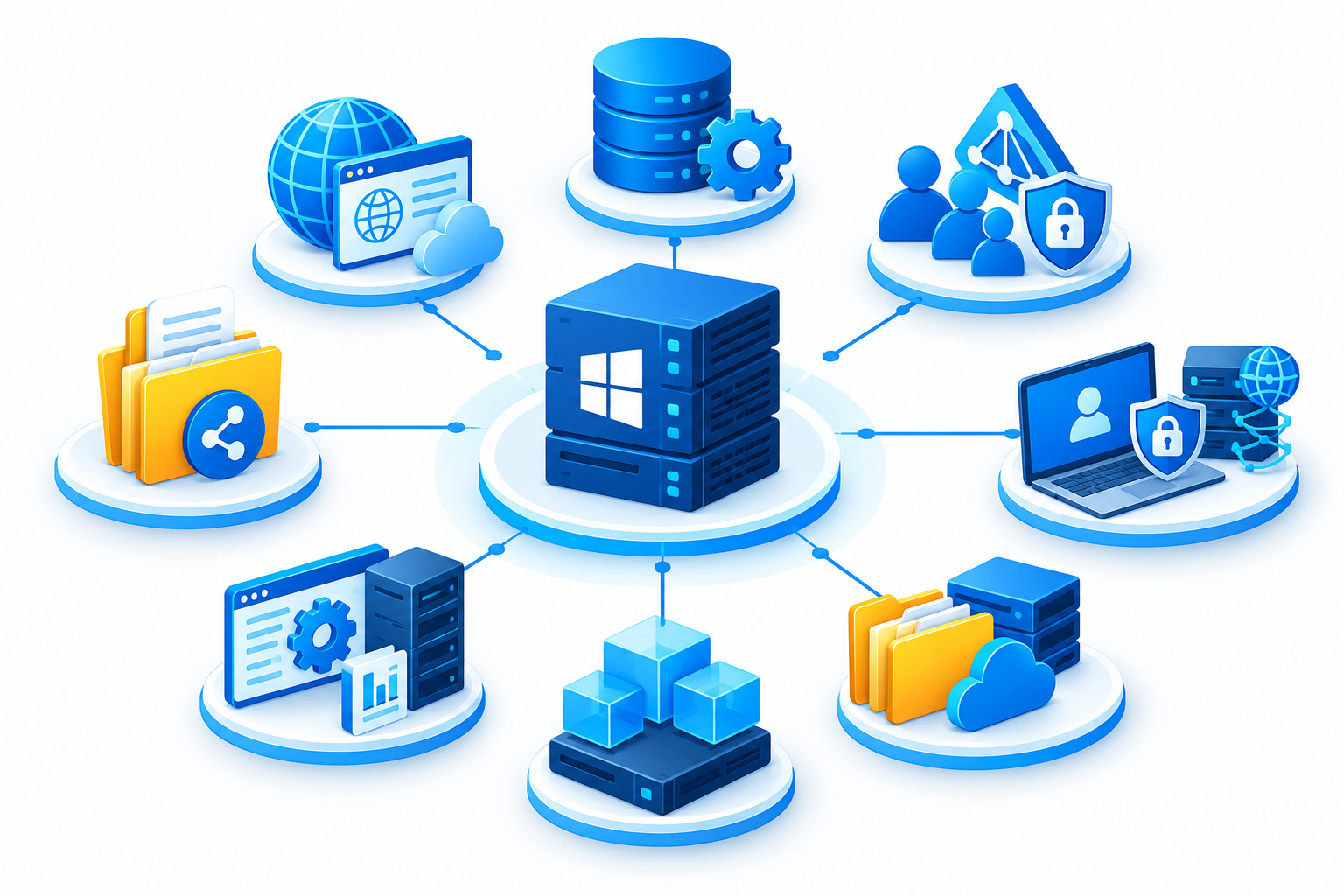
Windows Server can support many types of business and technical workloads.
Web and Application Hosting
Windows Server can host websites and applications through IIS and other Windows-compatible technologies.
This makes it suitable for applications built around technologies such as ASP.NET and the Microsoft development ecosystem.
Database Hosting
Windows Server can provide the operating environment for database platforms such as Microsoft SQL Server.
The appropriate server configuration depends on the database workload, application requirements, and available resources.
User and Identity Management
Organizations can use Windows Server and Active Directory Domain Services to centrally manage users, computers, authentication, and access to network resources.
Network Services
Windows Server can provide network services such as DNS and DHCP.
These services help organizations manage name resolution, IP address assignment, and other network infrastructure requirements.
File and Storage Services
Windows Server can provide centralized file and storage services for organizations that need shared access to files and business data.
Virtualization
With Hyper-V, Windows Server can also act as a virtualization host capable of running multiple virtual machines.
The exact capabilities available depend on the Windows Server edition and configuration.
Windows Server vs Windows 11
Windows Server and Windows 11 are both Microsoft operating systems, but they serve different purposes.
| Windows Server | Windows 11 |
| Designed for server workloads and infrastructure | Designed primarily for desktop and laptop use |
| Provides server roles and network services | Primarily provides client-side computing features |
| Supports technologies such as Active Directory and IIS | Can join and interact with Windows-based networks |
| Designed for centralized administration | Designed primarily for individual users |
| Commonly deployed on servers and virtual machines | Commonly installed on personal and business computers |
A Windows VPS normally uses Windows Server rather than a standard desktop version of Windows because the VPS is intended to provide a server environment.
How Is Windows Server Managed?
Windows Server provides several tools for administration. The appropriate tool depends on the server configuration and management requirements.
Server Manager
Server Manager provides a graphical interface for managing server roles, features, and other Windows Server administration tasks.
It is useful for administrators who prefer a traditional Windows graphical management interface.
PowerShell
PowerShell provides command-line and scripting capabilities for Windows Server.
It is useful for configuration, automation, troubleshooting, and managing multiple servers.
Windows Admin Center
Windows Admin Center is a browser-based management tool for Windows Server. It can be used to manage physical or virtual Windows servers and provides a modern interface for server administration. Microsoft also documents integration with Azure for hybrid environments.
Windows Admin Center complements traditional tools such as Server Manager and PowerShell rather than replacing every Windows Server administration method.
Windows Server Editions
Windows Server is available in different editions designed for different deployment and licensing requirements.
For Windows Server 2025, Microsoft documents these editions:
- Windows Server Standard
- Windows Server Datacenter
- Windows Server Datacenter: Azure Edition
- Windows Server Essentials
Windows Server Standard
Standard is intended for a wide range of general server workloads and is commonly used where virtualization and advanced datacenter capabilities are more limited.
Windows Server Datacenter
Datacenter is designed for highly virtualized environments and larger-scale infrastructure requirements.
Windows Server Datacenter: Azure Edition
Datacenter: Azure Edition is an edition focused on virtualization and Azure environments. Microsoft describes it as optimized for Azure and Azure Local scenarios and notes that it provides additional capabilities and a different update model from the standard Standard and Datacenter editions.
Windows Server Essentials
Windows Server 2025 also includes an Essentials edition in Microsoft’s lifecycle documentation. Edition availability and licensing requirements should be checked against Microsoft’s current licensing information before deployment.
The differences between editions can involve virtualization rights, features, licensing, and supported deployment scenarios. For detailed comparisons, a dedicated Windows Server editions comparison guide is more appropriate than covering every licensing detail here.
Server Core vs Desktop Experience
When installing Windows Server, administrators can choose between Server Core and Server with Desktop Experience.
Server Core
Server Core is a minimal Windows Server installation without the traditional graphical desktop interface.
It is managed using tools such as:
- PowerShell
- SConfig
- Remote management tools
- Windows Admin Center
Microsoft notes that Server Core has a smaller footprint and reduced attack surface because it contains fewer components than a full Desktop Experience installation.
Server with Desktop Experience
Server with Desktop Experience includes the standard Windows graphical interface and additional graphical management tools.
It can be useful when administrators need local GUI-based management or when an application requires components provided by the desktop environment.
Microsoft currently recommends Server Core unless there is a specific need for the additional graphical interface and tools included with Desktop Experience.
The choice should therefore depend on the workload and how the server will be administered.
How Is Windows Server Used on a Windows VPS?
A Windows VPS is a virtual server that runs a Windows Server operating system.
The two concepts are related but are not the same:
- VPS describes the virtualized server environment.
- Windows Server is the operating system running inside that environment.
For example:
VPS infrastructure → Virtual machine → Windows Server → IIS / application / database → End users
A Windows VPS can therefore provide a Windows Server environment for workloads such as:
- IIS websites
- ASP.NET applications
- Microsoft SQL Server workloads
- Windows-specific business applications
- Remote Windows administration
The exact Windows Server version, edition, available resources, and installed software depend on the hosting environment and configuration.
If you are specifically researching Windows VPS hosting, see our broader Windows VPS Hosting guide rather than using this article as a VPS buying guide.
Windows Server 2025 and Earlier Versions
Windows Server 2025 is Microsoft’s current major Windows Server release in the Long-Term Servicing Channel. Microsoft also maintains documentation for Windows Server 2022, 2019, and 2016.
Windows Server 2025 includes updates across areas such as security, virtualization, storage, hybrid cloud management, networking, and Windows containers.
However, the newest version is not automatically the right choice for every application. Organizations should consider application compatibility, licensing, support requirements, and their existing infrastructure before selecting or upgrading a Windows Server version.
Frequently Asked Questions
