
Hey there! If you’ve been managing websites or using hosting services, you’ve probably heard the term SSH floating around. Maybe it seemed scary or too technical? Don’t worry—by the end of this article, you’ll understand exactly what SSH is and why it’s actually pretty cool to use.
Let me tell you a little about myself first. I’m Asher Feroze, and I’ve worked in different roles here at CreativeON—from operations to marketing to helping clients like you. These days, I focus on explaining things in simple, friendly language. Whether it’s domains, dedicated servers, VPS in Pakistan, or Google Workspace, I’m here to break it down for you.
CreativeON has been helping some of Pakistan’s biggest brands—like City42, Channel 24, QTV, Chughtai Lab, and many others—for over 20 years. We’re proud to be not just one of the best hosting providers in Pakistan, but also an official Google Workspace partner and PKNIC Gold Partner for .PK domains. So you know we understand what it takes to run a smooth operation!
What Is SSH? The Simple Version
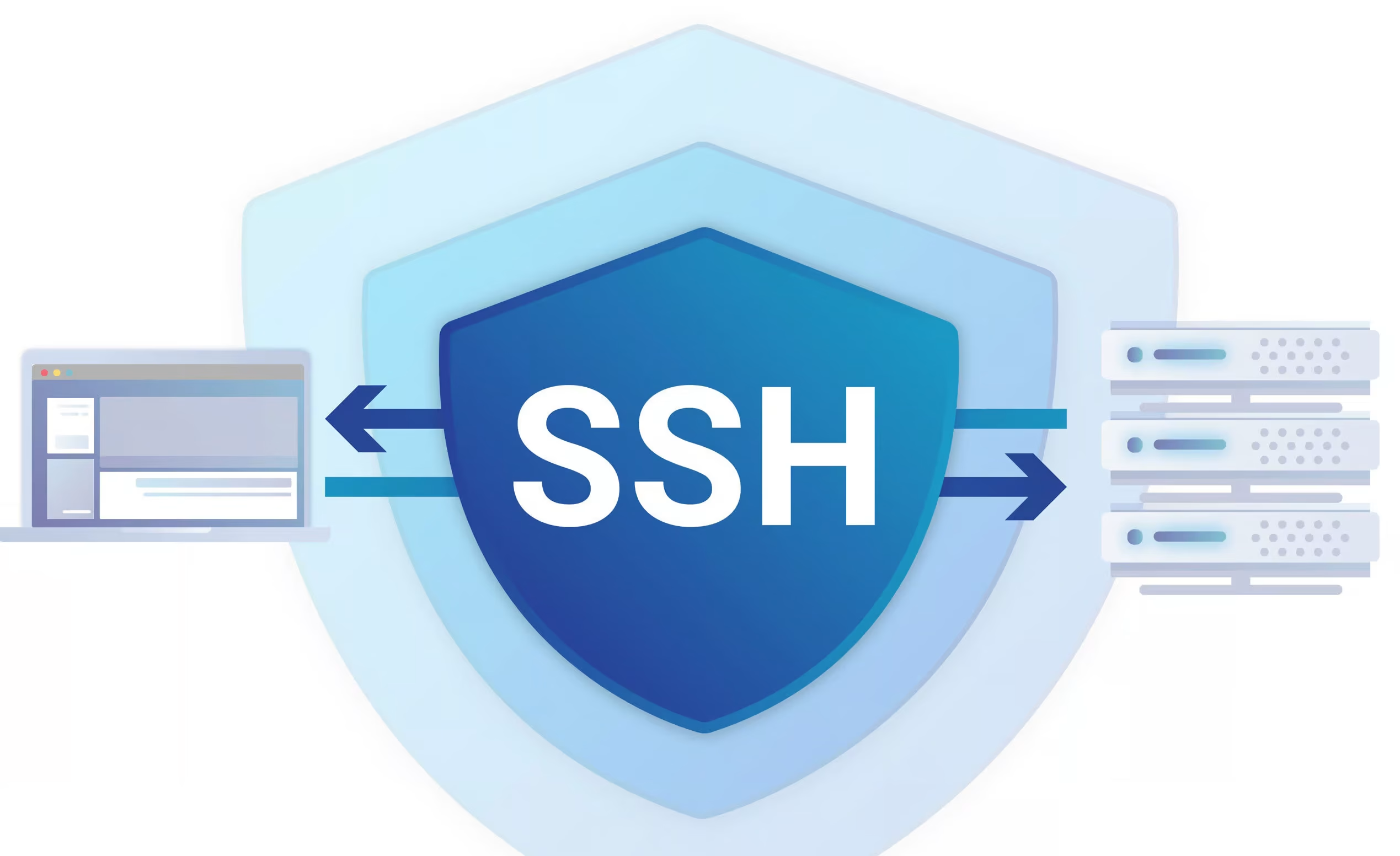
Let’s start with the basics. SSH stands for Secure Shell, and it’s basically a secure way to control your server from your own computer. Think of it like this: instead of using a mouse and clicking around on your server like you do on your regular computer, you’re typing commands that tell the server what to do.
Imagine your server is a kitchen, and SSH is like having a walkie-talkie that lets you talk to the chef and give them instructions from another room. Everything you say through that walkie-talkie is coded (encrypted), so nobody listening in can understand what you’re saying. That’s security!
Before SSH came along, there were other ways to control servers remotely. But here’s the thing—those old methods sent your password and commands in plain text. Picture sending your password written on a postcard through the mail. Anyone could read it! That’s where Tatu Ylönen, a Finnish researcher, came in back in 1995. He realized that encryption could solve this problem, and SSH was born.
Why Should You Care About SSH?
You might be thinking, “I get my hosting from CreativeON. Why do I need SSH?” Great question!
Here’s why SSH matters:
It gives you more control. Using SSH, you can do things that regular hosting panels can’t do. You can install software, configure your server settings, and manage files faster than clicking through a control panel. Whether you’re running a website on our best VPS in Pakistan or a dedicated server, SSH lets you get under the hood and make things work exactly how you want.
It’s secure. All the information sent between you and your server is encrypted. Your passwords and commands stay safe from anyone trying to spy on your connection.
It’s fast. Once you learn a few basic commands, managing your server becomes much quicker than using a graphical interface.
It’s the industry standard. Pretty much every professional in web hosting and server management uses SSH. If you want to level up your skills, learning SSH is a smart move.
How Does SSH Actually Work?
Now, I promise I’ll keep this simple. SSH uses something called encryption to scramble your messages so that hackers can’t read them. Think of it like a secret code. You and your server agree on the same code, you send messages using that code, and only someone with the code can read them.
SSH actually uses three types of security working together:
- Symmetric Encryption
This is like having a special key that both you and your server have. You use the key to lock your message, and your server uses the same key to unlock it. Imagine a locked box where you and your friend both have the exact same key—that’s symmetric encryption.
- Asymmetric Encryption
This one’s different. Here, there are two keys—a public key and a private key. They work together like a lock and key pair, but they’re mathematically connected. Your public key is like your home address (everyone can see it), and your private key is like your house key (only you have it). Messages locked with the public key can only be unlocked with the private key.
- Hashing
This is a one-way scramble. Once information is hashed, it can’t be unscrambled like encryption can. It’s like turning an egg into an omelet—you can’t turn it back into an egg! Hashing makes sure that messages haven’t been changed or tampered with.
When you connect to your server using SSH, all three of these security measures work together in just a couple of seconds to create a safe connection. Pretty neat, right?
Getting Started: How to Use SSH
Ready to actually use SSH? Let’s walk through it step by step.
Step 1: Make Sure Your SSH Access Is Enabled
Not all hosting plans have SSH enabled by default. If you’re using CreativeON’s shared hosting, you can check your account features or reach out to our support team. The good news? If you’re using a VPS in Pakistan with us, exploring best VPS in Pakistan options, or using our VPS server in Pakistan solutions, SSH should already be ready to go. Same with our dedicated servers—they all come with SSH access ready to use.
If you’re managing your own server with cPanel or WHM (which are hosting control panels), you can enable SSH with just a few clicks:
- Log into your control panel
- Find the section for managing accounts
- Select the account you want to enable SSH for
- Look for a “Shell Access” option and turn it on
- Save your changes
It’s that easy!
Step 2: Choose Your Connection Method
You have two main ways to connect using SSH. Pick whichever feels easier for you.
Method 1: Using Your Computer’s Built-in Command Line
Windows has PowerShell or Command Prompt. Mac and Linux have Terminal. All of these can connect to your server using SSH. Here’s what you type:
text
ssh username@your-server-ip
Replace “username” with your account username and “your-server-ip” with your actual server’s IP address. If your hosting provider uses a different port (CreativeON uses port 6543), add this to the command:
text
ssh username@your-server-ip -p6543
That’s it! Press Enter, and your server will ask for your password. Type it in (don’t worry if you don’t see asterisks—it’s still there!), and boom, you’re connected.
Method 2: Using an SSH Client Application
If you’re going to be using SSH a lot, PuTTY is your friend. It’s free, easy to use, and lets you save your connection settings so you don’t have to type them every time.
Just download PuTTY, enter your server’s IP address and username, and click “Open.” You’ll see your command line appear, and after entering your password, you’re in!
Step 3: Two Ways to Log In
SSH gives you two options for logging in:
Option A: Password Login (The Simple Way)
You just enter your password, and you’re in. Make sure it’s a strong password—mix uppercase, lowercase, numbers, and symbols. And please, keep it somewhere safe!
Option B: Key-Based Login (The Super-Secure Way)
Instead of a password, you use a pair of special cryptographic keys. One is public (stored on the server), and one is private (stored only on your computer). This method is even safer because keys can’t be guessed or cracked like passwords can.
To set up key-based login with PuTTY:
- Download PuTTYgen (it comes with PuTTY)
- Click “Generate” and move your mouse around a bit (yes, really!) to create unique keys
- Save your private key as a .ppk file on your computer
- Copy the public key and paste it into your server
- Tell PuTTY where your private key is located
- Next time you log in, just click “Open” and you’re connected—no password needed!
Common Linux Commands You’ll Use
Okay, so you’ve connected. Now what? Here are some basic commands that’ll help you get around:
Navigation Commands
pwd – Shows you where you are right now in your server
cd public_html – Takes you into the public_html folder (that’s where your website files usually live)
cd .. – Goes back one folder level
cd ~ – Takes you to your home directory from anywhere
ls – Shows you what files and folders are in your current location
File Management
mkdir new_folder – Creates a new folder
touch newfile.txt – Creates a new empty file
cat filename.txt – Shows you the contents of a file
cp file.txt copy-of-file.txt – Makes a copy of a file
mv file.txt newname.txt – Renames a file
rm file.txt – Deletes a file
chmod 755 file.txt – Changes file permissions
Server Stuff
uptime – Shows how long your server has been running
sudo reboot – Restarts your server (you need special permission for this)
Honestly? Most people don’t need to memorize tons of commands. As you use them more, they’ll become second nature. You can always look up commands you forget!
Why Choose CreativeON for Your Hosting Needs?
Here’s something cool about CreativeON: we offer some of the best pricing on VPS hosting in Pakistan. Why? Because we’re an official Google Workspace partner and reseller. That means we get special rates from Google, and guess what? We pass those savings along to you instead of keeping all the profit for ourselves. We even leave our profit margin smaller so you get cheap VPS without sacrificing quality!
Whether you’re looking for a VPS server in Pakistan, free VPS options, Windows VPS, RDP VPS, or anything in between, we’ve got solutions that fit your budget and needs. We’ve been helping businesses like Dawood Pakistan, Orange Line Metro, Alkhairgroup, and many others for over 20 years.
Plus, if you’re working with n8n automation or other complex server setups like n8n VPS, SSH is your best friend for getting everything configured exactly how you want it. Need to buy VPS in Pakistan? We make it simple and affordable.
Quick Answers to Common Questions
