
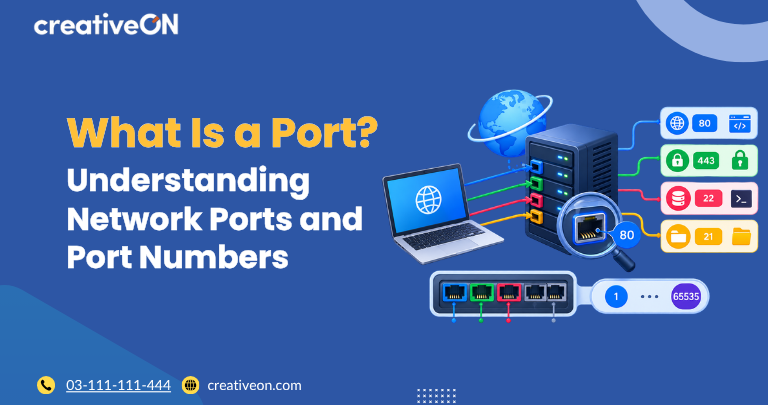
When a device connects to a server or another device over a network, the IP address identifies the destination. But an IP address alone is not enough to determine which service should receive the connection. This is where a network port comes in.
A port is a numbered communication endpoint used by transport protocols such as TCP and UDP to help deliver network traffic to the appropriate service or application on a device.
A simple way to think about it is:
IP address = which device
Port number = which service or communication endpoint
Understanding ports is useful when working with websites, VPS servers, remote access, databases, email services, and other network applications.
What Is a Port?
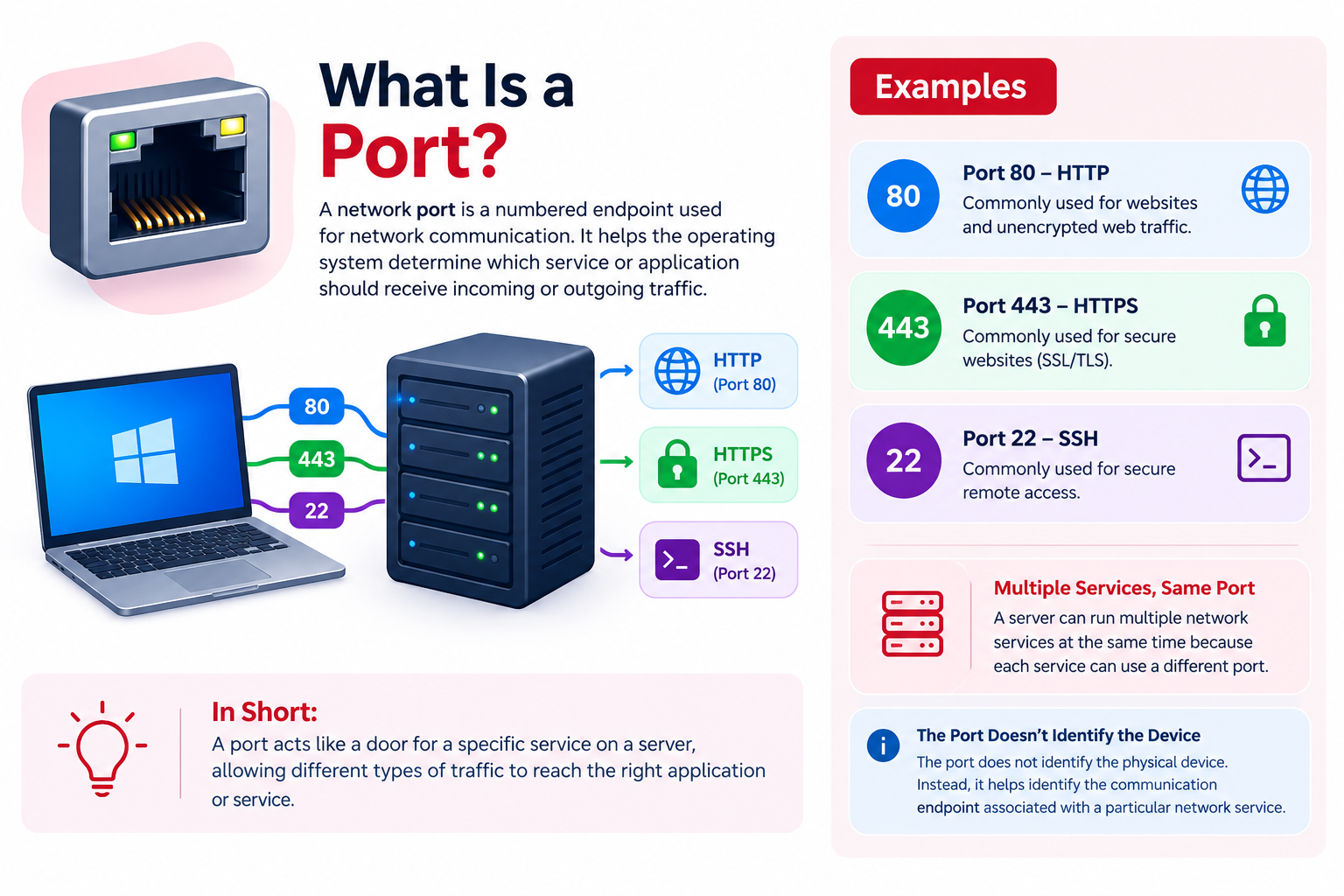
A network port is a numbered endpoint used for network communication. It helps the operating system determine which service or application should receive incoming or outgoing traffic.
For example:
- An IP address can identify a VPS server.
- Port 80 is commonly used for HTTP.
- Port 443 is commonly used for HTTPS.
- Port 22 is commonly used for SSH.
A server can run multiple network services at the same time because each service can use a different port.
For example, a VPS could have:
- A website using port 443
- SSH administration using port 22
- Another application using a different port
- A database service listening on its own port
The port does not identify the physical device. Instead, it helps identify the communication endpoint associated with a particular network service.
How Do Network Ports Work?
When an application communicates across a network, the connection includes addressing information that allows the traffic to reach the correct destination and service.
For example, when you visit a website using HTTPS, your browser connects to the web server’s IP address and normally communicates with the HTTPS service through TCP port 443.
The server receives the connection and passes the traffic to the service listening on that port.
This allows one server to handle multiple network services simultaneously.
The transport protocol also matters. TCP and UDP maintain separate port namespaces, so a TCP service on a particular port is distinct from a UDP service using the same port number.
What Is a Port Number?
A port number is a numerical value used to identify a network communication endpoint.
Port numbers use a 16-bit range from 0 through 65535. Port 0 is reserved and is not normally used as a service port.
The remaining port numbers are commonly grouped into three ranges:
| Port range | Common name | General purpose |
| 0–1023 | System / Well-Known Ports | Common standard services |
| 1024–49151 | User / Registered Ports | Applications and registered services |
| 49152–65535 | Dynamic / Private Ports | Temporary or private application use |
These ranges describe how port numbers are organized; they do not mean that every port in a range is actively being used.
TCP Ports vs UDP Ports
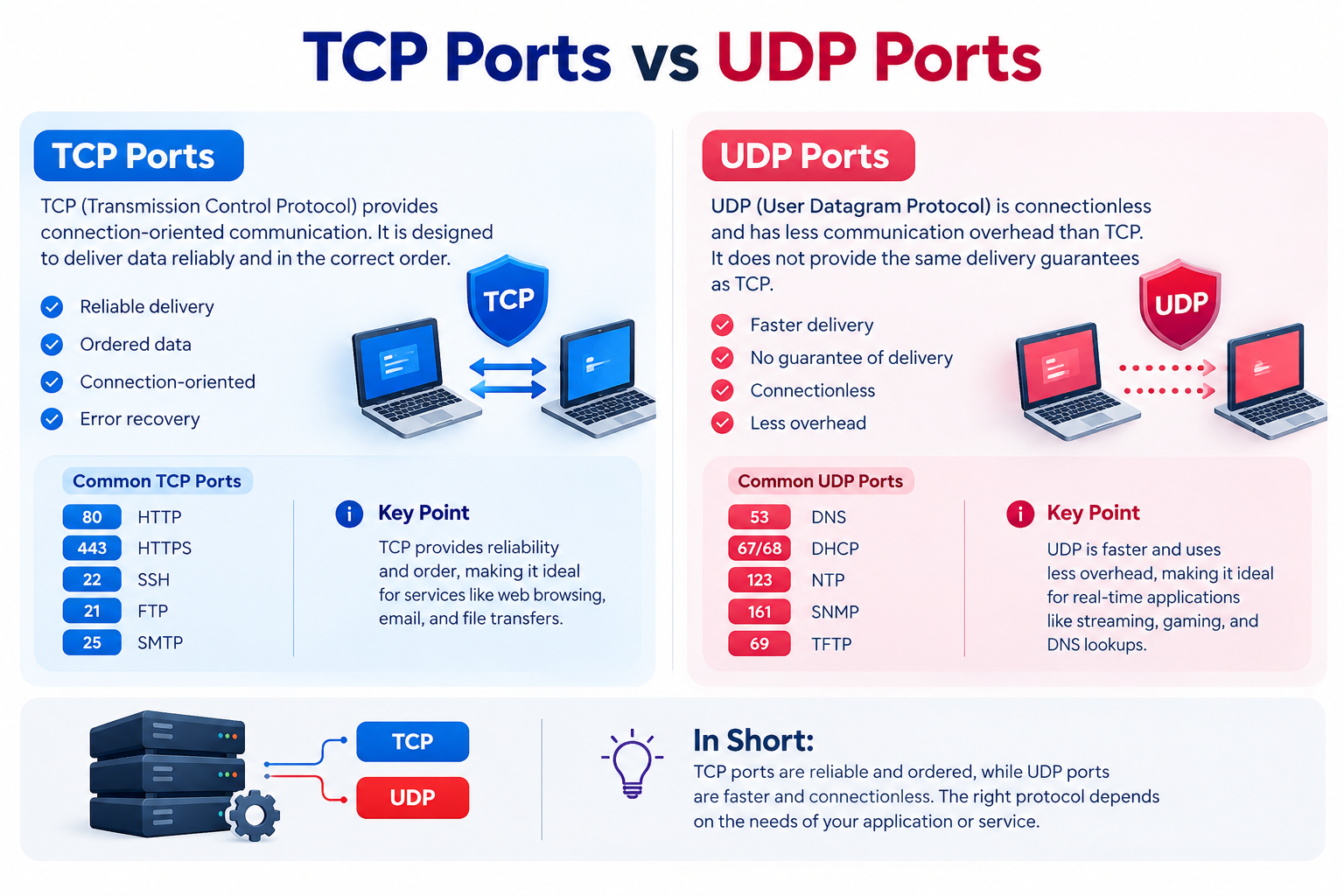
Ports can be used with different network transport protocols, most commonly TCP and UDP.
TCP Ports
TCP (Transmission Control Protocol) provides connection-oriented communication. It is designed to deliver data reliably and in the correct order.
TCP is commonly used for services such as:
- HTTP
- HTTPS
- SSH
- FTP
- SMTP
For example, an HTTPS service commonly uses TCP port 443.
UDP Ports
UDP (User Datagram Protocol) is connectionless and has less communication overhead than TCP. It does not provide the same delivery guarantees as TCP.
UDP is commonly used for applications where low overhead and responsiveness are important, including DNS and various real-time communication workloads.
The same numerical port can therefore be associated with different services depending on the transport protocol being used.
Common Network Ports
Some port numbers are widely associated with common network services.
| Port | Protocol | Common use |
| 20 | TCP | FTP data |
| 21 | TCP | FTP control |
| 22 | TCP | SSH |
| 25 | TCP | SMTP |
| 53 | TCP/UDP | DNS |
| 80 | TCP | HTTP |
| 110 | TCP | POP3 |
| 143 | TCP | IMAP |
| 443 | TCP | HTTPS |
| 587 | TCP | SMTP submission |
| 993 | TCP | IMAPS |
| 995 | TCP | POP3S |
These are common service assignments rather than rules that every application must follow. A service can often be configured to use a different port.
What Is an Open Port?
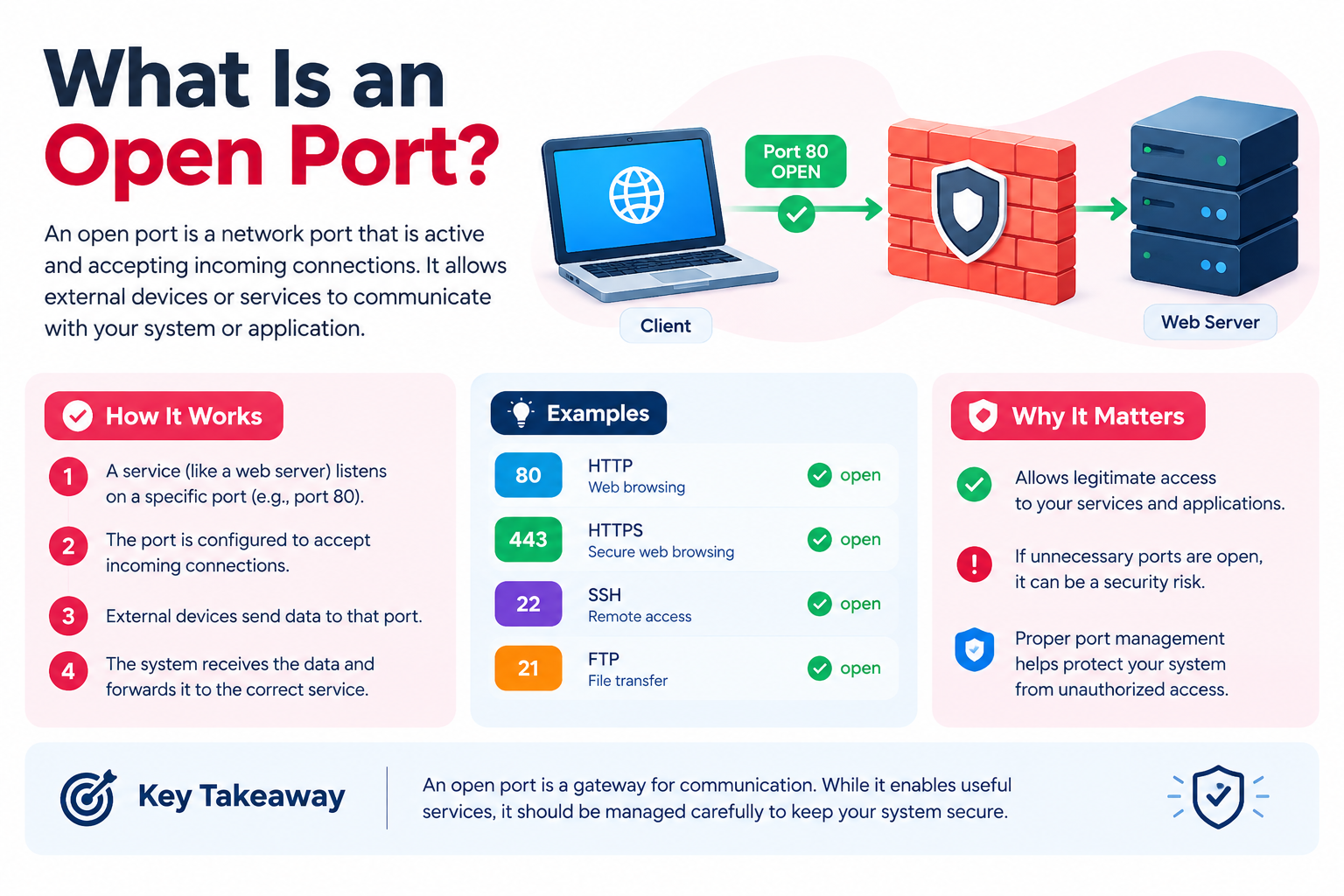
An open port generally means that a service is listening on that port and that incoming connections can reach the service.
For example, if an SSH service is running and listening on TCP port 22, that port may be open for incoming SSH connections.
An open port does not automatically mean that a server has been compromised or is insecure. The security of an exposed service depends on factors such as its configuration, authentication, software updates, and network controls.
Whether a port is reachable from the internet can also depend on firewalls and other network controls.
If you need to understand how firewall rules affect VPS traffic, that is better covered in a dedicated VPS Firewall Setup Guide rather than in this introductory article.
What Is a Closed Port?
A closed port generally means that no service is currently accepting connections on that port.
A connection attempt can reach the device, but there is no application listening for that particular service endpoint.
A firewall can also prevent traffic from reaching a service. This is a separate network-access issue and should not be confused with whether an application is actually listening on a port.
Server Ports vs Client Ports
A network connection normally involves two endpoints.
A server commonly listens on a known port, such as TCP port 443 for HTTPS. A client, such as a web browser, typically uses a temporary ephemeral port for its side of the connection.
For example:
Client: 192.0.2.20:53124
Server: 203.0.113.10:443
Here, 443 identifies the HTTPS service on the server, while 53124 is an example of a temporary client-side port.
This allows a client to maintain multiple connections to the same server and service.
Why Do VPS Servers Use Ports?
Ports are particularly important on VPS servers because a single server can host several services simultaneously.
For example, a VPS might run:
- A web server
- SSH access
- DNS services
- An email service
- A database
- A custom application
Each service can listen for network traffic on its designated port.
Knowing which ports a service uses can therefore help you understand how applications on a VPS communicate and can provide useful context when diagnosing connectivity problems.
If you need to investigate which services are listening on a VPS, a dedicated guide to checking open ports is more appropriate than covering those commands here.
Common Port-Related Mistakes
A few common misunderstandings can cause unnecessary network troubleshooting problems.
Assuming every service uses its default port
Applications often have standard ports, but administrators can configure services to use different ports.
Confusing an IP address with a port
An IP address identifies a network destination, while a port identifies a communication endpoint associated with a service on that destination.
Assuming an open port is automatically dangerous
An open port normally indicates that a service is listening and reachable. Security depends on the service, its configuration, authentication, updates, and other security controls.
Changing a service’s port without updating clients
If a service is moved from its default port to another port, applications and clients connecting to it must use the new port.
Exposing unnecessary services
A server should generally expose only the services it actually needs. Limiting unnecessary network exposure is an important part of server security.
For broader VPS security practices, see a dedicated VPS Server Hardening Checklist rather than expanding this article into a security guide.
Frequently Asked Questions
