

When two VPS servers need to communicate, connecting them over their public IPs can expose services that don’t need to be public. A VPN between VPS servers creates an encrypted tunnel so they can talk over private VPN addresses instead — for example, an application on one VPS reaching a database on another without exposing the database to the internet.
This guide covers why you’d do this, how to set it up with WireGuard, and what to check when the tunnel is up but the app still can’t connect.
Why Use One
- Encrypts traffic between servers
- Keeps internal services (databases, internal APIs) off the public internet
- Connects VPS servers across data centers or providers
- Gives you a dedicated server-to-server management path
A VPN adds a layer of security — it doesn’t replace firewalls or application-level auth.
How It Works
Public Internet
│
Encrypted VPN Tunnel
│
┌───────────┴───────────┐
│ │
VPS 1 VPS 2
10.10.0.1 10.10.0.2
│ │
Application Database
The application on VPS 1 reaches the database using 10.10.0.2 instead of its public IP. Use any private range (10.0.0.0/8, 172.16.0.0/12, 192.168.0.0/16) that doesn’t overlap with anything else either server already uses.
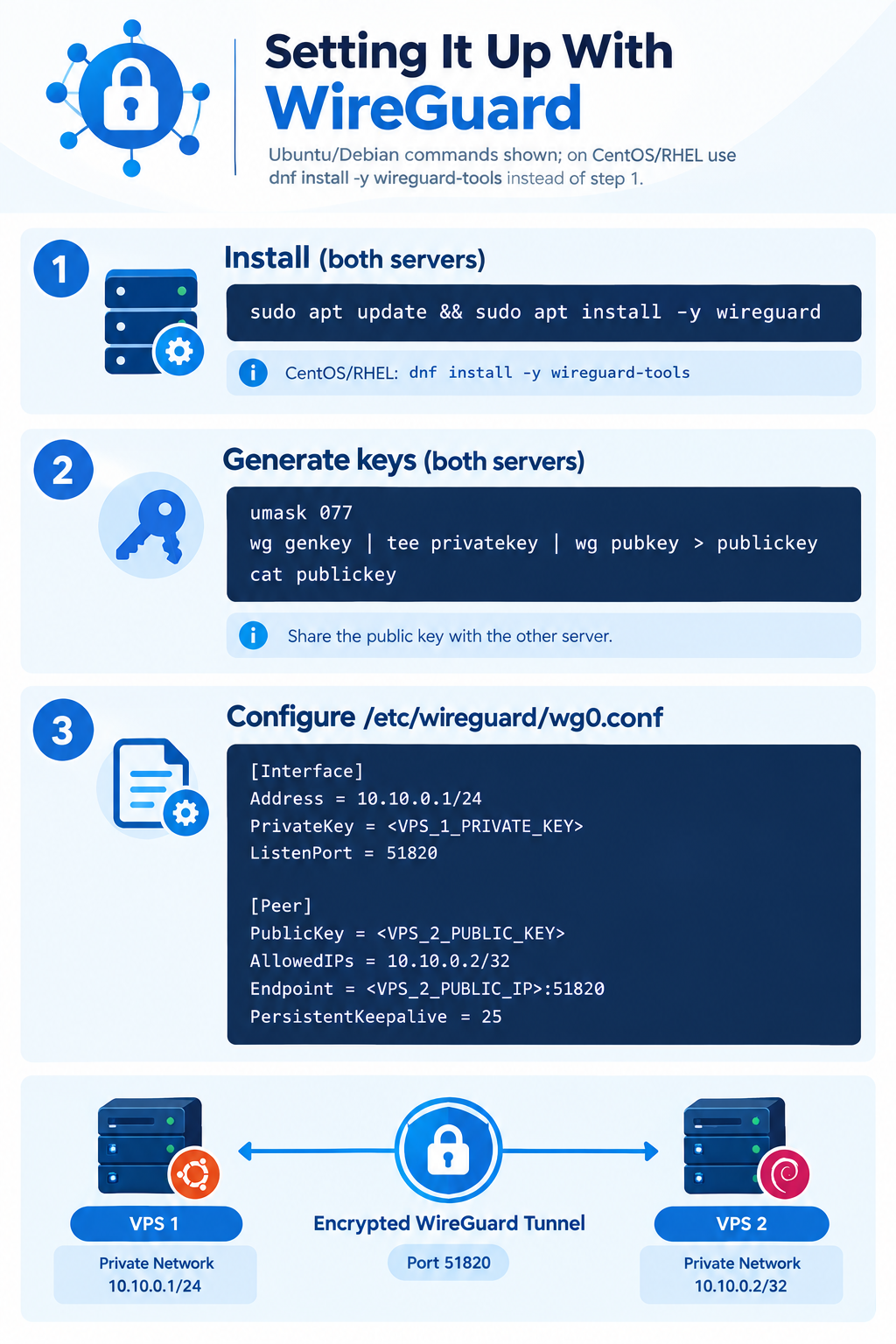
Setting It Up With WireGuard
Commands below are for Ubuntu/Debian; on CentOS/RHEL use dnf install -y wireguard-tools instead of step 1.
- Install (both servers):
sudo apt update && sudo apt install -y wireguard
- Generate keys (both servers):
umask 077
wg genkey | tee privatekey | wg pubkey > publickey
cat publickey # share this with the other server
- Configure /etc/wireguard/wg0.conf:
VPS 1:
[Interface]
Address = 10.10.0.1/24
PrivateKey = <VPS_1_PRIVATE_KEY>
ListenPort = 51820
[Peer]
PublicKey = <VPS_2_PUBLIC_KEY>
AllowedIPs = 10.10.0.2/32
Endpoint = <VPS_2_PUBLIC_IP>:51820
PersistentKeepalive = 25
VPS 2 mirrors this with addresses/keys swapped. AllowedIPs sets both the routing destination and which source addresses are accepted from that peer — for a simple two-server link, use the peer’s single VPN address with /32. PersistentKeepalive keeps the tunnel alive through NAT.
Lock down the file: sudo chmod 600 /etc/wireguard/wg0.conf
- Open the firewall (both servers):
sudo ufw allow 51820/udp # the VPN itself
sudo ufw allow from 10.10.0.0/24 to any port 5432 # e.g. Postgres, VPN subnet only
- Start it:
sudo systemctl enable –now wg-quick@wg0
sudo wg show # confirm a recent handshake with the peer
- Test it — network first, then application:
ping 10.10.0.2 # from VPS 1: does the tunnel work?
# then connect your app to the database using 10.10.0.2 instead of localhost/public IP
Testing in two stages tells you whether a failure is the VPN or the app sitting on top of it.
Tunnel Up, but the Service Still Isn’t Reachable?
A healthy wg show handshake only confirms the tunnel — not that your app accepts traffic through it. Check, in order:
- Service listening address — many apps bind to 127.0.0.1 only. The VPN can work fine while the service still refuses the connection.
- Firewall on the destination service — the VPN port being open doesn’t mean the application port is.
- AllowedIPs/routing — a mismatch here silently drops or misroutes traffic; check ip route if something looks wrong.
- Overlapping networks — if the VPN range collides with another network on either server, routing breaks unpredictably.
VPN vs. Public IP
|
Method |
Characteristics |
|
Public IP |
Communicate via public addresses; fine if the service itself is encrypted/authenticated (SSH, TLS) |
|
VPN |
Encrypted tunnel, private addresses, lets you keep services off the public internet entirely |
|
Provider private network |
Private networking supplied by the host, not a VPN |
Public IP communication isn’t inherently insecure — the VPN’s real advantage is letting internal services skip public exposure and per-service hardening.
Good Practices
Use a dedicated non-overlapping address range, keep private keys on the server that generated them, restrict internal services to the VPN subnet, keep WireGuard/OS updated, and re-test after any config change. Document each server’s VPN address, public key, and endpoint somewhere your team can find it.
FAQ
