
Want automation without problems?
Automation sounds amazing, right? You set things once, and your system keeps working in the background without needing constant attention.
But here’s something many people don’t realize…
If automation is not managed properly, it can actually create more problems than it solves.
Tasks can run too often, servers can slow down, and sometimes the wrong actions can trigger at the wrong time.
That’s why following OpenClaw best practices for safe and reliable usage is so important.
Let’s walk through it step by step in a simple and practical way.
Start small instead of automating everything
It’s tempting to automate everything at once.
But doing too much in the beginning often leads to confusion and errors.
A better approach is to start with a few simple tasks and build from there.
For example, you can begin with:
- basic monitoring
- simple alerts
- small scheduled scripts
This helps you understand how your automation behaves before adding more complex workflows.
Think of it like building a house—you start with the foundation, not the roof.
Use a stable VPS server for consistent performance
If you’re serious about OpenClaw automation, running it on your personal computer is not the best option.
Your system might shut down, lose internet, or slow down during heavy usage.
That’s why most users prefer running automation on a VPS server.
A good VPS Hosting setup ensures:
- your automation runs 24/7
- stable and consistent performance
- better control over your environment
If you’re just starting, even a cheap VPS in Pakistan is enough to test your workflows.
Later, you can upgrade to a more powerful plan or even a Dedicated Server.
At CreativeON, we provide:
- VPS Hosting
- Windows VPS
- Cloud Hosting
- Dedicated Servers
- Domain Registration
- Google Workspace
All with local support in Pakistan and the UAE.
And if you’re planning to buy VPS, starting small and scaling later is always a smart move.
Test your workflows before going live
One of the most important best practices is testing.
Never run automation directly on your live environment without checking it first.
Even a small mistake in logic can lead to:
- repeated actions
- unnecessary load
- incorrect outputs
Instead, test your workflows in a safe setup.
Run them manually first and observe how they behave.
Once everything works correctly, then move them to production.
Keep your system updated to avoid issues
Outdated systems are one of the most common reasons for automation problems.
When your server or software is not updated, it can cause:
- compatibility issues
- unexpected errors
- security risks
Make it a habit to update:
- your VPS operating system
- OpenClaw setup
- related packages and tools
Regular updates help your automation run smoothly without interruptions.
Limit permissions to reduce risk
Giving full access to automation tools might seem easy, but it can be dangerous.
If something goes wrong, it can affect your entire system.
A better approach is to use limited permissions.
Only allow the actions that are actually required.
For example, if a task only needs to read data, it should not have permission to delete or modify files.
This simple step adds an extra layer of safety to your automation setup.
Monitor performance regularly
Automation is not something you set and forget completely.
You still need to keep an eye on how things are running.
Check your system regularly to see:
- CPU usage
- memory usage
- task execution results
If you notice anything unusual, take action early before it becomes a bigger issue.
A well-monitored system always performs better.
Use logs to track and fix problems
Logs play a very important role in automation.
They show you exactly what happened inside your system.
If something fails, logs help you understand:
- what went wrong
- when it happened
- how to fix it
Always enable logging and review it from time to time.
This small habit can save you a lot of time later.
Avoid overloading your VPS server
Running too many automation tasks at the same time can slow down your system.
It’s important to manage how often tasks run.
Instead of running tasks every minute, ask yourself if that frequency is really needed.
In many cases, running tasks every 5 or 10 minutes works just fine.
This keeps your VPS server stable and avoids unnecessary load.
Always keep backups before automation
Automation can sometimes behave unexpectedly.
That’s why backups are essential.
Before running important workflows, make sure you have:
- recent backups
- safe storage location
- easy restore options
If something goes wrong, you can quickly recover without major loss.
Secure your VPS before running automation
Security should never be ignored.
Before running OpenClaw on your server, make sure your system is protected.
Basic steps include:
- strong passwords
- firewall setup
- closing unused ports
- secure remote access
If you’re using a Windows VPS, also ensure:
- system updates are installed
- antivirus is active
- access is restricted properly
A secure server means safer automation.
Plan your workflows with clear logic
Good automation starts with clear thinking.
Before setting up a workflow, take a moment to plan it properly.
Ask yourself:
- What should happen first?
- What happens if something fails?
- What should be the final result?
A simple and clear workflow works better than a complicated one.
Real-world automation scenarios
Let’s make this practical.
Here are some everyday examples where OpenClaw helps:
Website monitoring
Your system checks your website and alerts you if it goes down.
Backup automation
Files are backed up automatically without manual effort.
Server maintenance
Temporary files are cleaned regularly to save space.
Business automation
Reports are generated and shared automatically.
These small automations can save hours every week.
Why CreativeON is a smart choice for VPS
Running automation smoothly depends a lot on your hosting provider.
CreativeON is one of the leading hosting providers in Pakistan and the UAE, with over 20 years of experience.
We have worked with well-known brands like:
- City42
- Channel 24
- QTV
- Chughtai Lab
- Daewoo Pakistan
- Orange Line Metro
We provide:
- best VPS in Pakistan
- cheap VPS in Pakistan
- Windows VPS
- Cloud Hosting
- Dedicated Servers
And here’s something important…
We are an Official Google Workspace Partner and Reseller, and sometimes we reduce our profit margin to help businesses and students access professional tools at affordable prices.
Quick summary
Let’s quickly go over the key points:
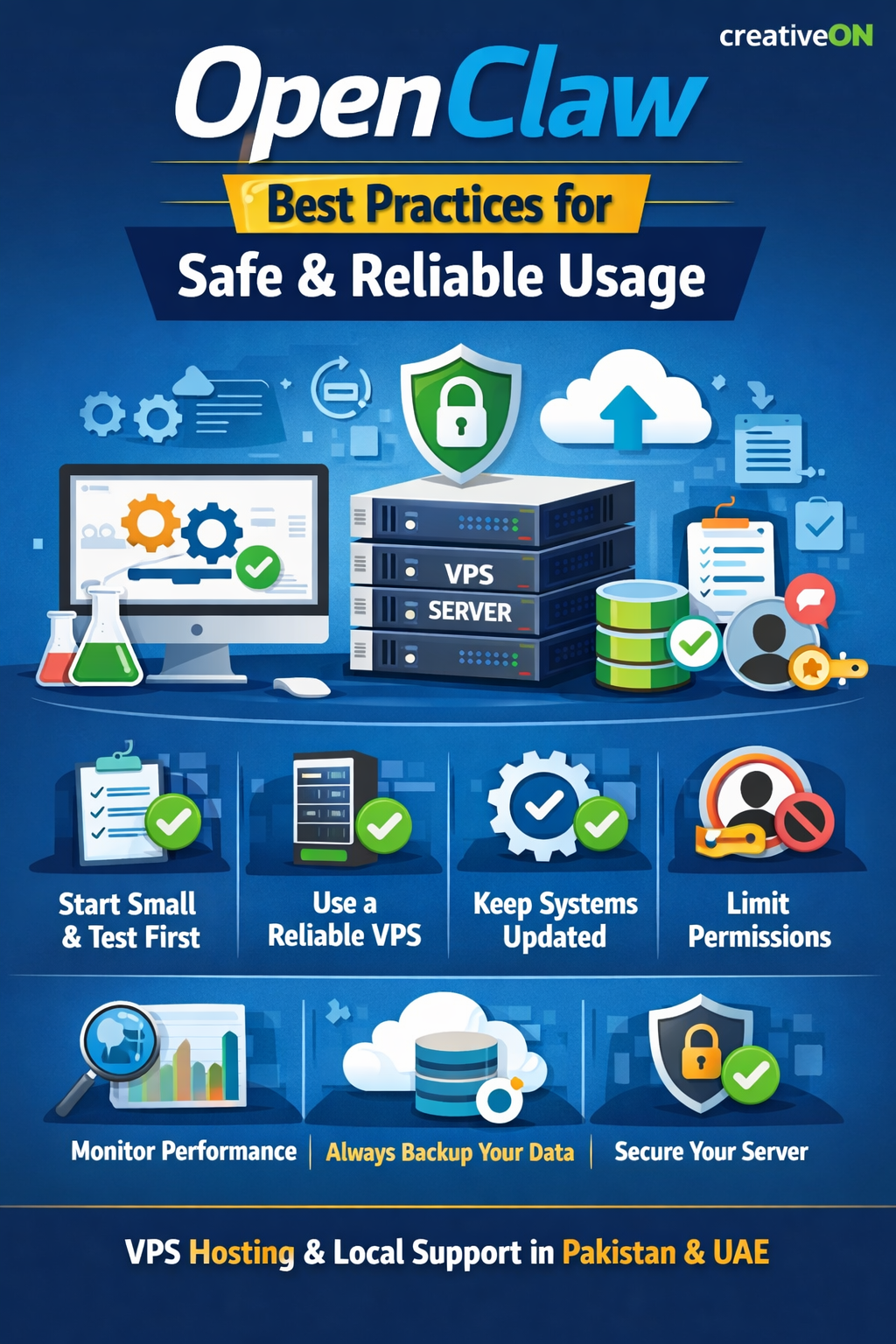
- Start small and grow step by step
- Always test before going live
- Use a reliable VPS server
- Keep your system updated
- Limit permissions for safety
- Monitor performance regularly
- Use logs to track issues
- Avoid overloading your server
- Always keep backups ready
- Secure your VPS properly
When you follow these best practices, OpenClaw becomes a powerful and reliable tool for automation.
