
Hey there! 👋
Ever feel tired of doing the same thing again and again on websites? Logging in, filling forms, clicking buttons… it gets boring fast, right?
Now imagine if your browser could do all that for you.
That’s exactly what OpenClaw helps you do. And the best part? You don’t need to be a tech expert to get started.
In this guide, we’ll walk through how to use the OpenClaw browser extension for web automation, step by step—using simple words and real-life examples. By the end, you’ll feel confident enough to try it yourself.
What is OpenClaw? (Simple Explanation)
Let’s keep it simple.
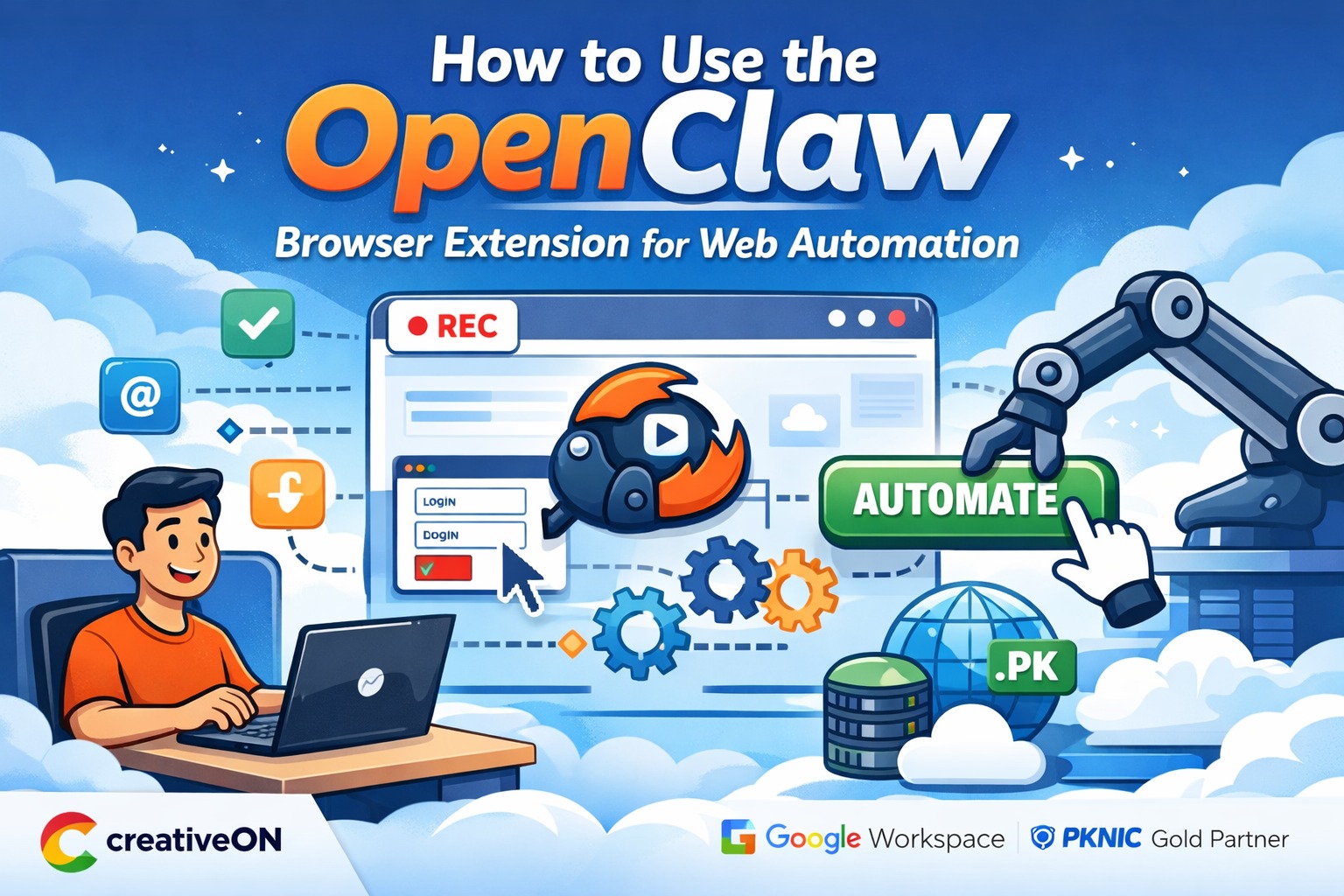
OpenClaw is a browser extension that can record your actions on a website and repeat them automatically.
Think of it like this:
👉 You show it what to do once
👉 It remembers every step
👉 Then it does it again for you whenever you want
Example:
Let’s say you:
- Log into a website
- Download a report
- Click a few buttons
OpenClaw can record all these steps and repeat them in seconds.
Isn’t that neat?
Why Use OpenClaw? (Real Benefits)
Let’s be honest—time matters.
Here’s how OpenClaw helps you:
- Saves time on repetitive tasks
- Reduces mistakes (no more typing errors)
- Keeps things consistent
- Works automatically when you run it
👉 Just remember: it runs inside your browser, so your browser needs to stay open.
Where OpenClaw Fits in Your Daily Work
You might be wondering:
“Okay… but where would I actually use this?”
Great question!
1. For Business Owners
- Download daily reports
- Fill order forms
- Manage dashboards
2. For Freelancers
- Apply to jobs quickly
- Send repeated messages
- Fill client forms
3. For SEO & Marketing Work
- Collect data from websites
- Submit forms
- Check listings
4. For Hosting & VPS Users
If you’re working with:
- VPS Hosting
- A VPS Server
- Or looking for the best VPS in Pakistan
You’ll often deal with web dashboards (like control panels, billing systems, analytics tools).
👉 OpenClaw can help automate:
- Logging into panels
- Checking stats
- Navigating repetitive pages
At CreativeON, many clients who buy VPS or use cheap VPS in Pakistan use automation tools like this to save time on routine tasks.
How OpenClaw Actually Works (Super Simple)
Let’s break this down in the easiest way possible.
OpenClaw works in 3 steps:
1. Recording
It watches what you do:
- Clicks
- Typing
- Navigation
2. Saving Steps
It saves each action as a step:
- Click button
- Enter text
- Wait for page
3. Replaying
It repeats everything exactly the same way.
👉 It uses something called selectors (don’t worry about the name).
These are just ways it finds buttons and fields on a page.
Step-by-Step: How to Use OpenClaw
Let’s get practical. You’ve got this 💪
Step 1: Install the OpenClaw Extension
- Open your browser (Chrome or similar)
- Go to the extension store
- Search for OpenClaw
- Click Add to Browser
- Confirm installation
👉 You’ll now see the icon in your toolbar.
Step 2: Open the Dashboard
Click the OpenClaw icon.
You’ll see options like:
- Record
- Saved tasks
- Run automation
At first glance, it may look a bit technical—but don’t worry. You’ll learn quickly.
Step 3: Record Your First Task
Let’s try something simple.
- Click Start Recording
- Go to any website (like a login page)
- Do actions like:
- Enter username
- Enter password
- Click login
- Click Stop Recording
👉 That’s it! You’ve created your first automation.
Step 4: Run (Replay) Your Automation
Now test it:
- Open your saved task
- Click Run
Watch what happens:
- It types
- It clicks
- It navigates
Just like you did earlier!
Step 5: Edit and Improve Your Task
Sometimes you’ll need small changes.
You can:
- Add delays (important!)
- Edit steps
- Remove mistakes
Example:
If a page loads slowly, add a delay so OpenClaw doesn’t rush.
Common Mistakes Beginners Make
Let’s save you some frustration 😄
❌ Recording too fast
If you move too quickly, steps may break.
👉 Fix: Go slow while recording.
❌ Not adding delays
Websites need time to load.
👉 Fix: Add wait time between steps.
❌ Ignoring page changes
If a website updates, your automation may stop working.
👉 Fix: Update your steps when needed.
❌ Trying complex tasks too early
Start simple first.
👉 Fix: Practice with small automations.
When You Should NOT Use OpenClaw
This is important.
Even though OpenClaw is powerful, don’t use it everywhere.
Avoid using it on:
- Banking websites
- Sensitive accounts
- Websites with strong bot protection
- CAPTCHA-heavy sites
👉 Why?
Because these sites are designed to block automation for security reasons.
Is OpenClaw Safe to Use?
Yes—if you use it wisely.
Stay safe by:
- Not saving sensitive passwords openly
- Using trusted websites
- Testing automation before full use
👉 Think of it like a tool—safe if used correctly.
OpenClaw vs Other Automation Tools
You might be thinking:
“Why not use something else?”
Good question!
OpenClaw is great for:
- Beginners
- Simple automation
- No-code users
Other tools (like advanced bots) are for:
- Developers
- Complex workflows
- Large-scale automation
👉 Start with OpenClaw. Upgrade later if needed.
How OpenClaw Helps with VPS Work (Real Use Case)
Let’s say you have a Windows VPS or manage multiple websites.
You often:
- Log into dashboards
- Check usage
- Download reports
Instead of doing this daily:
👉 OpenClaw can automate:
- Opening your panel
- Logging in
- Navigating to reports
At CreativeON, we’ve seen many users of VPS Hosting benefit from combining hosting with smart automation tools like this.
Helpful Tips to Get Better Results
Here are some simple tips:
- Start with small tasks
- Always test before relying on it
- Keep your steps clean and simple
- Use delays for stability
- Update tasks if websites change
👉 Practice a few times—you’ll get comfortable quickly.
Why Choose CreativeON?
If you’re working online, tools are only half the story. You also need reliable hosting.
That’s where CreativeON comes in.
We are:
- ✅ Google Workspace Official Partner & Reseller in Pakistan
- ✅ PKNIC Gold Partner for .PK Domains
- ✅ Serving businesses for 20+ years
- ✅ Trusted by brands like:
- City42
- Channel 24
- QTV
- Chughtai Lab
- Daewoo Pakistan
- Orange Line Metro
Our VPS Services
We offer:
- High-performance VPS Hosting
- Reliable VPS Server solutions
- Affordable cheap VPS in Pakistan
- Flexible Windows VPS options
👉 If you’re planning to buy VPS, we can help you get started easily.
Why Are Our Prices Lower?
Simple.
We are official partners and resellers, and we keep our profit margins low so more businesses can grow.
Quick Summary (Let’s Wrap It Up)
Let’s go over the main points:
- OpenClaw is a browser extension for automation
- It can record and repeat your actions
- Great for saving time on repetitive tasks
- Works best for simple, browser-based automation
- Not suitable for sensitive or protected websites
- Very useful when managing web dashboards and hosting panels
👉 Start small, practice, and soon you’ll be automating tasks like a pro.
