
A Simple Step-by-Step Guide for Teachers in Pakistan
Hey there! Have you ever wanted to bring your classroom online but felt a little nervous about the tech side of things? Don’t worry—you’re definitely not alone.
At CreativeON, we understand that moving from a physical classroom to online teaching can feel like a big step. But here’s the good news: using Google Meet for online classes is actually as easy as making a cup of chai ☕
As an official Google Workspace partner and reseller in Pakistan, we’ve helped schools, teachers, coaching centers, and businesses set up virtual classrooms without stress. In this guide, we’ll walk you through how to use Google Meet for online classes, step by step, in the simplest way possible.
Why Use Google Meet for Online Classes?
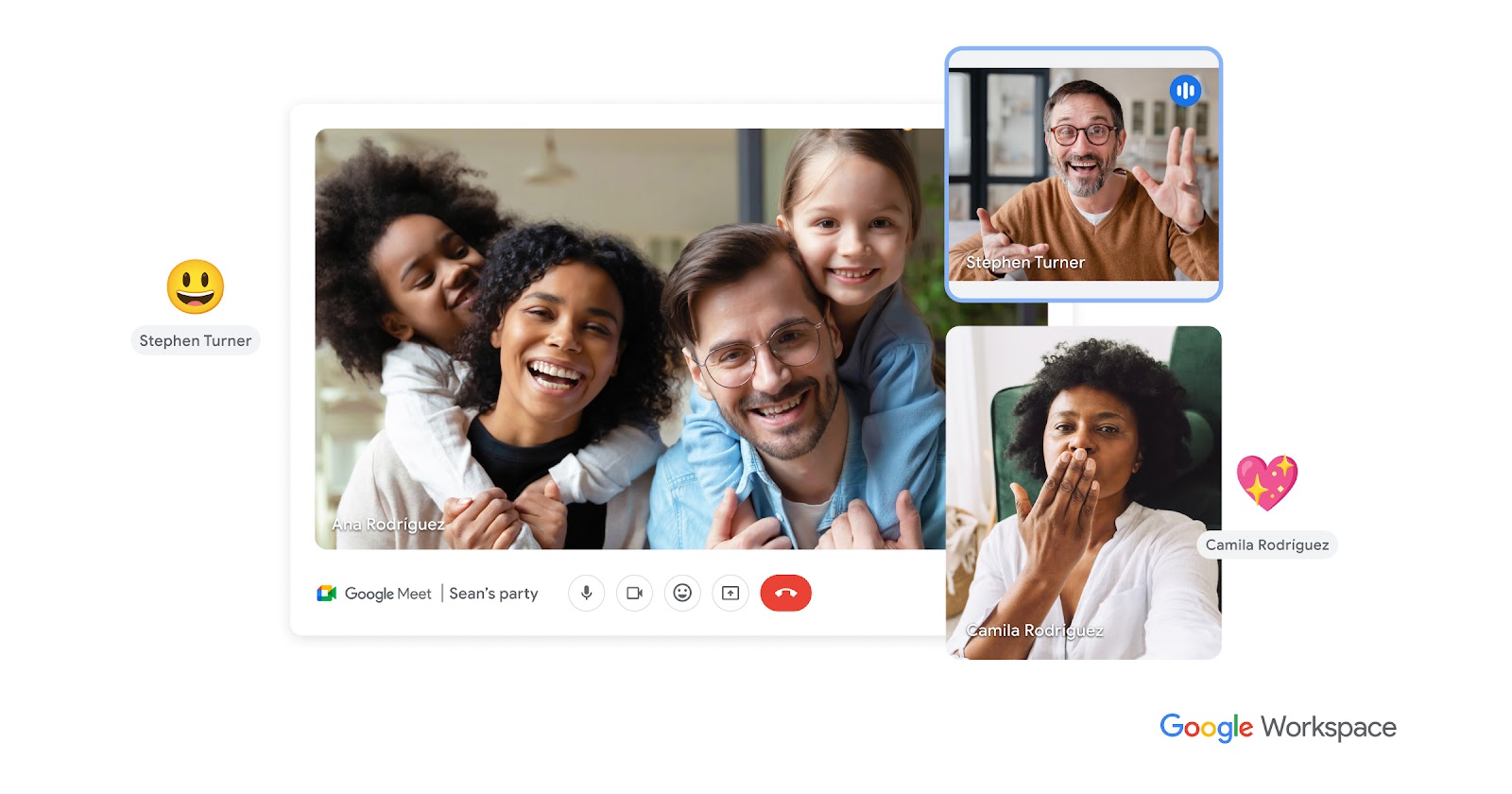
Google Meet is part of Google Workspace, a complete solution for professional emails, calendars, file sharing, and video meetings. For teachers, it works like a digital classroom where students can join from anywhere using a phone, tablet, or computer.
If you’re managing a school or academy and want a professional setup, Google Workspace in Pakistan keeps everything organized in one place—from class schedules to student communication.
Here’s why teachers love Google Meet:
- Easy to use, even for beginners
- Works smoothly on mobile and desktop
- Secure and reliable for students
- No complicated software installation
- Perfect for live classes, tutoring, and training sessions
Step 1: Start an Instant Google Meet Class
Need to meet students right now? Google Meet makes it super quick.
- Go to meet.google.com or open the Google Meet app
- Click “New meeting”
- Select “Start an instant meeting”
- A meeting link will appear—copy it
- Share the link with students via email or WhatsApp
That’s it! Your virtual classroom is now open.
Step 2: Schedule Online Classes Using Google Calendar
If you prefer planning ahead (which most teachers do), scheduling classes is the best option.
- Open Google Calendar
- Click on your class date and time
- Add a title like “English Class – Grade 6”
- Click “Add Google Meet video conferencing”
- Enter students’ email addresses
- Click Save
Students will receive an email invite with the Google Meet link and can confirm attendance with one click.
Step 3: Prepare for Your First Google Meet Session
A little preparation goes a long way. Before starting your online class, take a few minutes to get ready.
Helpful tips for smooth online teaching:
- Check your camera and microphone so students can see and hear you clearly
- Choose a quiet space with minimal background noise
- Use screen sharing to show slides, documents, or videos
- Mute students when needed to avoid distractions
- Use chat for questions during the lesson
With Google Workspace plans, you can also record classes, which is great for students who miss a session.
Who Can Use Google Meet for Online Classes?
Google Meet is perfect for:
- Schools and colleges
- Teachers and tutors
- Coaching centers and academies
- Online training institutes
- Businesses running workshops or staff training
Whether you teach five students or five hundred, Google Meet scales easily.
Common Questions We Get at CreativeON
