
Nurses often need to coordinate shifts, manage appointments, share instructions, and communicate with supervisors and other healthcare staff. When information is scattered across paper records, messages, and separate files, daily tasks can become difficult to manage.
Google Workspace provides tools that help nursing teams organize schedules, share administrative documents, and communicate more effectively. For home healthcare agencies in Pakistan and the UAE, these tools can support daily operations and staff coordination.
In this guide, we explain how nurses can use Google Workspace to organize their work, improve team communication, and protect sensitive patient information.
What Is Google Workspace for Nursing Teams?
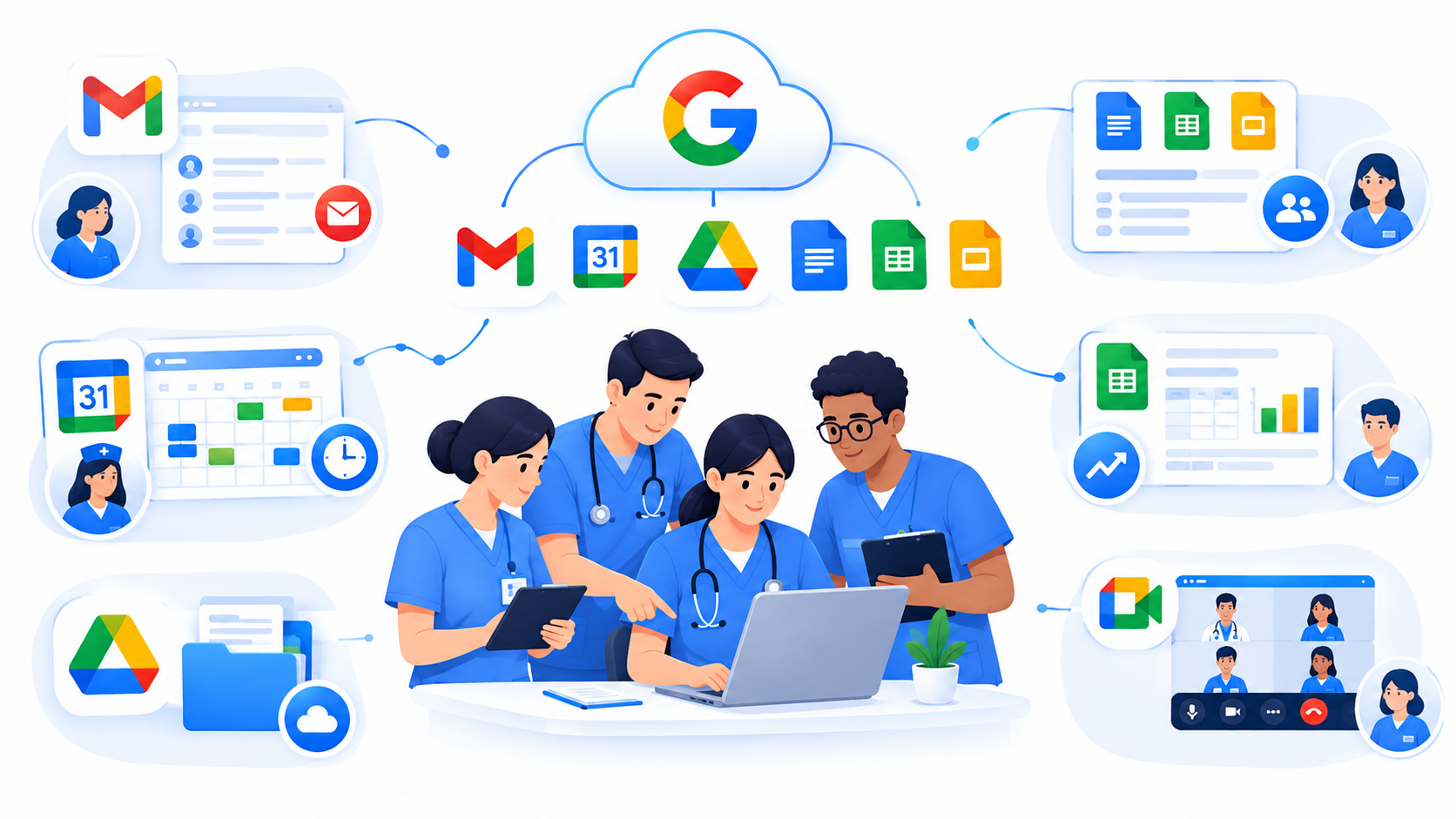
Google Workspace is a collection of cloud-based productivity tools, including Gmail, Google Calendar, Google Drive, Google Docs, Google Sheets, and Google Meet.
Nurses and healthcare coordinators can use these tools to manage staff schedules, share approved documents, arrange meetings, and track administrative tasks.
For example, a home healthcare agency can use Google Calendar to organize nursing shifts, Google Sheets to maintain staff rosters, and Google Drive to store approved training materials.
These tools support administrative coordination. They do not replace a dedicated clinical management system or electronic health record platform.
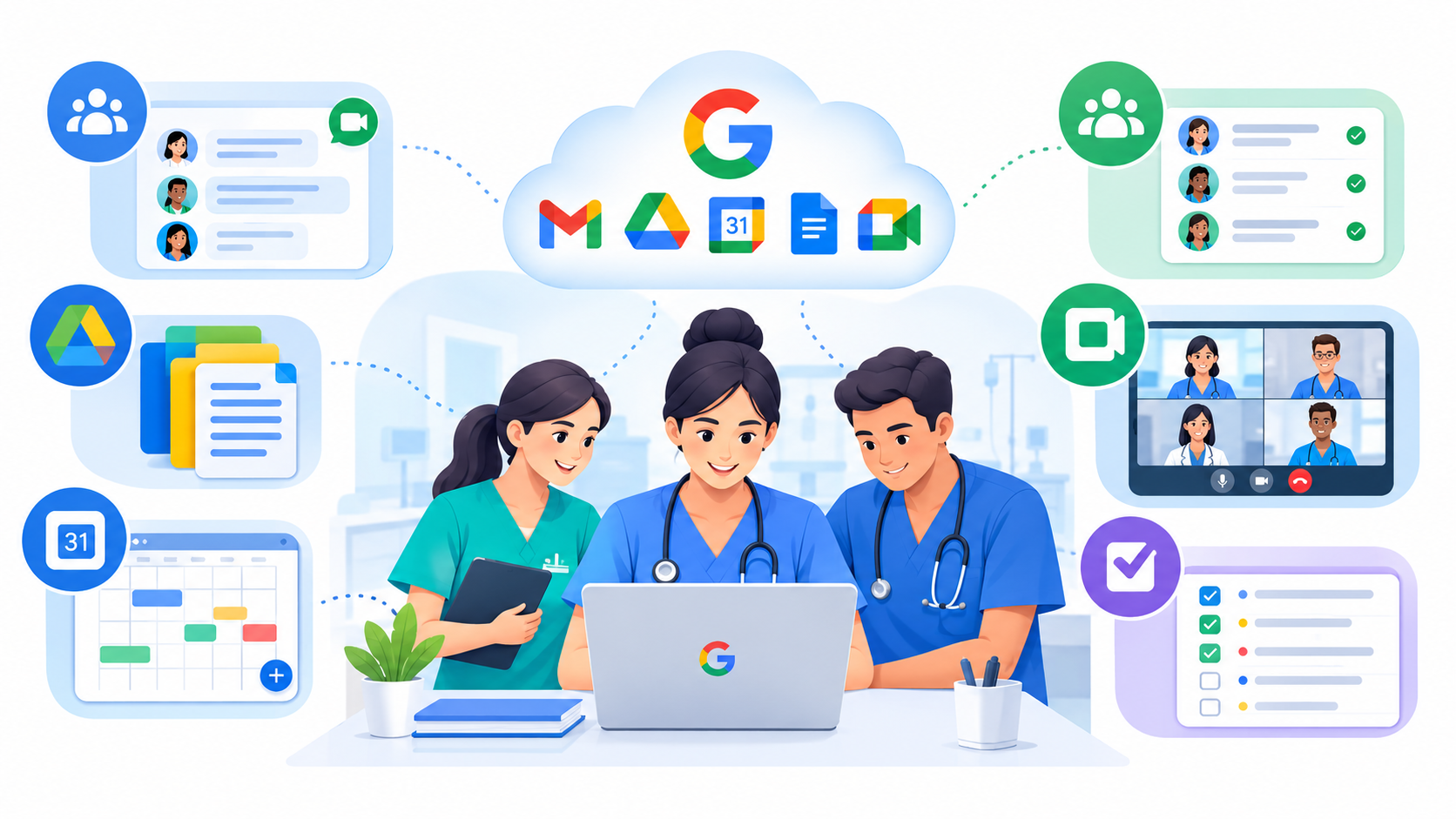
How Nurses Can Use Google Workspace for Team Communication and Organization
1. Use Gmail for Professional Communication
Gmail for Business helps nurses communicate with nursing coordinators, supervisors, doctors, and administrative staff using professional email accounts.
Nursing teams can use Gmail to:
- Share staff announcements and administrative updates.
- Communicate schedule changes and staffing requirements.
- Send meeting invitations and training information.
- Share approved workplace documents.
- Keep professional communication separate from personal email.
For example, a nursing coordinator can email staff about a revised duty roster and direct authorized employees to the relevant shared document.
Patient information should only be shared through approved communication channels that meet the organization’s privacy and security requirements.
2. Organize Nursing Shifts With Google Calendar
Google Calendar helps nursing teams manage work schedules, staff meetings, training sessions, and appointments.
A home healthcare coordinator can maintain shared calendars for different teams or service areas, giving authorized staff access to the schedules they need.
Useful practices include:
- Add shifts, meetings, and approved appointments to the calendar.
- Set reminders for upcoming assignments.
- Update schedules when staff availability changes.
- Share calendars with the appropriate team members.
- Review calendar permissions regularly.
For home nursing services, a well-maintained calendar can help coordinators plan visits and reduce scheduling conflicts.
To protect patient privacy, use non-identifying event titles where possible. Avoid placing patient names, diagnoses, or other sensitive details in general calendar entries.
3. Share Nursing Documents With Google Drive
Google Drive provides cloud storage for workplace documents that authorized staff can access from compatible devices.
Nursing teams can use shared folders to organize:
- Staff handbooks and workplace policies.
- Approved nursing procedures.
- Infection prevention guidelines.
- Training materials and orientation documents.
- Equipment checklists and administrative forms.
Clear folder names help staff find the correct documents without searching through multiple email attachments.
Access permissions are equally important. Give staff access only to the information needed for their roles, and remove access when it is no longer required.
Google Drive can support document organization, but sensitive patient records should only be stored there when the service, account configuration, and organizational policies have been reviewed and approved for that purpose.
4. Manage Staff Assignments With Google Sheets
Google Sheets allows nursing coordinators to maintain structured tables for staff scheduling and administrative task tracking.
A healthcare agency might use a staff roster to record:
- Nurse names and work contact details.
- Staff availability and leave status.
- Assigned shifts or service areas.
- Administrative task completion.
- Outstanding coordination tasks.
Filters and dropdown lists can make these records easier to review and update.
For example, a coordinator can filter the roster to identify available nurses before assigning a shift.
Important: Google Sheets should not be treated as a replacement for an electronic health record system. Clinical assessments, medication administration records, and formal patient care documentation belong in an appropriate clinical system. Any spreadsheet containing sensitive staff or patient information needs suitable access restrictions.
5. Prepare Nursing Procedures With Google Docs
Google Docs helps nursing managers create, update, and share workplace documents with authorized team members.
Common uses include:
- Staff orientation guides.
- Internal communication procedures.
- Administrative checklists.
- Training materials.
- Staff handbooks and approved policies.
Comments and suggested edits allow team members to review proposed changes before a document is finalized.
For clinical procedures, organizations should use an approved review process, identify the current version, and make sure staff follow formally approved instructions rather than unreviewed drafts.
6. Conduct Team Meetings With Google Meet
Google Meet allows nursing coordinators and healthcare staff to hold online meetings when they work from different locations.
Teams can use it for:
- Staff briefings and administrative discussions.
- Training and orientation sessions.
- Scheduling reviews.
- Discussions about workload and staff availability.
- Internal reviews of workplace procedures.
Before a meeting, confirm that participants are authorized to attend. Use appropriate meeting access controls and avoid discussing identifiable patient information unless the meeting has been approved for that purpose.
Recording meetings involving confidential information should also follow organizational policies and applicable legal requirements.
A Simple Daily Google Workspace Workflow for Nurses
A consistent workflow helps nursing teams use Google Workspace without creating unnecessary administrative work.
Step 1: Review the Schedule
The nursing coordinator checks Google Calendar for planned shifts, meetings, and appointments.
Step 2: Confirm Staff Availability
The coordinator reviews the approved staff roster in Google Sheets to identify available nurses and resolve scheduling conflicts.
Step 3: Communicate Changes
Gmail or another approved communication channel is used to inform authorized staff about changes to their assignments.
Step 4: Access Approved Documents
Staff use Google Drive to find current workplace guidelines, training resources, and relevant administrative forms.
Step 5: Review Outstanding Tasks
At the end of the shift, the coordinator reviews incomplete administrative tasks and arranges the necessary follow-up.
Clinical handovers and patient care documentation must still follow the agency’s approved clinical procedures and designated recordkeeping system.
Real-Life Example: Google Workspace for a Home Healthcare Agency
Shumaya Home Care, a home healthcare agency in Pakistan providing services such as home nursing, physiotherapy, elderly care, and patient attendant services, offers a relevant example of the type of organization that may benefit from structured digital workflows.
A home healthcare agency can organize its administrative work using Google Workspace in the following way:
- Google Calendar: Plan nursing shifts, staff meetings, and scheduled visits.
- Google Sheets: Maintain staff rosters, availability records, and administrative task trackers.
- Google Drive: Store approved training materials, policies, and workplace documents.
- Google Docs: Prepare staff instructions, orientation guides, and internal procedures.
- Gmail: Send work-related announcements and schedule updates.
- Google Meet: Hold remote meetings with coordinators and staff working in different locations.
For example, a coordinator could check staff availability in Google Sheets, review the schedule in Google Calendar, and notify an assigned nurse about an administrative change.
This is an illustrative workflow, not a claim that Shumaya Home Care uses every tool in exactly this way. Each agency should adapt its processes to its actual staffing arrangements, clinical systems, and privacy requirements.
Protecting Patient Information When Using Google Workspace
Healthcare teams must handle patient information carefully. Using cloud-based tools does not automatically make a workflow compliant with every healthcare privacy requirement.
Before adopting Google Workspace for nursing operations, healthcare organizations should:
- Use individual accounts: Avoid shared passwords and enable two-step verification.
- Restrict access: Give each employee access only to the resources required for their role.
- Protect sensitive information: Avoid placing patient names, diagnoses, or other identifying details in general calendars and unrestricted spreadsheets.
- Review permissions: Check shared folders, documents, and calendars regularly.
- Control document changes: Establish clear procedures for approving and updating workplace documents.
- Use appropriate clinical systems: Record patient assessments, medication administration, and formal clinical handovers in designated systems.
- Check compliance requirements: Review applicable privacy laws, contractual obligations, and Google Workspace service terms before processing sensitive health information.
Healthcare agencies in Pakistan and the UAE should assess the privacy and data-handling rules that apply to their operations. Workspace suitability depends on the selected services, account configuration, organizational controls, and applicable requirements.
For more information, consult Google’s official documentation on Google Workspace and healthcare and Google Account security.
Frequently Asked Questions
