

1️⃣ Introduction
Schools today are quickly moving toward digital learning, but many still struggle with one big question: how to manage students, assignments, communication, and files in one simple system without confusion.
This is where Google Workspace for Education becomes a real game changer.
In countries like Pakistan and UAE, more schools are adopting Google Workspace because it makes teaching and learning easier, more organized, and fully online. Whether you are in Google Workspace Pakistan or Google Workspace UAE, the application process is the same—but many schools don’t know the correct steps.
In this guide, we’ll explain how to apply for Google Workspace for Education in a very simple, practical way so any school, college, or institute can follow it without confusion.
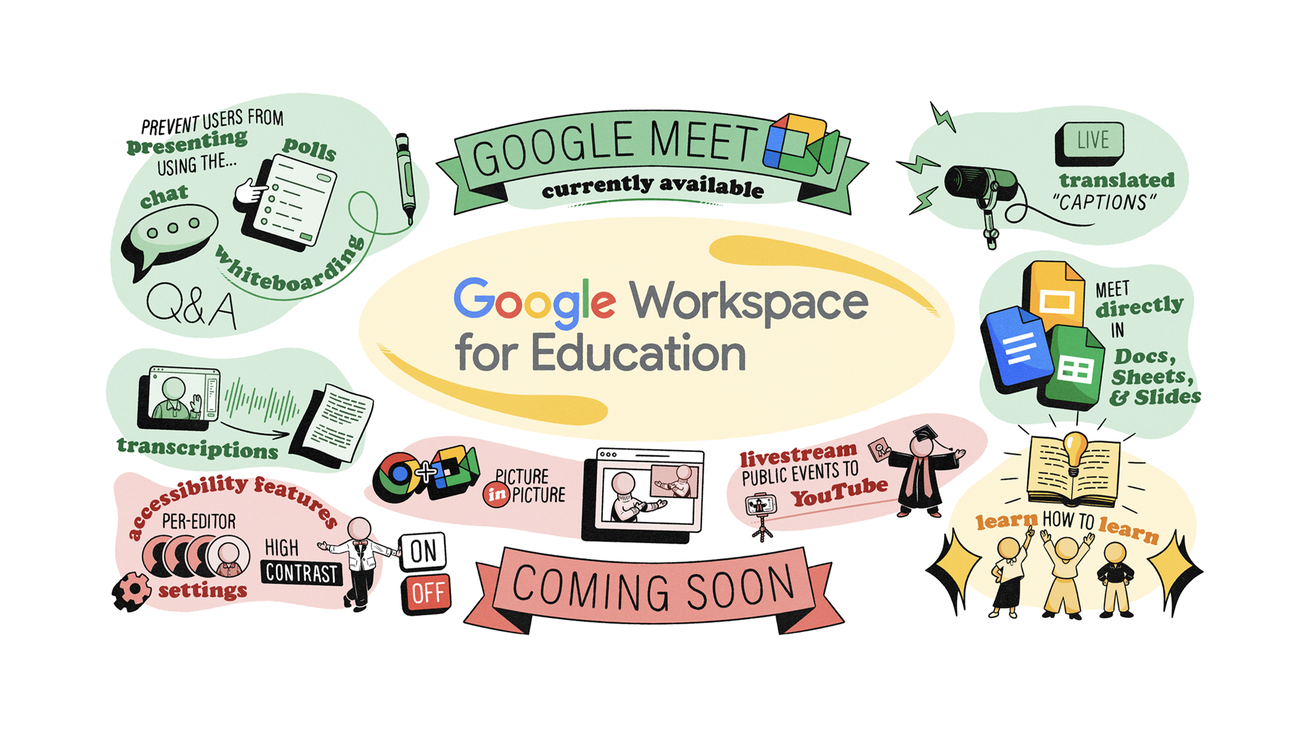
2️⃣ What is Google Workspace for Education?
Google Workspace for Education is a set of online tools designed for schools to manage teaching, learning, and collaboration in one place.
Instead of using separate apps or paper-based systems, everything is connected in one platform.
Think of it like a digital school system where:
- Teachers create and share assignments online
- Students submit work from anywhere
- Communication happens through email and chat
- All files are stored safely in the cloud
It includes tools like:
- Google Classroom
- Google Drive
- Google Docs
- Google Meet
- Gmail for Education
In simple words, it replaces traditional school systems with a modern digital classroom.
3️⃣ Who Can Apply for Google Workspace for Education?
Before applying, it’s important to understand eligibility.
Your institution must be:
- A registered school, college, or university
- A recognized educational organization
- Using a verified domain (like yourschool.edu or yourschool.com)
💡 Even small private schools in Pakistan and UAE can apply if they meet basic requirements.
4️⃣ How to Apply for Google Workspace for Education (Step-by-Step)
Now let’s go step by step so you can understand the full process clearly.
1. Choose Your School Domain
You need a domain name for your school (example: yourschool.com).
This will be used for student and teacher email accounts.
2. Go to Google Workspace for Education Signup
Visit Google’s official education signup page and start the application process.
3. Fill School Information
You will be asked to provide:
- School name
- Address
- Website
- Contact details
- Number of students
Make sure all details are accurate.
4. Verify Your Domain
Google will ask you to prove that you own the domain.
This is done by:
- Adding a DNS record
OR - Uploading a verification file
📌 This step is very important for approval.
5. Wait for Google Approval
Google will review your application to confirm your institution is eligible.
Approval time can vary, but most schools get a response within a few days.
6. Set Up Accounts for Staff and Students
Once approved, the school admin can:
- Create teacher accounts
- Create student accounts
- Assign permissions
Now your school is officially on Google Workspace for Education.

5️⃣ Google Workspace Editions (Important for Schools)
Google offers different versions for education:
🎓 Education Fundamentals (Free)
- Basic tools for schools
- Google Classroom, Drive, Meet
- Suitable for most schools in Pakistan and UAE
📊 Education Standard
- Extra security features
- Advanced monitoring tools
🧑🏫 Teaching and Learning Upgrade
- More collaboration features
- Enhanced teaching tools
🏫 Education Plus
- Full advanced version
- Best for large institutions
💡 Most schools in Google Workspace Pakistan and Google Workspace UAE start with the free version first.
6️⃣ Why Google Workspace for Education Matters
Modern education is no longer limited to classrooms.
With Google Workspace for Education, schools can:
- Reduce paperwork completely
- Manage classes online
- Improve teacher-student communication
- Enable remote learning from anywhere
- Keep all data secure in cloud storage
In countries like Pakistan and UAE, where hybrid learning is growing, this system is becoming essential.
7️⃣ Real-Life Example (How Schools Use It)
Imagine a school in Dubai or Lahore:
Before:
- Teachers print assignments
- Students submit notebooks
- Parents visit school for updates
After Google Workspace:
- Teacher uploads assignment on Google Classroom
- Students submit work via Google Docs
- Teacher gives feedback online
- Parents get updates digitally
Everything becomes faster, cleaner, and easier to manage.
8️⃣ Google Workspace Tools Used in Education
Here are the main tools schools use daily:
📁 Google Drive
Stores assignments, notes, and school files safely.
🏫 Google Classroom
Manages classes, homework, and student submissions.
📝 Google Docs
Used for writing assignments and group work.
🎥 Google Meet
Used for online classes and meetings.
📧 Gmail for Education
Official communication between teachers and students.
9️⃣ Common Questions (FAQ)
