
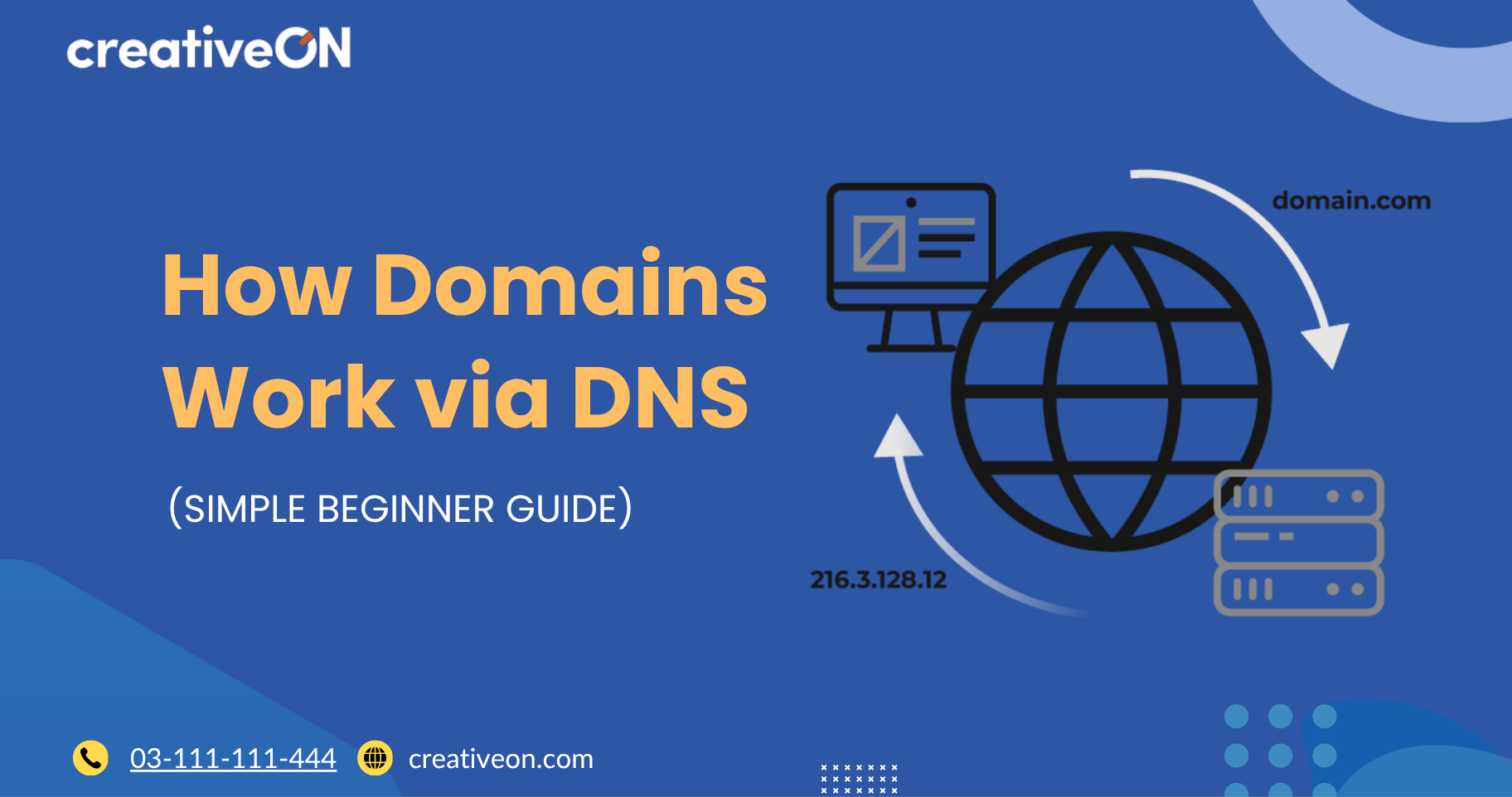
When you type a website name like google.com or creativeon.com into your browser, something very fast and invisible happens in the background. Within seconds, the website opens. But have you ever wondered how your device actually knows where to go?
This is where domains and DNS (Domain Name System) come in. Together, they act like the “internet address system” that connects human-friendly website names to real computers (servers) where websites are stored.
Instead of remembering long numbers like 192.168.1.1, we use simple names like example.com. That’s the power of domains.
In this article, we’ll break down how domains work via DNS in the simplest way possible. Even if you are completely new to web hosting or websites, you will understand everything step by step.
How Domains Work via DNS
To understand how the internet works, think of a domain name as a house name, and DNS as the telephone directory of the internet.
Every website lives on a server, and every server has an IP address (a numeric address). But humans don’t remember numbers easily, so we use domain names instead.
For example:
- Domain name: creativeon.com
- Server IP address: 104.21.34.56 (example)
DNS is the system that connects the two.
So when someone types a domain name, DNS quickly finds the correct server and sends the user there.
In simple terms:
👉 Domain = Website name
👉 DNS = System that finds the website’s location
👉 Server = Where the website lives
Key Concepts You Must Know First
Before understanding the full process, let’s break down some basic terms.
What is a Domain Name?
A domain name is the address of a website that people type in a browser.
Example:
- google.com
- creativeon.com
- facebook.com
It replaces complicated IP addresses with easy words.
What is DNS (Domain Name System)?
DNS is like a global phonebook for websites.
It translates:
- Domain names → into IP addresses
Without DNS, you would need to remember numbers instead of names.
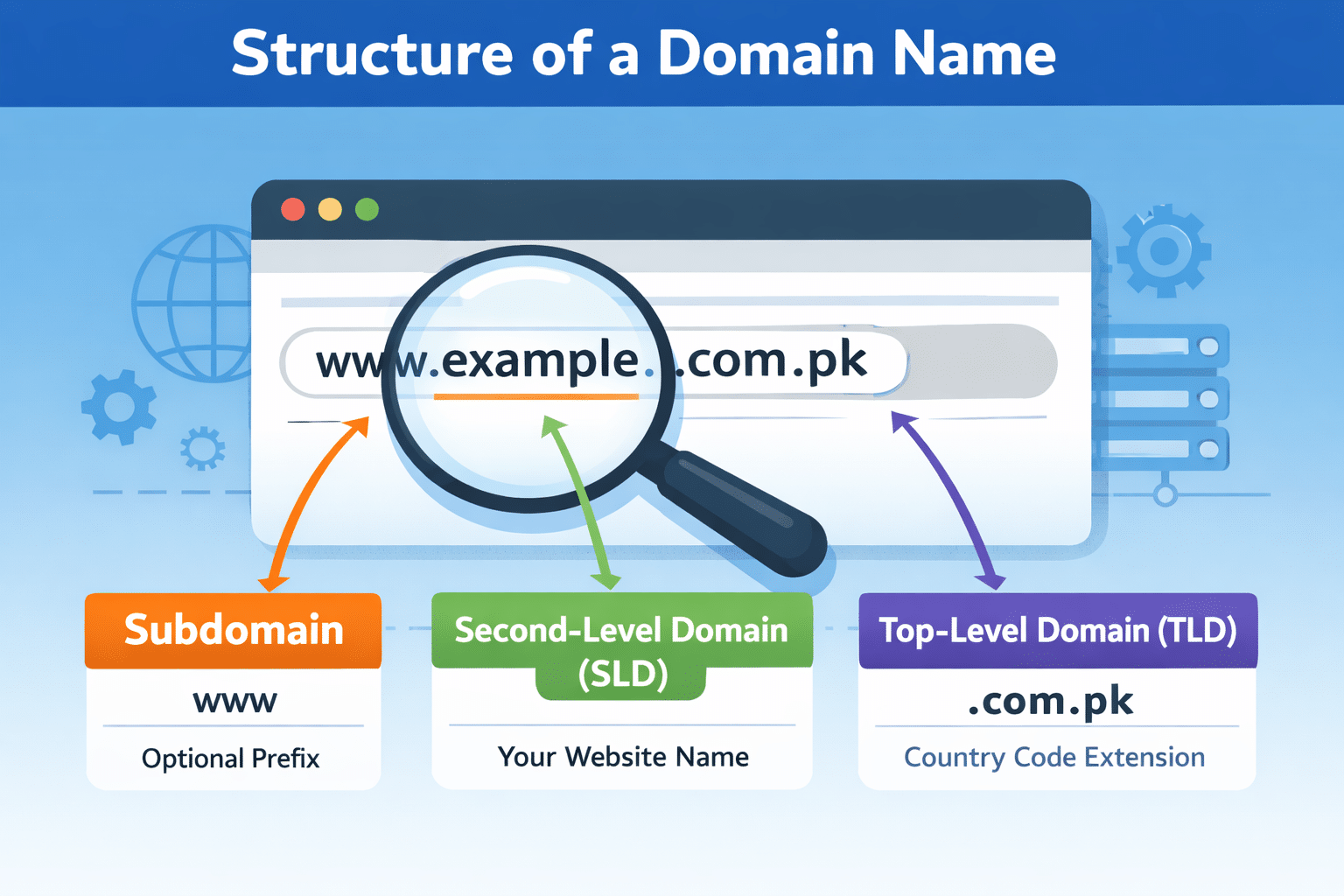
What is TLD (Top-Level Domain)?
TLD is the last part of a domain.
Examples:
- .com
- .net
- .org
- .pk
- .ae
So in creativeon.com:
- .com is the TLD
What is SLD (Second-Level Domain)?
SLD is the main name of the website.
In creativeon.com:
- creativeon = SLD
- .com = TLD
Together they form a full domain name.
How Does It Work? (Step-by-Step)
Now let’s understand the actual journey when you open a website.
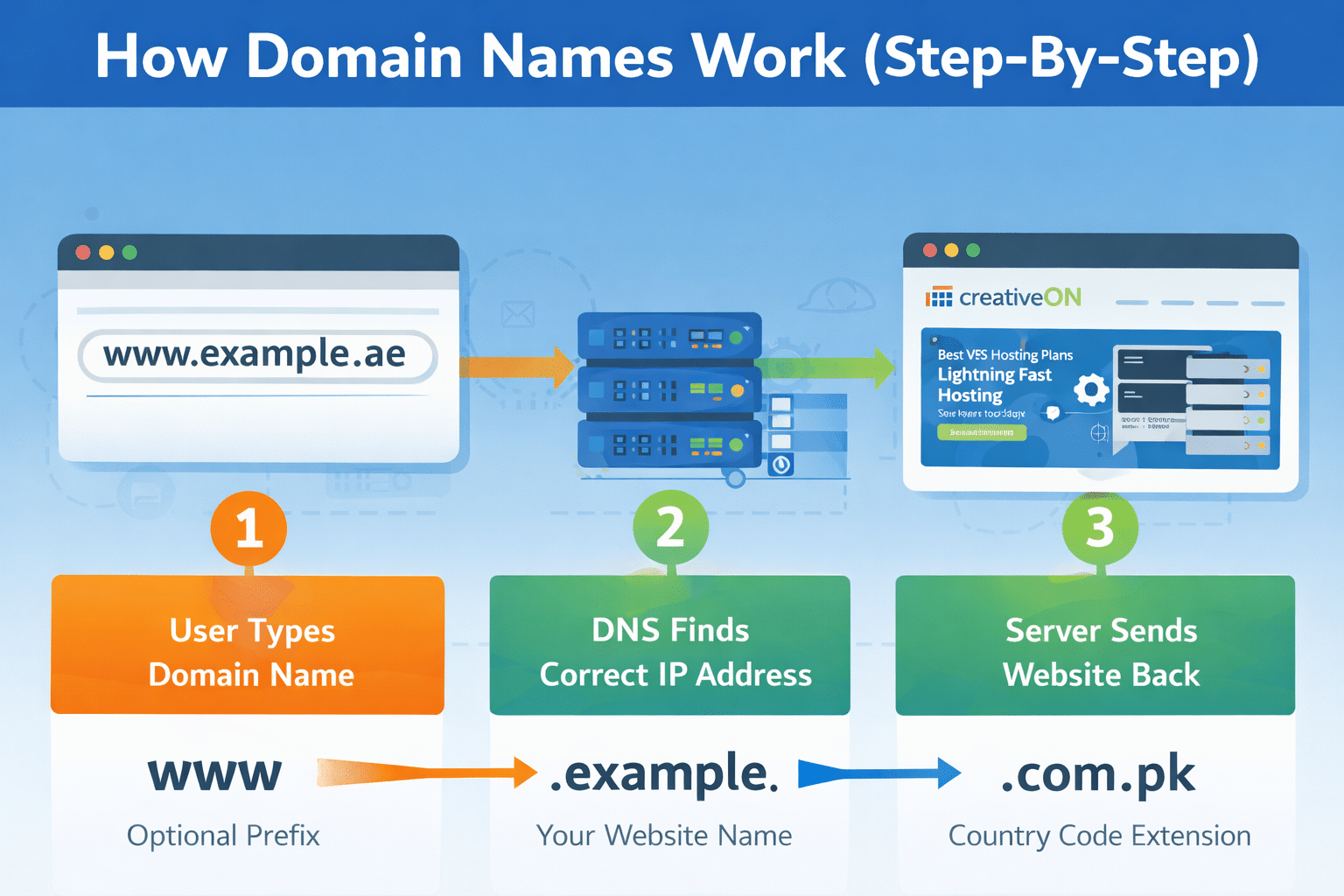
Step 1: You type a domain name
You open your browser and type:
- creativeon.com
Your computer does not yet know where this website is located.
Step 2: Browser asks DNS
Your device sends a request to the DNS system:
👉 “Where is creativeon.com located?”
Step 3: DNS finds the IP address
DNS looks into its records and finds the matching IP address of the server.
Think of it like:
- You ask for a shop name
- The directory tells you the exact address
Step 4: Browser connects to the server
Once DNS gives the IP address, your browser connects directly to that server.
Step 5: Website loads
The server sends back website files:
- text
- images
- design
- code
And the website opens on your screen.
All of this happens in less than a second.
Why DNS and Domains Matter
Without domains and DNS, the internet would be very hard to use.
Here’s why this system is important:
1. Easy to remember websites
Instead of:
- 192.168.0.1
We use:
- creativeon.com
2. Fast access to websites
DNS systems are designed to respond in milliseconds.
3. Global connectivity
DNS works across the world, connecting users to websites anywhere.
4. Scalable internet system
Millions of websites can exist because DNS manages them efficiently.
Real-Life Example (Simple Analogy)
Let’s imagine a real-world scenario:
You want to visit a restaurant
- You don’t know the exact location
- You ask a directory service
- They give you the address
- You travel there
- You reach the restaurant
Now compare:
Real World | Internet |
Restaurant name | Domain name |
Directory service | DNS |
Address | IP address |
Visiting place | Loading website |
So DNS is just like a smart guide that helps you reach the correct destination.
Related Concepts You Should Know
To fully understand how domains work, here are some connected ideas:
1. Web Hosting
This is where the website files are stored.
Without hosting, a domain has nothing to show.
2. DNS Records
These are instructions inside DNS that control routing, such as:
- A Record (IP address)
- CNAME (alias)
- MX Record (email routing)
3. Domain Registration
Domains must be purchased and registered through a registrar.
Example:
- creativeon.com is registered so no one else can use it.
4. Name Servers
These are special servers that connect your domain to DNS settings.
Why This Matters for Website Owners
If you are planning to build a website, understanding DNS helps you:
- Fix website issues faster
- Understand downtime problems
- Manage domain and hosting correctly
- Set up email services
- Connect multiple services like CDN or cloud hosting
Even basic knowledge saves a lot of confusion later.
Conclusion
Domains and DNS are the foundation of how the internet works. A domain is simply the name of your website, while DNS is the system that finds where that website is located.
When you type a website name, DNS quietly does the hard work in the background by translating that name into an IP address and connecting you to the right server.
Once you understand this simple flow, the entire web becomes much easier to understand.
- Domain = name of the website
- DNS = system that finds it
- Hosting = where the website lives
Together, they make every website you visit possible in seconds.