
Finding cheap dedicated servers in Pakistan can be challenging. Hosting providers offer different hardware configurations, bandwidth allowances, management services, and data centre locations, making it difficult to compare their prices.
A low monthly rental does not always mean better value. Some affordable dedicated servers use older processors, limited RAM, or slower storage. Others advertise attractive prices but charge extra for management, control panel licences, and additional services.
Before purchasing, it is important to understand what is included in the package and whether the server meets your requirements.
This guide highlights the most important things to check before buying an affordable dedicated server in Pakistan.
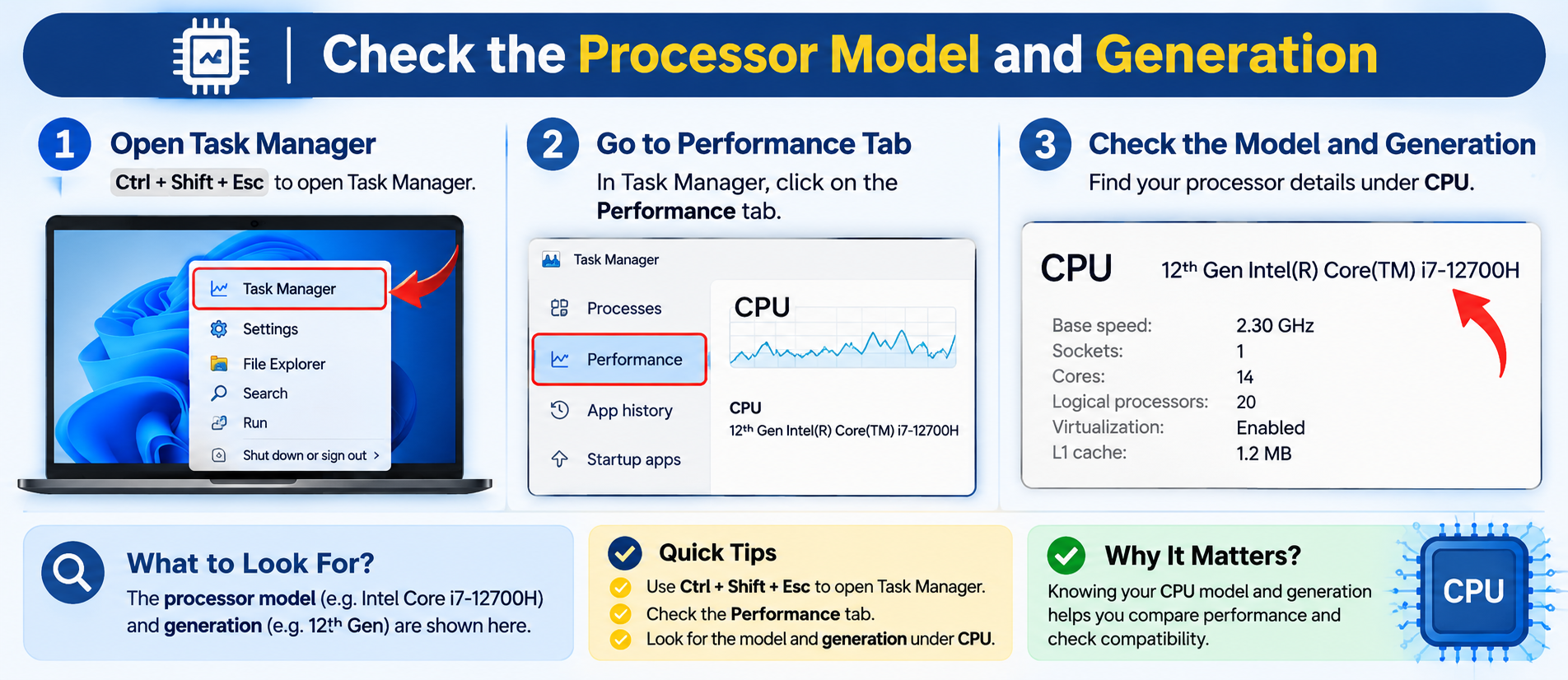
1. Check the Processor Model and Generation
The processor determines how efficiently your dedicated server handles applications, databases, and background processes.
Some cheap dedicated servers use older processors with high core counts but relatively limited performance compared with newer generations.
Before purchasing, check:
- Exact processor model and generation.
- Number of cores and threads.
- Base and maximum clock speeds.
- Virtualization support, if required.
Do not compare processors by core count alone. Search for the exact CPU model and evaluate its performance against your intended workload.
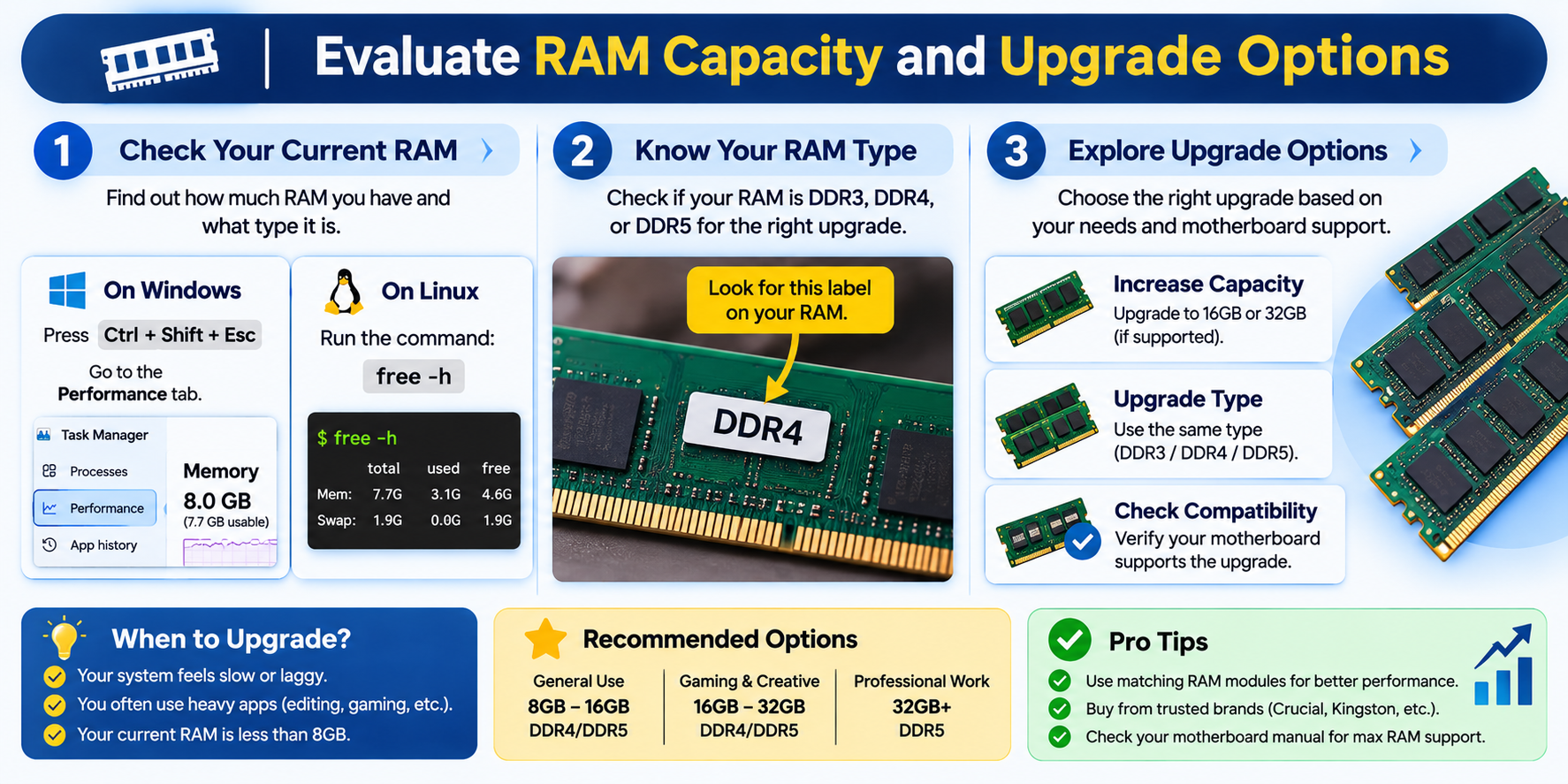
2. Evaluate RAM Capacity and Upgrade Options
Insufficient RAM can cause slow application responses and excessive swapping, particularly when running multiple websites or databases.
Check the following before ordering:
- Total installed RAM.
- DDR4 or DDR5 memory type.
- ECC memory support.
- Maximum supported memory.
- Availability of future upgrades.
Your memory requirements depend on your applications. For example, hosting multiple WordPress websites or running virtual machines may require more RAM than hosting a few basic websites.
Choose a configuration that meets your current requirements while allowing room for future growth.
3. Check Storage Type and RAID Configuration
Storage affects database performance, application responsiveness, and file operations.
Common storage options include:
| Storage | Characteristics |
| HDD | Lower cost, suitable for bulk storage |
| SATA SSD | Faster than traditional HDD storage |
| NVMe SSD | Generally offers higher speed and lower latency |
For modern hosting environments, SSD or NVMe storage is generally preferable.
Also check whether the provider uses enterprise-grade or consumer-grade SSDs, particularly for continuous server workloads.
Understand RAID Configuration
Some dedicated servers include RAID to improve storage availability or performance.
For example:
| RAID configuration | Minimum drives | Usable capacity |
| RAID 1 | 2 | 50% of raw capacity |
| RAID 5 | 3 | Depends on drive count |
| RAID 10 | 4 | Approximately 50% of raw capacity |
Ask the provider which RAID configuration is included and what usable storage capacity you will receive.
Remember that RAID is not a substitute for independent backups.
4. Examine Bandwidth and Network Connectivity
Good network connectivity is essential for websites, ecommerce stores, and business applications.
Do not judge network quality by bandwidth figures alone.
Check these important details:
- Port speed: Is the server connected through a 1 Gbps or 10 Gbps network port?
- Bandwidth allowance: How much monthly data transfer is included?
- Traffic policy: Are there fair-use restrictions or additional bandwidth charges?
- Network connectivity: Does the provider have reliable upstream connectivity?
- DDoS protection: Is network-level protection included?
If your visitors are primarily in Pakistan, evaluate connectivity and routing to Pakistani internet service providers.
A server located outside Pakistan may also perform well for Pakistani users, depending on its network quality.
5. Check IP Address Allocation
IP addresses are another detail worth checking before purchasing.
Ask the provider:
- How many IPv4 addresses are included?
- Is IPv6 available?
- Are additional IPv4 addresses available?
- Are there additional IP address charges?
- Is reverse DNS configuration supported?
Do not assume that additional IP addresses are automatically included in the advertised price.
6. Understand Managed vs Unmanaged Servers
The level of server management can significantly affect the overall cost.
| Feature | Unmanaged | Managed |
| Server administration | Customer | Provider-assisted |
| Security updates | Customer | Depends on package |
| Software configuration | Customer | Depends on package |
| Troubleshooting | Customer | Provider assistance |
| Monitoring | Customer | May be included |
An unmanaged dedicated server is generally cheaper but requires technical knowledge to maintain.
Before purchasing a managed server, confirm whether operating system updates, security hardening, monitoring, and troubleshooting are included.
A provider’s definition of managed hosting may differ from another provider’s service.
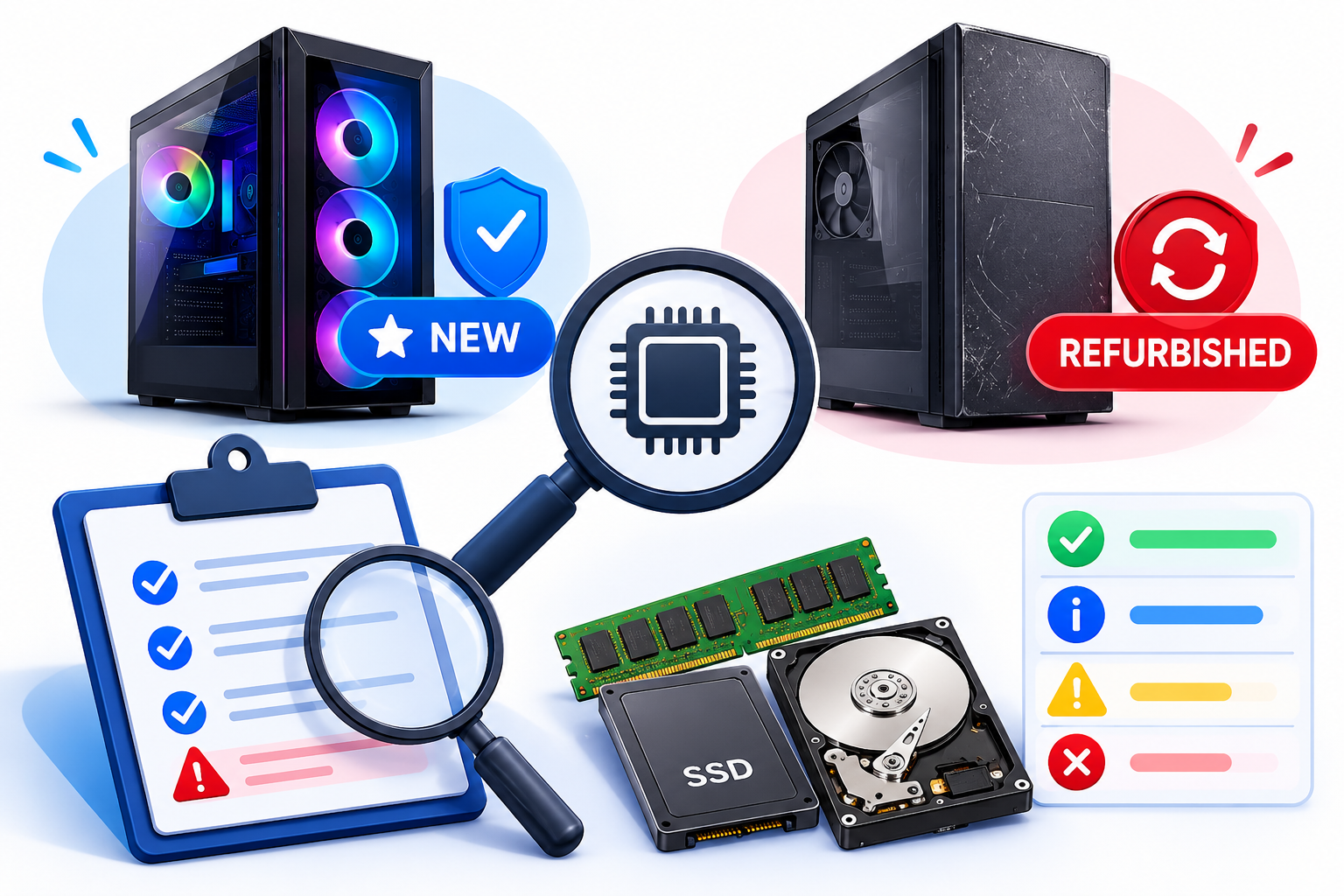
7. Check Whether the Hardware Is New or Refurbished
Some affordable dedicated servers use refurbished or previously deployed hardware.
This does not automatically make them unsuitable, but you should understand their condition before purchasing.
Ask the provider:
- Is the hardware new or refurbished?
- What is the processor generation?
- What is the condition of the storage drives?
- Is hardware replacement included?
- What happens if a component fails?
For business-critical applications, consider the hardware’s expected useful life and the provider’s replacement policy.
8. Verify Server Location and Technical Support
Clarify where the physical server is located. Some providers target Pakistani customers while operating their infrastructure in international data centres.
Consider:
- Actual data centre location.
- Network connectivity.
- Power and cooling infrastructure.
- Hardware replacement arrangements.
- Technical support availability.
- Remote management facilities such as IPMI or KVM.
Also check the provider’s uptime commitments, support response policies, cancellation terms, and service-level agreement.
Reliable technical support can be particularly important when running business-critical applications.
9. Calculate the Total Cost Before Buying
The advertised monthly rental may not include every service you need.
Before ordering, check for additional charges.
| Cost component | What to check |
| Server rental | Monthly or annual price |
| Setup | Initial installation charges |
| Control panel | cPanel or Plesk licence |
| Management | Server administration fees |
| Backups | Additional storage charges |
| IP addresses | Additional IPv4 charges |
| Operating system | Windows Server licensing |
| Bandwidth | Additional traffic charges |
For example, a server with a low advertised rental may become more expensive after adding a control panel licence, managed support, and backup storage.
Compare the total monthly cost rather than focusing only on the starting price.
Common Mistakes to Avoid
Before buying a cheap dedicated server, avoid these common mistakes:
- Choosing a server based only on its advertised price.
- Ignoring processor generation and actual performance.
- Overlooking storage quality and RAID configuration.
- Assuming unmetered bandwidth means unlimited network performance.
- Purchasing unmanaged hosting without the required technical expertise.
- Ignoring hardware replacement and support policies.
- Forgetting additional licensing and management costs.
A little research before purchasing can help prevent unexpected expenses and performance problems later.
Final Checklist Before Ordering
Use this checklist to compare dedicated server offers from different providers.
| Requirement | What to verify |
| Processor | Exact model and generation |
| RAM | Capacity and upgrade options |
| Storage | SSD, NVMe, and RAID |
| Bandwidth | Port speed and monthly allowance |
| IP addresses | IPv4, IPv6, and additional charges |
| Hardware | New or refurbished |
| Location | Actual data centre location |
| Management | Managed or unmanaged |
| Remote access | IPMI or KVM availability |
| Support | Hardware replacement and technical assistance |
| Pricing | Setup, licensing, and additional charges |
Frequently Asked Questions
