
When choosing a dedicated server, the processor configuration can have a significant impact on performance, memory capacity, and overall hardware costs. One common question businesses face is whether to choose a single CPU dedicated server or a dual CPU dedicated server.
Both configurations provide dedicated processing resources, but they are designed to handle different workloads. A single CPU server uses one physical processor, while a dual CPU server uses two physical processors working together.
However, having two processors does not automatically mean twice the performance. Processor generation, core count, clock speed, memory bandwidth, and application requirements all influence actual performance.
Understanding the differences between single CPU vs dual CPU dedicated servers will help you choose a configuration that meets your business requirements without investing in unnecessary hardware.
Quick Answer: Single CPU or Dual CPU Dedicated Server?
The right choice depends on the applications you plan to run and the processing resources they require.
- Choose a single CPU server for business websites, web applications, WordPress hosting, moderate databases, and general-purpose workloads.
- Choose a dual CPU server for large virtualization environments, demanding databases, enterprise applications, and workloads that benefit from additional processing capacity.
A modern single CPU server can outperform an older dual CPU server. Therefore, always compare the actual processor specifications rather than simply counting the number of CPUs.
What Is a Single CPU Dedicated Server?
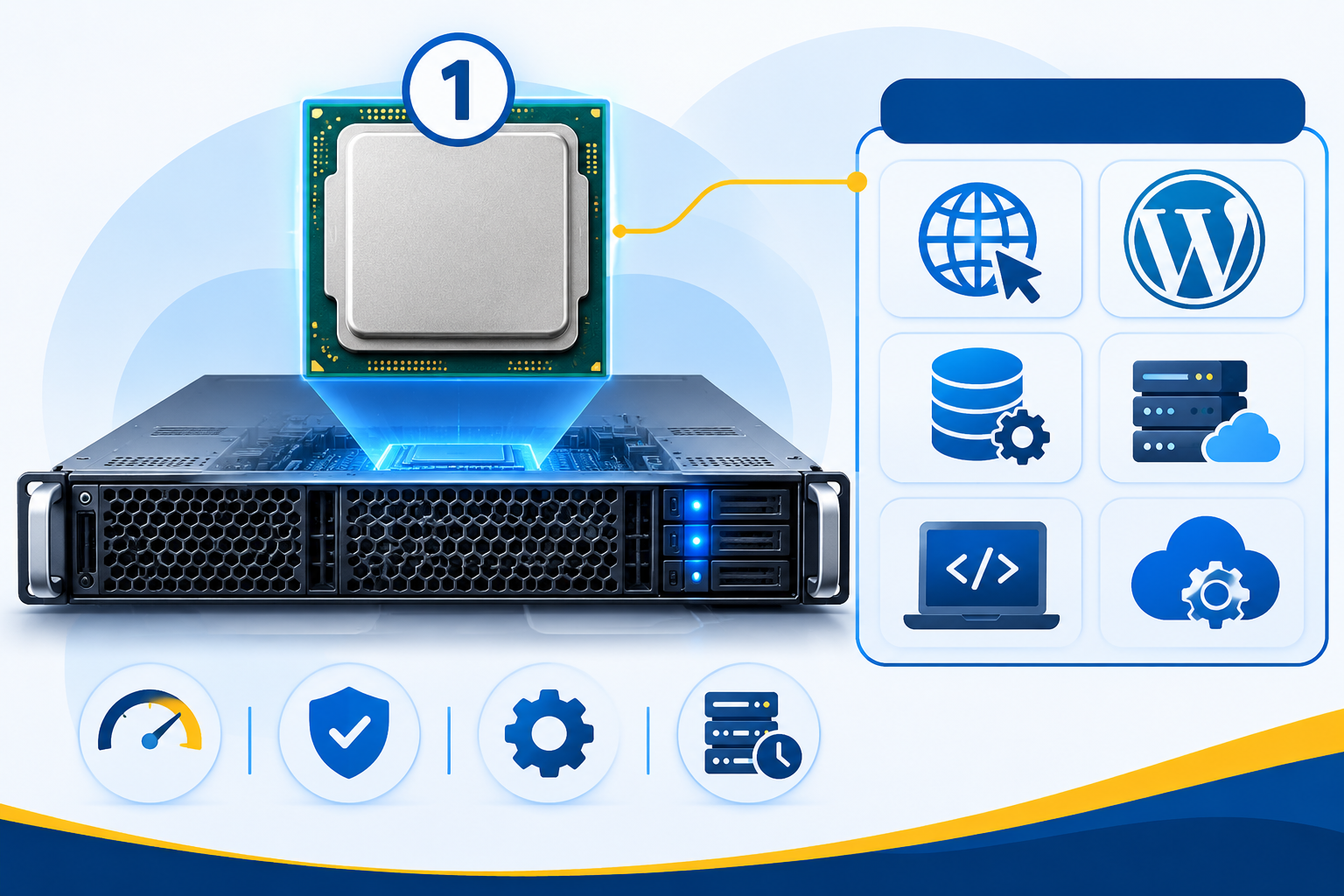
A single CPU dedicated server uses one physical processor installed in a single CPU socket on the motherboard.
Modern server processors can contain multiple cores and support simultaneous multithreading, allowing them to handle several processing tasks at the same time.
For example, a server equipped with a 32-core processor has 32 physical CPU cores. Depending on the processor, it may also support additional logical threads.
This means a single processor can provide substantial processing capacity without requiring a second CPU.
Common applications for single CPU servers include:
- Business websites and web applications.
- WordPress and other content management systems.
- Small and medium-sized databases.
- Application hosting.
- Development and testing environments.
- General-purpose hosting workloads.
- Moderate virtualization environments.
For many businesses, a modern single CPU dedicated server provides sufficient processing power while keeping hardware and operating costs under control.
What Is a Dual CPU Dedicated Server?
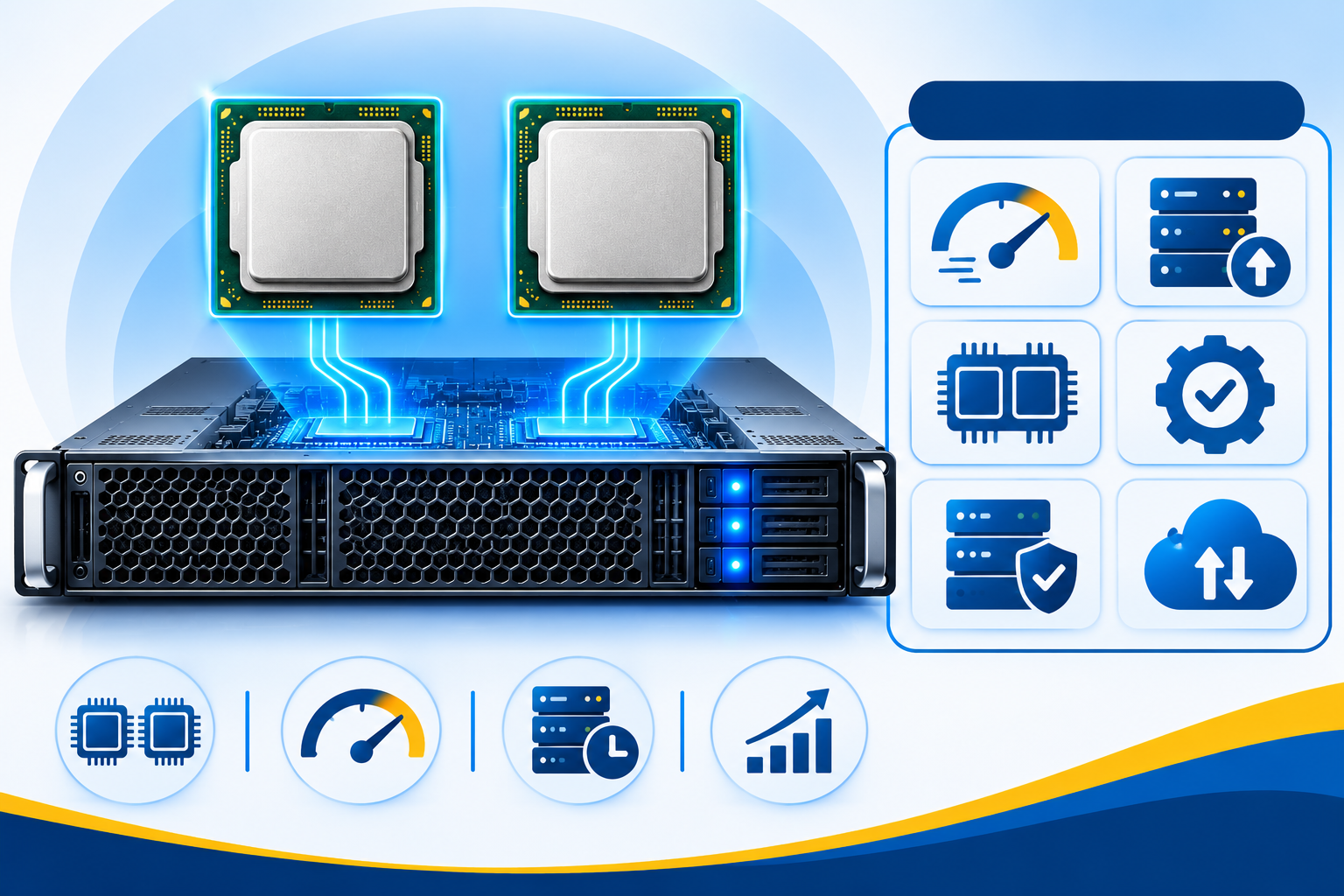
A dual CPU dedicated server contains two physical processors installed in separate CPU sockets on a compatible motherboard.
Both processors work together to handle the server’s workload. Each processor contributes its own cores and processing resources, and the platform may provide additional memory channels and greater total RAM capacity.
For example, a server equipped with two 32-core processors provides 64 physical CPU cores.
This additional processing capacity can be useful for applications that distribute work across multiple CPU cores.
Common applications for dual CPU servers include:
- Large virtualization environments.
- Enterprise database systems.
- Resource-intensive business applications.
- High-traffic web applications.
- Large-scale hosting environments.
- Data processing workloads.
- Applications requiring substantial memory capacity.
Dual CPU configurations are particularly useful when applications can efficiently distribute processing tasks across multiple cores and benefit from the additional memory resources.
Single CPU vs Dual CPU Dedicated Servers: Key Differences
Although both configurations can deliver excellent server performance, they differ in their processing resources, memory architecture, hardware requirements, and operating costs.
| Feature | Single CPU Server | Dual CPU Server |
| Physical processors | 1 | 2 |
| CPU sockets | 1 | 2 |
| CPU cores | Depends on processor | Combined cores of both processors |
| Processing capacity | Depends on CPU specifications | Greater potential parallel processing capacity |
| Memory channels | Depends on processor | Often more combined memory channels |
| Maximum RAM | Platform dependent | Often higher, platform dependent |
| NUMA architecture | Possible | Commonly involves multiple NUMA nodes |
| Power consumption | Generally lower | Generally higher |
| Cooling requirements | Generally lower | Generally higher |
| Hardware cost | Usually lower | Usually higher |
| Virtualization | Suitable for many VM workloads | Useful for larger VM environments |
| Best suited for | General business applications | Demanding enterprise workloads |
Important: These are general comparisons, not universal rules. A high-end single-socket server can offer more cores or memory capacity than an older dual-socket platform.
1. Processing Power: CPU Cores, Threads and Clock Speed
Processing power is one of the most important factors when comparing single and dual CPU dedicated servers.
A single CPU server relies on one physical processor, but that processor can contain many cores. Each core can execute processing instructions, while supported multithreading technologies allow a core to handle multiple logical threads.
A dual CPU server combines the cores of two physical processors.
Consider this example:
| Configuration | Single CPU | Dual CPU |
| Physical processors | 1 | 2 |
| Cores per processor | 32 | 32 |
| Total physical cores | 32 | 64 |
| Installed RAM | 64 GB | 128 GB |
In this example, the dual CPU configuration provides twice the physical cores and twice the installed RAM.
However, this does not guarantee twice the application performance.
Actual performance depends on:
- Processor generation and architecture.
- CPU clock speed and boost frequency.
- Total physical cores and available threads.
- Cache capacity.
- Memory bandwidth.
- Application optimization.
- Workload distribution.
Some applications depend heavily on single-core performance, while others can distribute tasks across many cores.
For example, a newer single CPU processor with higher clock speeds may perform better than two older processors in applications that cannot efficiently use multiple cores.
This is why processor specifications matter more than the number of CPU sockets alone.
2. Memory Capacity, Bandwidth and NUMA Architecture
Memory is another important consideration when selecting a dedicated server.
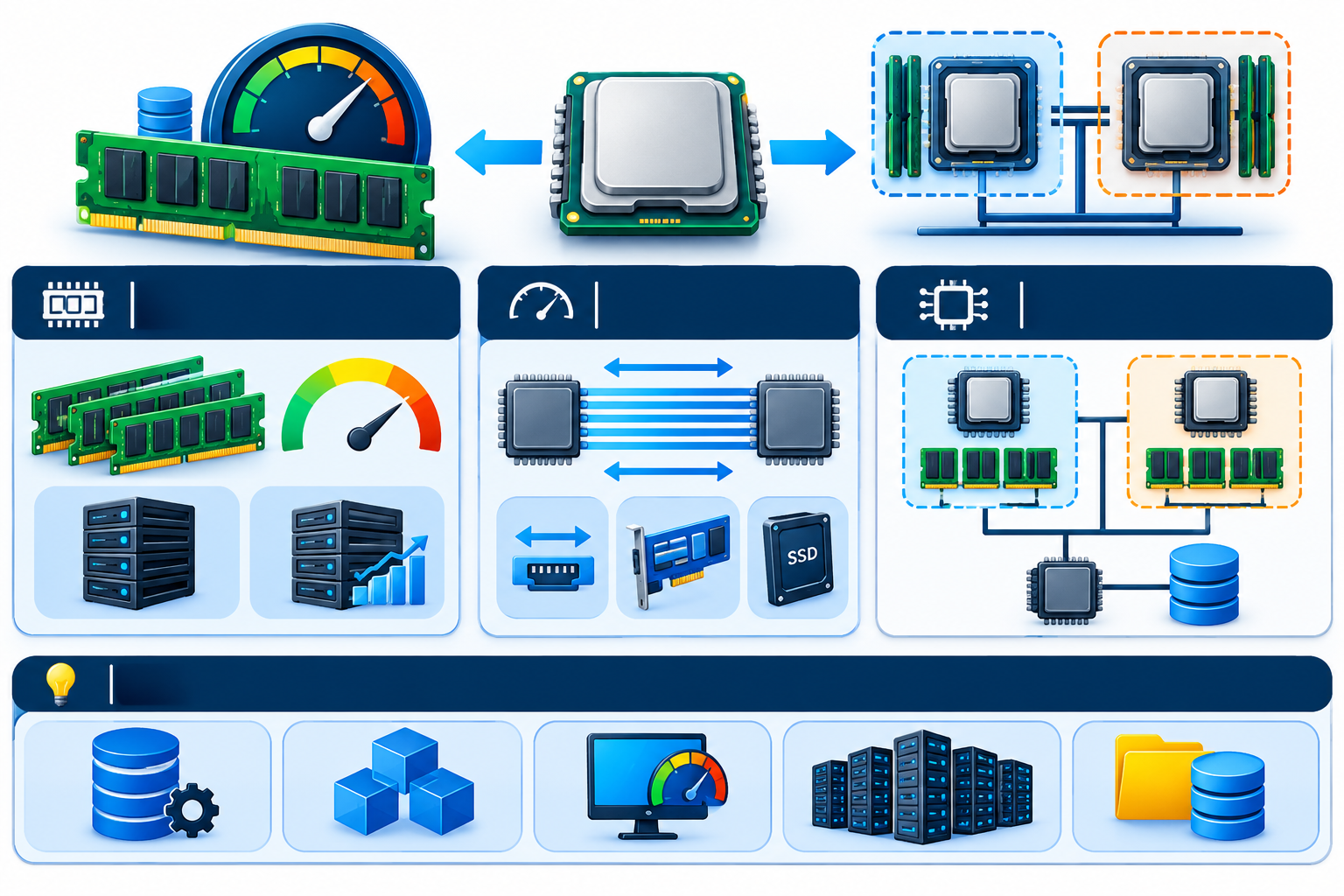
Processors have a limited number of memory channels, which determine how much data can move between the CPU and RAM at a given time.
Dual CPU platforms often provide more combined memory channels and support higher total RAM capacity. However, modern single-socket platforms can also support substantial memory configurations.
Understanding NUMA Architecture
NUMA stands for Non-Uniform Memory Access. It is a memory architecture in which different processors or processor groups have different access paths to memory.
In a dual CPU server, each processor typically has directly attached memory. A processor can access its local memory more efficiently than memory attached to the other processor, which may require communication through an inter-socket connection.
This can introduce additional memory latency.
NUMA considerations are particularly important for:
- Large database applications.
- Virtualization environments.
- Memory-intensive applications.
- High-performance computing.
- Applications handling large datasets.
Proper memory population and workload placement can help improve performance on NUMA-based systems.
It is also worth noting that NUMA is not exclusive to dual CPU servers. Some modern single-socket processors can expose multiple NUMA nodes depending on their architecture and configuration.
3. Performance in Virtualization Environments
Virtualization is one area where dual CPU dedicated servers can offer significant advantages.
A virtualization platform allows multiple virtual machines (VMs) to run on a single physical server. Each VM receives allocated CPU, RAM, storage, and other resources.
A single CPU server can efficiently host multiple virtual machines, provided it has sufficient processing power and memory.
However, when several resource-intensive virtual machines operate simultaneously, additional CPU cores and memory capacity can become valuable.
Single CPU servers are suitable for:
- Small virtualization environments.
- Development and testing VMs.
- Lightweight application hosting.
- Moderate virtual machine workloads.
Dual CPU servers are suitable for:
- Large virtualization environments.
- Multiple resource-intensive virtual machines.
- Enterprise virtualization platforms.
- Workloads requiring substantial CPU and RAM resources.
For example, a hosting provider running numerous virtual servers on one physical machine may benefit from the additional cores and memory channels available on a dual CPU platform.
However, virtualization performance also depends on memory allocation, storage performance, hypervisor configuration, and workload distribution.
Adding a second processor will not automatically solve a performance problem caused by insufficient RAM or slow storage.
4. Power Consumption and Cooling Requirements
Power consumption is another factor to consider when comparing single and dual CPU dedicated servers.
A dual CPU configuration generally consumes more power because it includes an additional processor and may require greater cooling capacity.
Higher power consumption can increase operating costs, particularly in environments where servers run continuously.
Single CPU configurations generally offer:
- Lower overall power consumption.
- Less heat generation.
- Simpler cooling requirements.
- Potentially lower hosting costs.
Dual CPU servers require more power and cooling resources, but the additional processing capacity can justify the expense for demanding applications.
Actual power consumption depends on processor models, workload, memory configuration, storage devices, and other hardware components.
When comparing configurations, consider the total operating cost rather than looking at processor specifications alone.
5. Hardware Cost and Overall Value
Single CPU dedicated servers are generally less expensive because they require one processor and may use a less costly motherboard and cooling configuration.
Dual CPU servers typically involve higher hardware costs due to:
- Two physical processors.
- Dual-socket motherboard requirements.
- Additional memory resources.
- Higher power consumption.
- Greater cooling requirements.
However, a dual CPU server may provide better value when an application requires substantial processing capacity.
For example, hosting multiple demanding virtual machines on one dual CPU server may be more practical than distributing them across several smaller servers, depending on licensing, redundancy, management, and infrastructure requirements.
The best configuration is not necessarily the cheapest or the one with the highest core count. It is the one that delivers the required performance at a reasonable overall cost.
6. CPU Socket and Motherboard Compatibility
An important consideration when selecting or upgrading server hardware is processor compatibility.
Not every server motherboard supports two physical processors. A dual CPU configuration requires a motherboard with two compatible CPU sockets and processors designed to support that platform.
Before selecting or upgrading a server, check:
- Whether the motherboard supports one or two processors.
- Which CPU models are supported.
- Whether both processors must be identical or from an approved compatible family.
- Maximum supported RAM.
- BIOS and firmware requirements.
- Supported memory types and configurations.
Installing a second processor is not always a straightforward upgrade. Some server platforms require specific memory population rules, additional cooling components, and compatible firmware.
If you are planning to upgrade an existing dedicated server, verify the manufacturer’s hardware documentation before purchasing another processor.
When Should You Choose a Single CPU Dedicated Server?
A single CPU dedicated server is a practical choice when your applications do not require the additional processing capacity of two physical processors.
Consider a single CPU configuration if:
- You operate business websites or web applications.
- You run WordPress or other content management systems.
- Your database workloads are moderate.
- You need a server for application hosting.
- You want to control hardware and operating costs.
- Your applications benefit more from higher clock speeds than additional CPU sockets.
For many small and medium-sized businesses, a modern single CPU dedicated server offers sufficient performance without unnecessary hardware expenses.
When Should You Choose a Dual CPU Dedicated Server?
A dual CPU dedicated server is worth considering when your workloads require substantial parallel processing capacity, higher memory capacity, or support for a large number of virtual machines.
Consider a dual CPU configuration if:
- You operate a large virtualization environment.
- Your applications can efficiently use many CPU cores.
- You manage large database systems.
- You run multiple demanding business applications.
- Your workload requires high memory capacity and bandwidth.
- You need a platform designed for demanding enterprise workloads.
Before choosing dual CPU hardware, check whether your software can effectively utilize multiple processors. Otherwise, you may pay for processing resources that your applications cannot fully use.
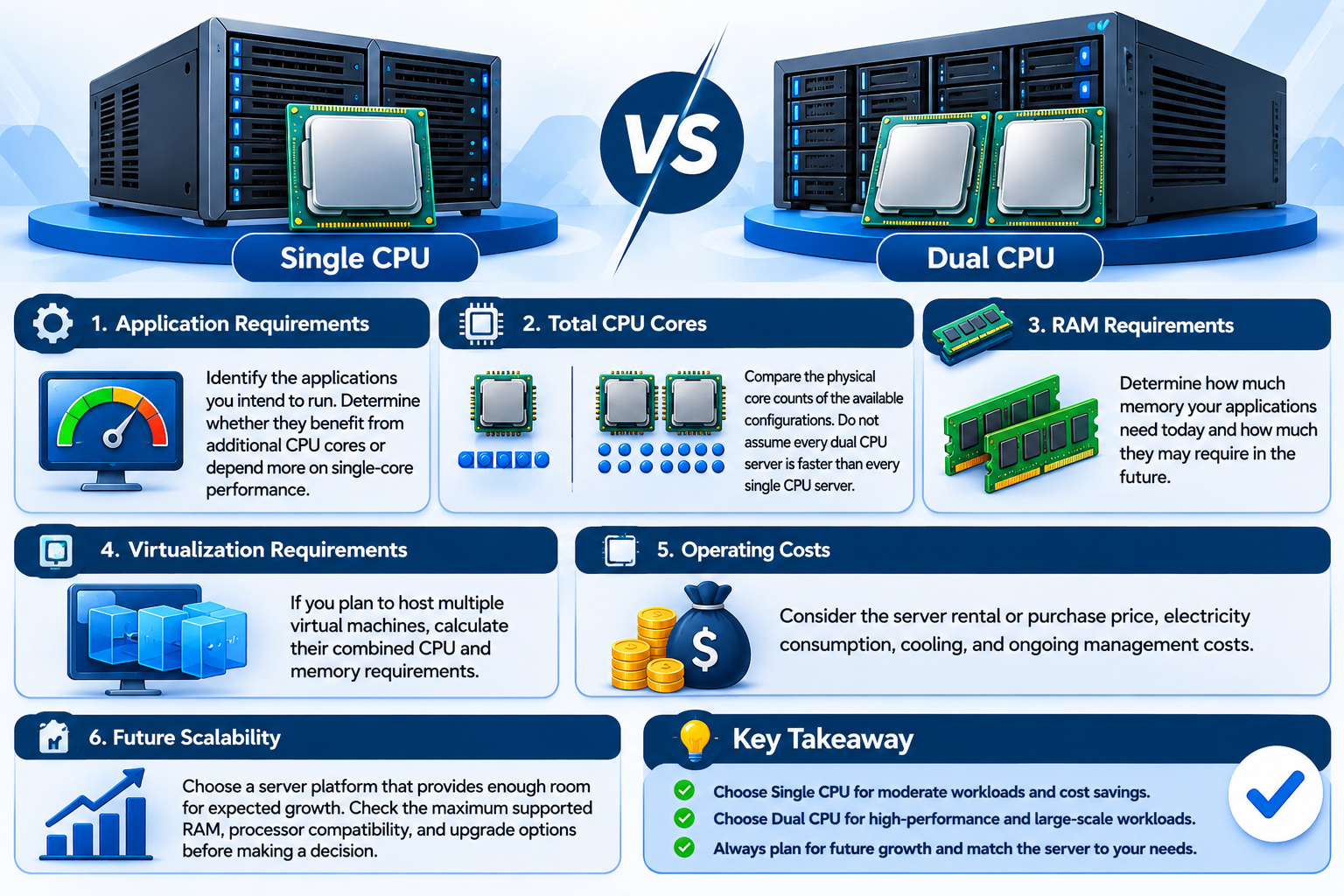
How to Choose Between Single CPU and Dual CPU Servers
Before selecting a dedicated server configuration, evaluate your workload instead of focusing only on the number of processors.
Consider these factors:
1. Application requirements
Identify the applications you intend to run. Determine whether they benefit from additional CPU cores or depend more on single-core performance.
2. Total CPU cores
Compare the physical core counts of the available configurations. Do not assume every dual CPU server is faster than every single CPU server.
3. RAM requirements
Determine how much memory your applications need today and how much they may require in the future.
4. Virtualization requirements
If you plan to host multiple virtual machines, calculate their combined CPU and memory requirements.
5. Operating costs
Consider the server rental or purchase price, electricity consumption, cooling, and ongoing management costs.
6. Future scalability
Choose a server platform that provides enough room for expected growth. Check the maximum supported RAM, processor compatibility, and upgrade options before making a decision.
Frequently Asked Questions
