
Docker is an open platform that helps developers build, package, distribute, and run applications inside isolated environments called containers. It packages an application with the components and dependencies it needs, making it easier to run consistently across development computers, VPS servers, and cloud infrastructure.
For example, an application developed on a local computer may require a particular version of Python, PHP, or Node.js. When the application is moved to another server, differences in software versions and configurations can cause problems. Docker helps reduce these issues by providing a consistent application environment.
Docker is widely used in modern software development, application deployment, testing, and server management. Understanding Docker is particularly useful for developers and system administrators working with Linux servers and VPS hosting.
Why Was Docker Introduced?
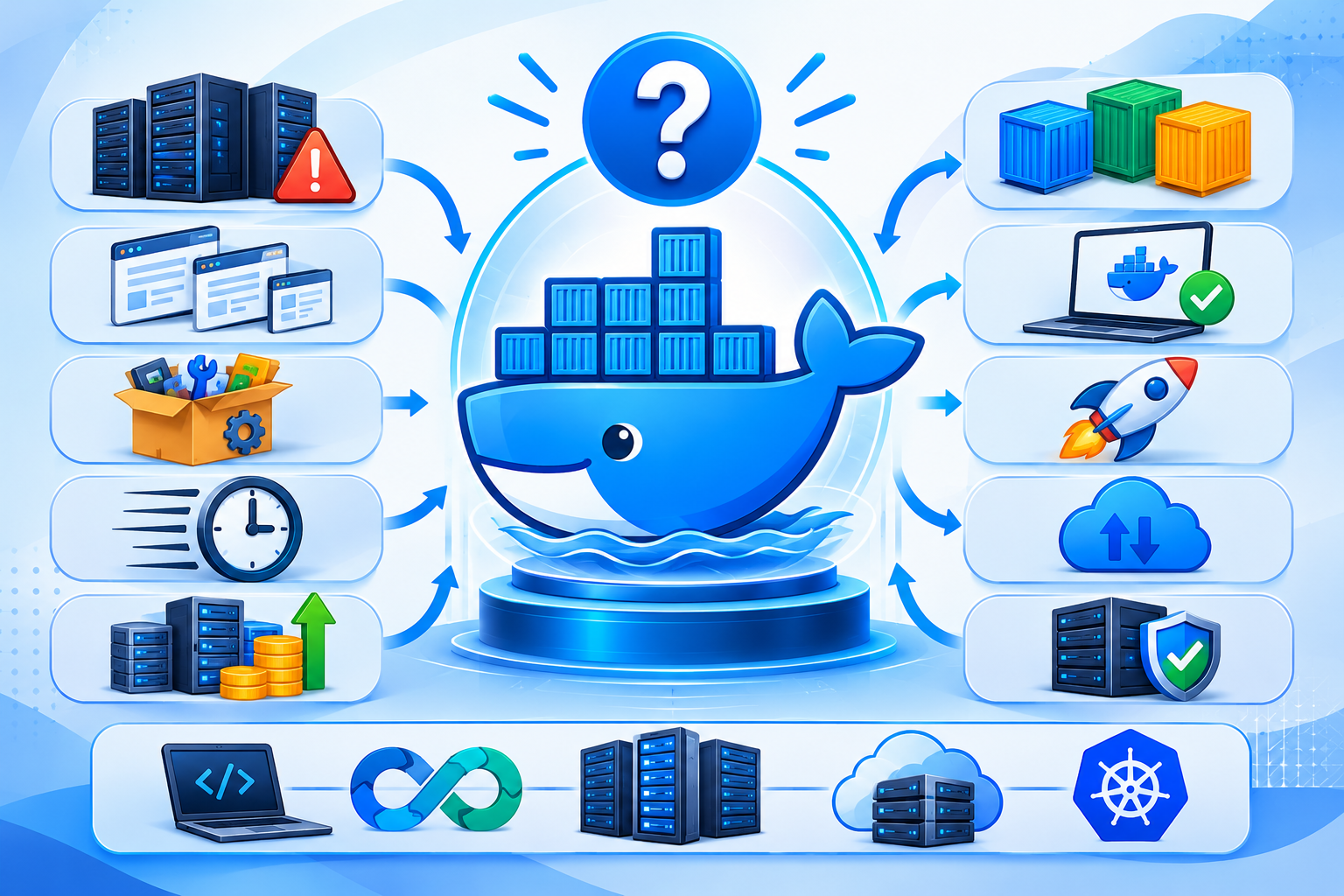
One common problem in software development is that an application may work correctly on one computer but fail when deployed to another environment.
This often happens because different systems have different:
- Operating system configurations.
- Programming language versions.
- Software libraries and dependencies.
- Application settings.
- Runtime environments.
For example, a web application might require PHP 8.3, while another application on the same server depends on a different PHP version. Managing these requirements directly on the host operating system can become complicated.
Docker addresses this problem by packaging applications and their required dependencies into container images.
This makes it easier to maintain consistent environments during development, testing, and production deployment.
How Does Docker Work?
Docker uses containerization technology to run applications inside isolated environments.
Instead of installing and configuring every application dependency directly on the server, developers create Docker images containing the application and its required components.
These images are then used to create and run containers.
The basic process works as follows:
- Develop an application: Write the application and identify its software requirements.
- Create a Dockerfile: Define the instructions needed to prepare the application environment.
- Build a Docker image: Docker uses the Dockerfile to create an image containing the application and its dependencies.
- Store or distribute the image: Upload the image to a container registry or keep it locally.
- Create a container: Use the image to create a container.
- Run the application: Start the container so the application can execute in its isolated environment.
Docker makes it easier to move applications between compatible environments without manually recreating their entire software configuration.
What Are the Main Components of Docker?
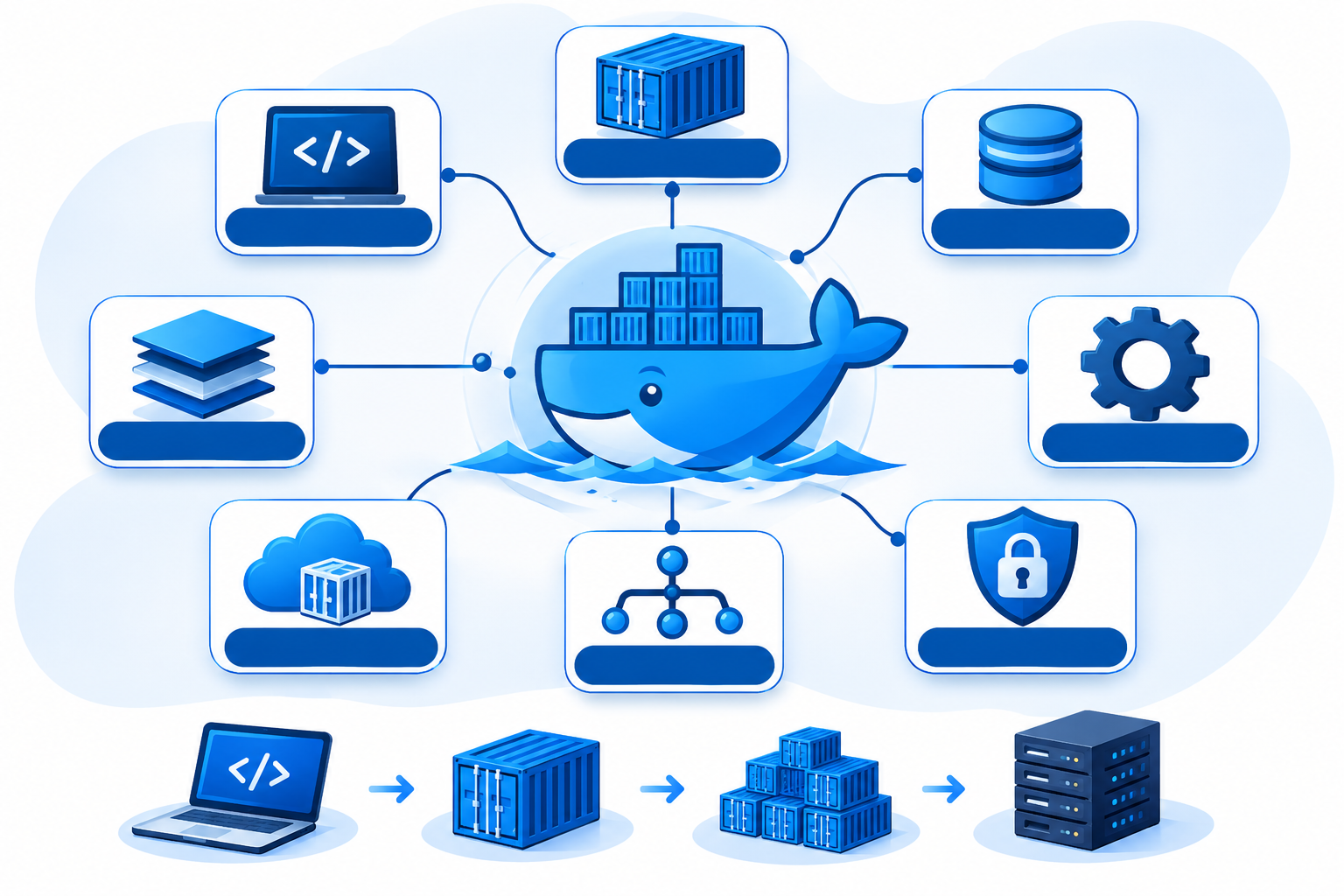
Docker uses several components to build, distribute, and manage containers. Understanding these basic concepts helps explain how the platform works.
1. Docker Image
A Docker image is a read-only template used to create containers.
It contains the application code, runtime, libraries, dependencies, and configuration required to start an application.
For example, a Docker image might include:
- A Linux-based base image.
- A specific version of Python.
- Required Python libraries.
- Application source code.
- Instructions for starting the application.
Developers can create images using Dockerfiles or download existing images from container registries.
2. Docker Container
A Docker container is a runnable instance of a Docker image.
It provides an isolated environment in which an application can execute. Containers can be created, started, stopped, restarted, and removed independently.
For example, a developer can run a web application in one container and its database in another.
Containers are generally lightweight compared with virtual machines because they share the host operating system kernel rather than requiring a complete guest operating system for each instance.
3. Dockerfile
A Dockerfile is a text file containing instructions for building a Docker image.
It defines the base image, application files, dependencies, configuration, and commands needed to prepare the application environment.
Developers use Dockerfiles to make image creation repeatable and consistent.
4. Docker Engine
Docker Engine is the core open-source containerization technology responsible for building and running containers.
It uses a client-server architecture with three main components:
- Docker Daemon: A background service called dockerd that manages images, containers, networks, and volumes.
- Docker Client: The command-line interface (CLI) that allows users to send commands to Docker Engine.
- Docker API: The interface through which the client and other applications communicate with the Docker daemon.
For example, when a user executes a Docker command, the client sends the request to the daemon, which performs the requested operation.
5. Docker Registry
A Docker registry is a service that stores and distributes Docker images.
Developers can upload images to a registry and download them when needed.
Common examples include:
- Docker Hub.
- GitHub Container Registry.
- Amazon Elastic Container Registry (ECR).
- Google Artifact Registry.
Docker Hub is a commonly used public registry for finding and sharing container images.
6. Docker Volume
A Docker volume is a storage mechanism that allows application data to persist independently of a container’s lifecycle.
By default, files written inside a container are stored in its writable layer. When the container is removed, changes stored only in that layer are lost.
Volumes provide a way to keep important data outside the container.
For example, a database running inside a Docker container can use a volume to preserve its database files even when the container is replaced.
Docker volumes are particularly useful for:
- Database storage.
- Application uploads.
- Persistent application data.
- Data that needs to be shared between containers.
This is important when deploying applications that must retain information after container replacement.
How Do Docker Components Work Together?
The different Docker components work together to build and run applications.
Consider a developer deploying a web application:
- The developer writes a Dockerfile describing the application environment.
- Docker Engine builds an image using those instructions.
- The image is stored locally or uploaded to a registry.
- Docker uses the image to create a container.
- The container runs the application.
- Volumes can provide persistent storage when the application needs to retain data.
This workflow helps developers distribute and deploy applications without manually configuring every environment.
What Is the Difference Between Docker Images and Containers?
Docker images and containers are closely related, but they serve different purposes.
An image is the template, while a container is the runnable instance created from that template.
| Docker Image | Docker Container |
| Read-only template | Runnable instance |
| Used to create containers | Runs applications |
| Can be stored in a registry | Runs on a container host |
| Contains application files and dependencies | Uses the image and runtime configuration |
| Can create multiple containers | Has its own runtime state |
For example, a developer can use one Docker image to create multiple containers running the same application.
This makes it easier to maintain consistent application environments.
Docker vs Virtual Machines: What Is the Difference?
Docker containers and virtual machines both provide ways to isolate applications and workloads, but they use different technologies.
A virtual machine runs a complete guest operating system on virtualized hardware, usually managed by a hypervisor.
Docker containers isolate application processes while sharing the host operating system kernel.
The basic architectural difference is:
- Virtual machines: Each virtual machine has its own guest operating system.
- Docker containers: Containers share the host kernel while maintaining separate application environments.
| Feature | Docker Containers | Virtual Machines |
| Operating system | Share the host kernel | Run a guest OS kernel |
| Resource overhead | Generally lower | Generally higher |
| Startup time | Usually faster | Usually slower |
| Isolation | Process and namespace-based isolation | Hardware virtualization |
| Portability | Portable container images | Portable VM images, subject to compatibility |
| Typical use | Application deployment | Full operating system environments |
Docker containers generally require fewer resources than virtual machines, although actual performance depends on the workload and configuration.
It is also important to understand that Docker and virtual machines are not competing technologies in every situation. Docker can run inside a virtual machine, including a Linux VPS.
What Are the Benefits of Using Docker?
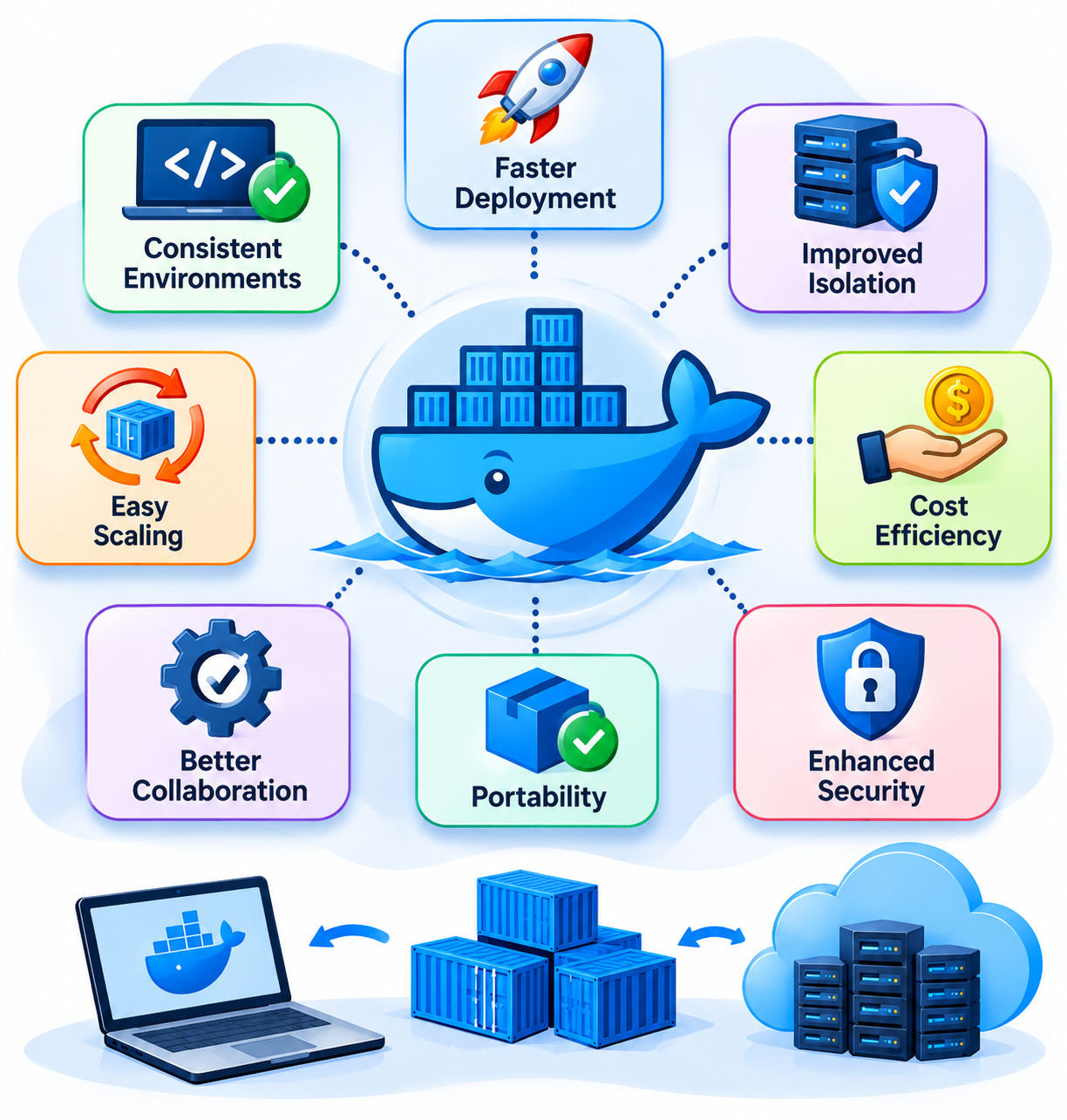
Docker provides several advantages for developers and organizations managing applications.
Consistent Application Environments
Docker packages applications with their dependencies, reducing differences between development, testing, and production environments.
Efficient Resource Utilization
Containers share the host operating system kernel, so they generally require fewer resources than running a separate virtual machine for every application.
Application Portability
Docker images can be moved between compatible environments, including development computers, VPS servers, data centers, and cloud platforms.
Application Isolation
Containers provide separate application environments, helping reduce conflicts between software dependencies and configurations.
Simplified Deployment
Developers can distribute application images instead of manually configuring every deployment environment.
Easier Application Scaling
Applications can run in multiple containers when additional instances are required. Container orchestration tools can help manage larger deployments.
Where Is Docker Used?
Docker is used across different stages of software development and application deployment.
Common use cases include:
- Web application hosting: Running websites, APIs, and backend applications in containers.
- Development environments: Providing developers with consistent software configurations.
- Database environments: Running database services in isolated containers with appropriate persistent storage.
- Software testing: Creating repeatable environments for application testing.
- Microservices: Running individual application services in separate containers.
- Cloud deployment: Packaging applications for deployment across supported cloud infrastructure.
Docker is particularly useful when applications have different software requirements or need to be deployed across multiple environments.
Can You Use Docker on a VPS Server?
Yes. Docker Engine can run on supported Linux VPS servers, provided the operating system and server configuration meet its requirements.
A VPS provides virtualized server resources, while Docker allows administrators to run applications inside containers on that server.
For example, a Linux VPS could host:
- An Nginx container for web traffic.
- A Node.js container for a backend application.
- A MySQL container for database services.
- Additional containers for supporting application services.
Each service can have its own dependencies and configuration.
However, choosing a suitable VPS requires considering several factors:
- RAM: Enough memory to run the operating system and required containers.
- CPU: Sufficient processing power for application workloads.
- Storage: Adequate SSD capacity for images, application files, and persistent data.
- Operating system: A supported Linux distribution and compatible kernel.
- Network: Sufficient connectivity and bandwidth for application traffic.
Running multiple containers can increase resource consumption. Therefore, server capacity should be selected according to the actual workload rather than the number of containers alone.
Is Docker Secure? Important Considerations
Docker provides isolation features, but containers should not automatically be considered completely secure.
Their security depends on how Docker, the host operating system, container images, and application permissions are configured.
Administrators should follow these basic practices:
- Use trusted images: Download images from reliable publishers and keep them updated.
- Avoid unnecessary privileges: Do not run containers with elevated permissions unless required.
- Restrict Docker daemon access: Only trusted users should be allowed to control Docker.
- Protect persistent data: Configure appropriate storage permissions and regular backups.
- Monitor resource usage: Prevent applications from consuming excessive server resources.
- Keep software updated: Apply relevant security updates to Docker Engine, container images, and the host operating system.
Docker also supports rootless mode, which allows the daemon and containers to run without root privileges, subject to its system requirements.
For VPS administrators, proper server security remains essential even when applications are running inside containers.
What Are the Limitations of Docker?
Although Docker offers several advantages, it is not the ideal solution for every situation.
Some important limitations and considerations include:
- Kernel dependency: Containers generally share the host operating system kernel, so they do not provide the same operating system independence as virtual machines.
- Security configuration: Containers require appropriate permissions, isolation, image security, and network configuration.
- Persistent storage: Data that must survive container replacement needs appropriate persistent storage.
- Resource management: Running too many containers can exhaust available server resources.
- Learning curve: Administrators need to understand images, containers, networking, storage, and container management.
Docker simplifies application deployment, but it does not eliminate the need for proper server administration.
Frequently Asked Questions About Docker
