
Choosing between dedicated server vs VPS hosting depends on your website’s resource requirements, budget, traffic, and management needs. Both hosting options provide more control than traditional shared hosting, but they differ in hardware access, resource allocation, scalability, and cost.
Choose VPS hosting if you need an affordable, flexible server for a growing website or application. Choose a dedicated server if your workload requires an entire physical machine, substantial computing capacity, or specific hardware configurations.
For businesses comparing VPS vs dedicated server hosting in Pakistan, the right decision depends on your actual workload—not simply which server has more resources on paper.
This guide explains the key differences, when each option makes sense, and how to determine whether your current hosting environment needs an upgrade.
Dedicated Server vs VPS Hosting: Key Differences
A dedicated server is a physical machine assigned exclusively to one customer. A Virtual Private Server (VPS) is a virtual machine created on a physical server using virtualization technology.
The main difference is that a dedicated server provides an entire physical machine, while a VPS provides an isolated virtual environment with an allocated share of the underlying hardware.
| Feature | VPS Hosting | Dedicated Server |
| Infrastructure | Virtual machine on physical hardware | Entire physical machine |
| CPU resources | Shared or dedicated vCPU, depending on the plan | Physical CPU resources dedicated to your server |
| RAM | Defined allocation | Available physical memory assigned to your workloads |
| Storage | Allocated virtual storage | Dedicated storage configuration |
| Performance | Suitable for many small and medium workloads | Better suited to workloads requiring substantial, sustained resources |
| Cost | Generally more affordable | Generally more expensive |
| Scalability | Often easier to upgrade to a larger plan | May require hardware upgrades or additional servers |
| Hardware control | Limited by the virtualization environment | Greater hardware-level control |
| Isolation | Virtual isolation | Physical server isolation |
| Management | Managed and unmanaged options may be available | Managed and unmanaged options may be available |
Actual performance, resource guarantees, and upgrade options depend on the hosting provider, server configuration, and service plan.
1. Performance and CPU Resource Allocation
Performance is one of the most important factors when comparing VPS hosting with dedicated server hosting.
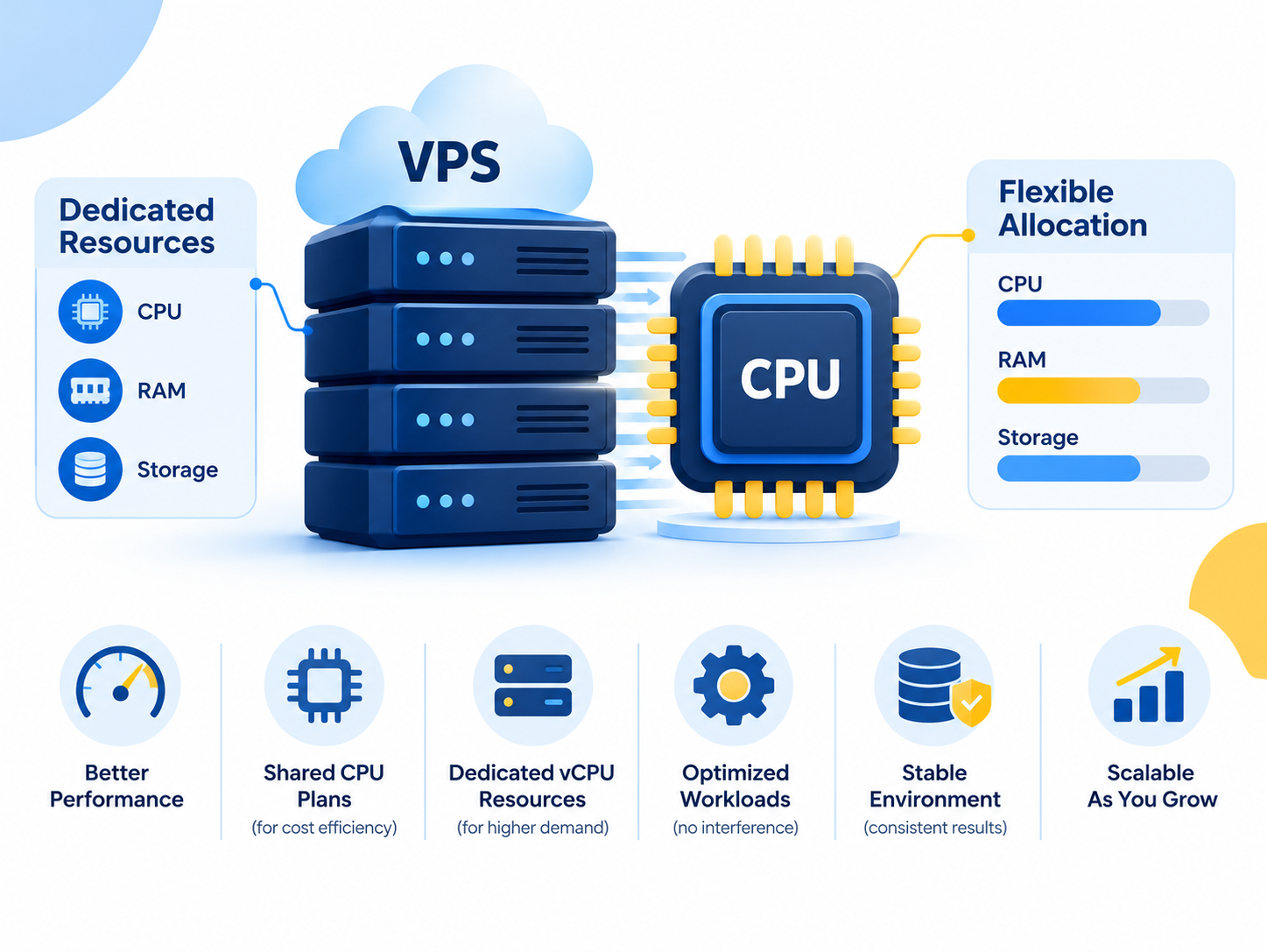
A VPS receives a defined allocation of resources, but CPU allocation can vary between providers. Some VPS plans use shared CPU capacity, while others offer dedicated vCPU resources. These differences can affect performance when workloads become demanding.
A dedicated server provides physical CPU resources for your own workloads, along with the machine’s available RAM and storage capacity. This can be beneficial for applications that need sustained processing power or substantial memory.
However, a dedicated server is not automatically faster for every application. Software optimization, storage performance, database queries, caching, and network quality also influence the results.
VPS hosting may be suitable when:
- Your website receives moderate or steadily growing traffic.
- Your applications fit comfortably within the available CPU and RAM allocation.
- You need an isolated environment for business websites or applications.
- Your workload does not require specialized hardware.
A dedicated server may be more suitable when:
- Your applications consistently require substantial CPU or memory resources.
- You run demanding databases or several resource-intensive websites.
- You need specific storage configurations or greater hardware control.
- Your workload requires predictable access to the physical machine’s resources.
Before upgrading, check whether your VPS uses shared or dedicated CPU resources. A VPS with suitable dedicated resources may meet your requirements without the expense of an entire physical server.
2. VPS Hosting vs Dedicated Server Cost
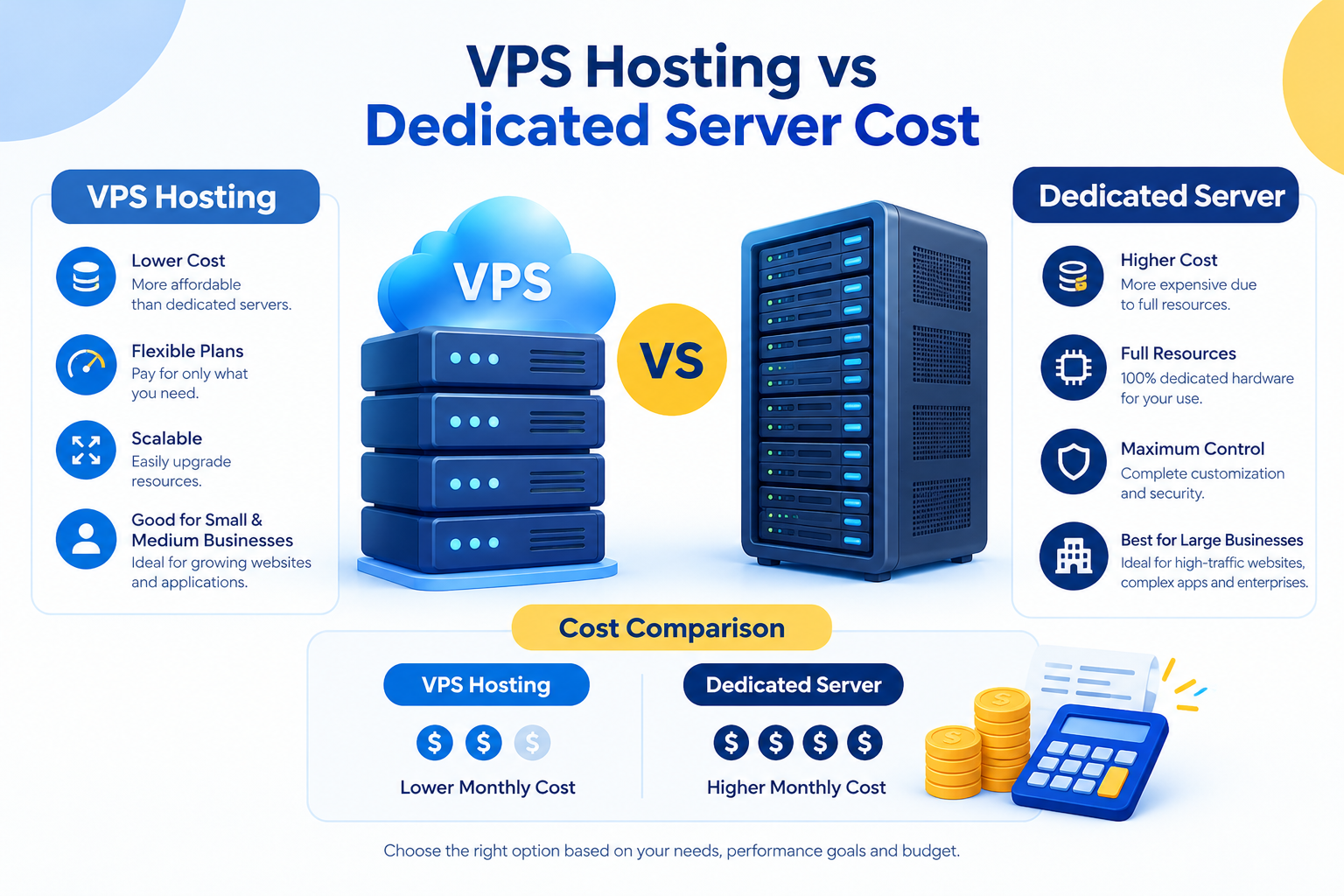
VPS hosting is generally less expensive because you pay for an allocated portion of a physical server rather than an entire machine.
This makes VPS hosting attractive to startups, small businesses, developers, and organizations that need greater control without committing to dedicated hardware.
Dedicated server hosting usually costs more because the service includes an entire physical machine and its associated infrastructure.
However, the monthly hosting price does not tell the whole story. Compare the complete cost of running your workload.
Consider these factors when comparing dedicated server and VPS prices in Pakistan:
- CPU and RAM: Does the plan provide enough resources for your applications?
- Storage: Do you need SSD or NVMe storage, additional capacity, or a particular RAID configuration?
- Management: Are operating system updates, security maintenance, and troubleshooting included?
- Software licenses: Will you need cPanel, Windows Server, or other paid software?
- Backups and security: Are backup services and additional security features included or charged separately?
- Future upgrades: How much will it cost to accommodate increasing traffic or resource requirements?
A VPS generally offers better value for smaller workloads. A dedicated server may provide better overall value when your applications require more resources than a single VPS plan can reasonably provide.
Compare actual specifications and included services rather than choosing solely by the lowest advertised price.
3. Scalability and Future Growth
Your hosting environment should accommodate business growth without unnecessary cost or disruption.
VPS hosting often provides a straightforward upgrade path. Depending on the provider, you may be able to increase CPU, RAM, or storage by moving to a larger plan.
This flexibility makes VPS hosting a practical choice for businesses with changing traffic levels or uncertain future resource requirements.
Scaling a dedicated server can involve upgrading hardware, provisioning a replacement machine, or adding more servers. These changes may require additional planning and migration work.
A dedicated server can still support substantial growth, particularly when combined with load balancing or a multi-server architecture.
A practical approach: Start with a VPS when your workload fits within available plans and you want flexibility. Consider a dedicated server when measured resource requirements, hardware needs, or performance constraints justify the additional cost.
Do not upgrade simply because your website is growing. First determine whether your current server is actually running out of resources.
4. Security, Isolation, and Server Control
Both VPS hosting and dedicated servers can provide secure hosting environments when properly configured and maintained.
A VPS provides an isolated virtual environment where you can manage the operating system, applications, user accounts, and security settings permitted by your plan. However, the underlying physical hardware remains shared with other virtual machines.
A dedicated server provides physical hardware dedicated to your organization. This can be useful when your applications require physical server isolation or greater control over hardware configuration.
Neither option guarantees security by itself.
Whichever hosting environment you choose, you should:
- Keep the operating system and applications updated.
- Restrict administrative access and use strong authentication.
- Configure an appropriate firewall.
- Maintain independent backups and test recovery procedures.
- Monitor server activity, resource usage, and suspicious behavior.
If your business has specific compliance or isolation requirements, confirm that the provider’s infrastructure and service arrangements meet those requirements. Dedicated hardware alone does not guarantee regulatory compliance.
For additional protection, see CreativeON’s relevant Dedicated Server Security resources.

5. Server Management and Technical Expertise
Your technical requirements and available expertise can be just as important as server performance.
With unmanaged VPS hosting, you may be responsible for operating system maintenance, application installation, security configuration, monitoring, and troubleshooting.
An unmanaged dedicated server can require similar administrative work, with additional hardware-level considerations.
Managed hosting may reduce this workload, but the scope of support varies between providers and service plans.
Before choosing a hosting package, confirm whether it includes:
- Operating system installation and updates.
- Server monitoring and troubleshooting.
- Security patching and firewall management.
- Backup configuration and recovery assistance.
- Control panel and application support.
- Hardware replacement and infrastructure support.
For businesses without an in-house system administrator, a managed VPS may be a practical starting point. Organizations that require dedicated hardware can consider managed dedicated server hosting instead.
The key is to understand which responsibilities belong to your team and which are covered by the hosting provider.
When Should You Choose VPS Hosting?
VPS hosting is a strong starting point when you need more control and resources than shared hosting provides, but do not need an entire physical server.
Consider a VPS if you:
- Run a business website, WordPress website, or growing online store.
- Host applications that fit within a defined resource allocation.
- Need root or administrator access.
- Want a relatively affordable hosting environment.
- Need an upgrade path as your business grows.
- Operate development, staging, or testing environments.
For many small and medium-sized businesses, VPS hosting provides a useful balance of cost, flexibility, and control.
However, check the plan’s CPU allocation, RAM limits, storage performance, and resource policies before purchasing. Two VPS plans with similar advertised specifications may behave differently under demanding workloads.
When Should You Choose a Dedicated Server?
A dedicated server becomes worth considering when your workload requires more capacity, control, or hardware flexibility than your current VPS can provide.
It may be appropriate if you:
- Operate resource-intensive websites or applications.
- Run databases that require substantial memory or storage throughput.
- Host several demanding applications on the same physical machine.
- Need specialized hardware or a particular storage configuration.
- Require physical server isolation for operational reasons.
- Have technical staff or a managed hosting arrangement to maintain the environment.
Dedicated server hosting is especially worth evaluating when you need sustained access to the machine’s resources or want greater control over its hardware configuration.
Before committing to a more expensive plan, investigate whether application optimization, database tuning, or a larger VPS could solve the problem.
How to Know When Your VPS Needs an Upgrade
High traffic alone does not mean you need a dedicated server. The important question is whether your current hosting environment can handle the workload reliably.
Review the following indicators before deciding.
| What to check | What it may indicate |
| Sustained high CPU utilization | Processing capacity may be insufficient |
| Memory pressure or frequent swapping | The application may need more RAM |
| High disk latency or storage saturation | Storage performance or configuration may be a bottleneck |
| Slow database queries | Database optimization or additional resources may be needed |
| Increasing application response times | Capacity, software, or network issues may be affecting performance |
| Frequent resource-limit alerts | Your workload may be approaching the limits of the current plan |
These indicators do not automatically mean you need a dedicated server. High CPU usage, for example, may result from inefficient software or an unexpected background process.
Review monitoring data over time, identify the actual bottleneck, and compare the cost of upgrading your VPS against moving to dedicated hardware.
This evidence-based approach helps you avoid paying for resources you do not need.
Can You Upgrade from VPS Hosting to a Dedicated Server?
Yes. Businesses can migrate from a VPS to a dedicated server when their workload or technical requirements justify the change.
A migration may involve transferring websites, databases, applications, configuration files, and other server data. The process should be planned to minimize downtime and prevent data loss.
Before moving, confirm that the new server has suitable CPU, RAM, storage, bandwidth, operating system compatibility, and management support.
You should also verify backups, test the applications on the new environment, plan DNS changes, and monitor the services after the transition.
A dedicated server is not the only possible next step. Depending on your architecture, upgrading your VPS or distributing workloads across multiple servers may be more appropriate.
For the implementation process, refer to a dedicated VPS to Dedicated Server Migration Guide.
Frequently Asked Questions
