
Introduction
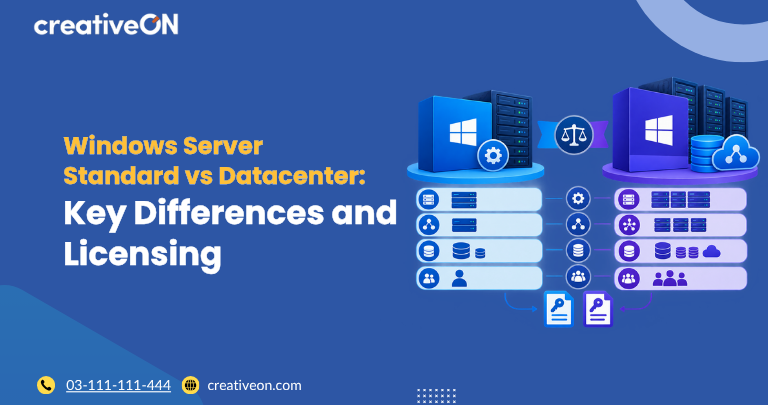
Choosing between Windows Server Standard and Datacenter depends mainly on your virtualization requirements, licensing budget, and need for advanced infrastructure features. Both editions support essential Windows Server workloads, but they differ in virtualization rights and certain advanced capabilities.
Windows Server Standard is generally suitable for physical servers and environments with limited virtualization requirements. Windows Server Datacenter is designed for highly virtualized environments and organizations that need advanced software-defined infrastructure features.
This guide explains the key differences between Windows Server Standard vs Datacenter, helping businesses, IT administrators, and hosting professionals understand which edition better fits their requirements.
Windows Server Standard vs Datacenter: Quick Comparison
The following table summarizes important differences under the Windows Server 2025 licensing model. Always verify the exact features and terms for your intended version.
| Feature | Windows Server Standard | Windows Server Datacenter |
| Core Windows Server roles and services | Included | Included |
| Virtualization rights under physical-core licensing | Two OSEs | Unlimited OSEs |
| Windows Server containers without Hyper-V isolation | Unlimited | Unlimited |
| Windows Server containers with Hyper-V isolation | Two | Unlimited |
| Hyper-V virtualization | Supported | Supported |
| Shielded Virtual Machines | Not included | Included |
| Software-defined networking | Not included | Included |
| Storage Spaces Direct | Not included | Included |
| Storage Replica | Restricted functionality | Broader functionality |
| Typical deployment | Low-density or non-virtualized environments | Highly virtualized and software-defined infrastructure |
OSE means operating system environment. The virtualization rights shown assume all physical cores are appropriately licensed under the physical-core model. The permitted use of a physical host operating system is subject to Microsoft’s licensing conditions.
Microsoft’s official edition comparison should be consulted for the complete, version-specific feature list.
1. What Is Windows Server Standard?
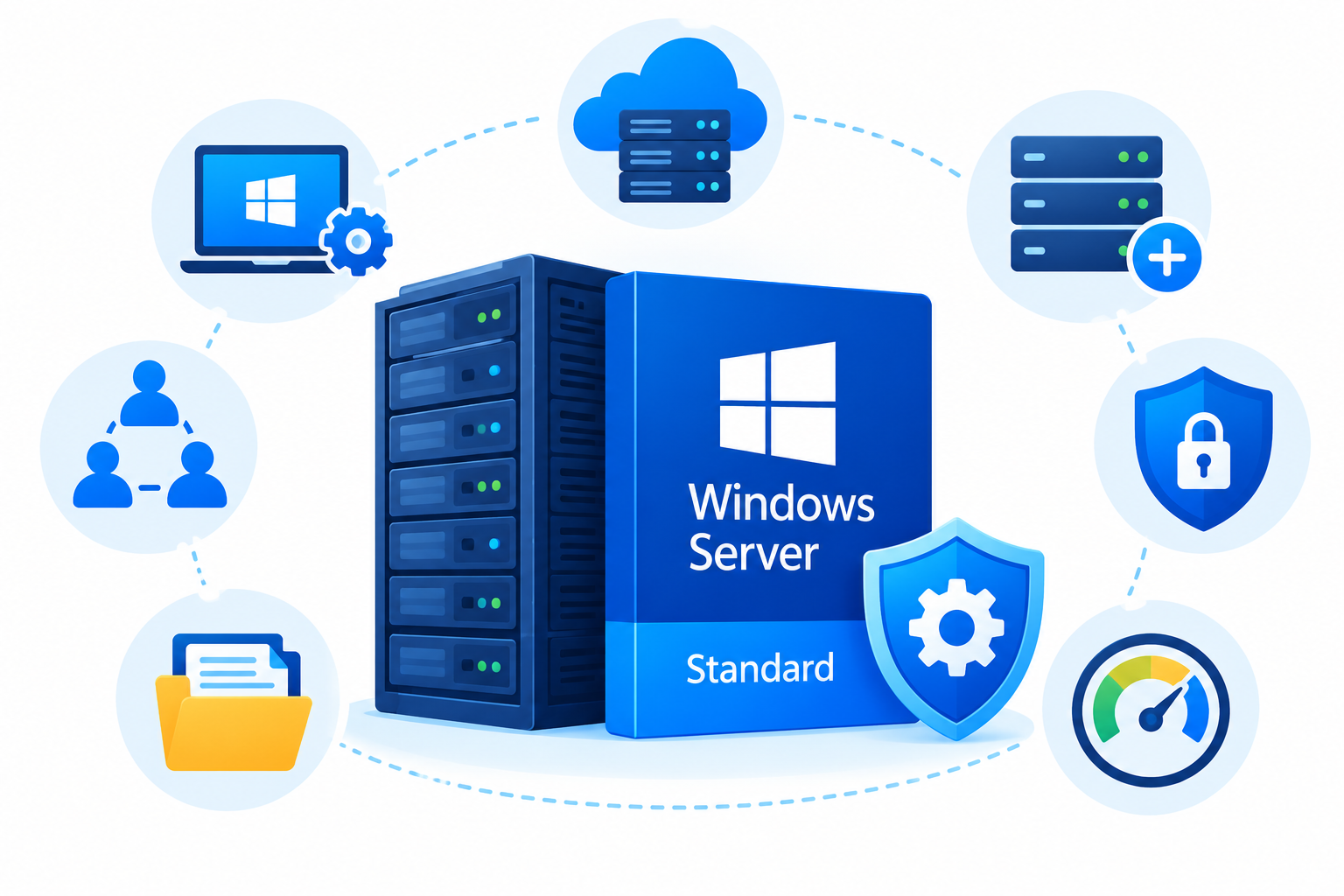
Windows Server Standard is intended for organizations that need conventional server functionality without extensive virtualization.
It supports common business workloads, including:
- File and print services
- Active Directory and domain services
- Web application hosting through Internet Information Services (IIS)
- Business applications and supported server workloads
- Hyper-V virtualization for running virtual machines
Under physical-core licensing, Standard provides rights for two operating system environments or two Windows Server containers with Hyper-V isolation when all physical cores are licensed according to Microsoft’s requirements.
Standard also permits unlimited Windows Server containers without Hyper-V isolation, subject to the applicable product terms.
If you need additional operating system environments under the physical-core licensing model, you can generally assign another complete set of core licenses to the server for each additional pair of environments. This is known as license stacking.
Standard is often a practical choice for businesses running a limited number of Windows Server workloads.
2. What Is Windows Server Datacenter?
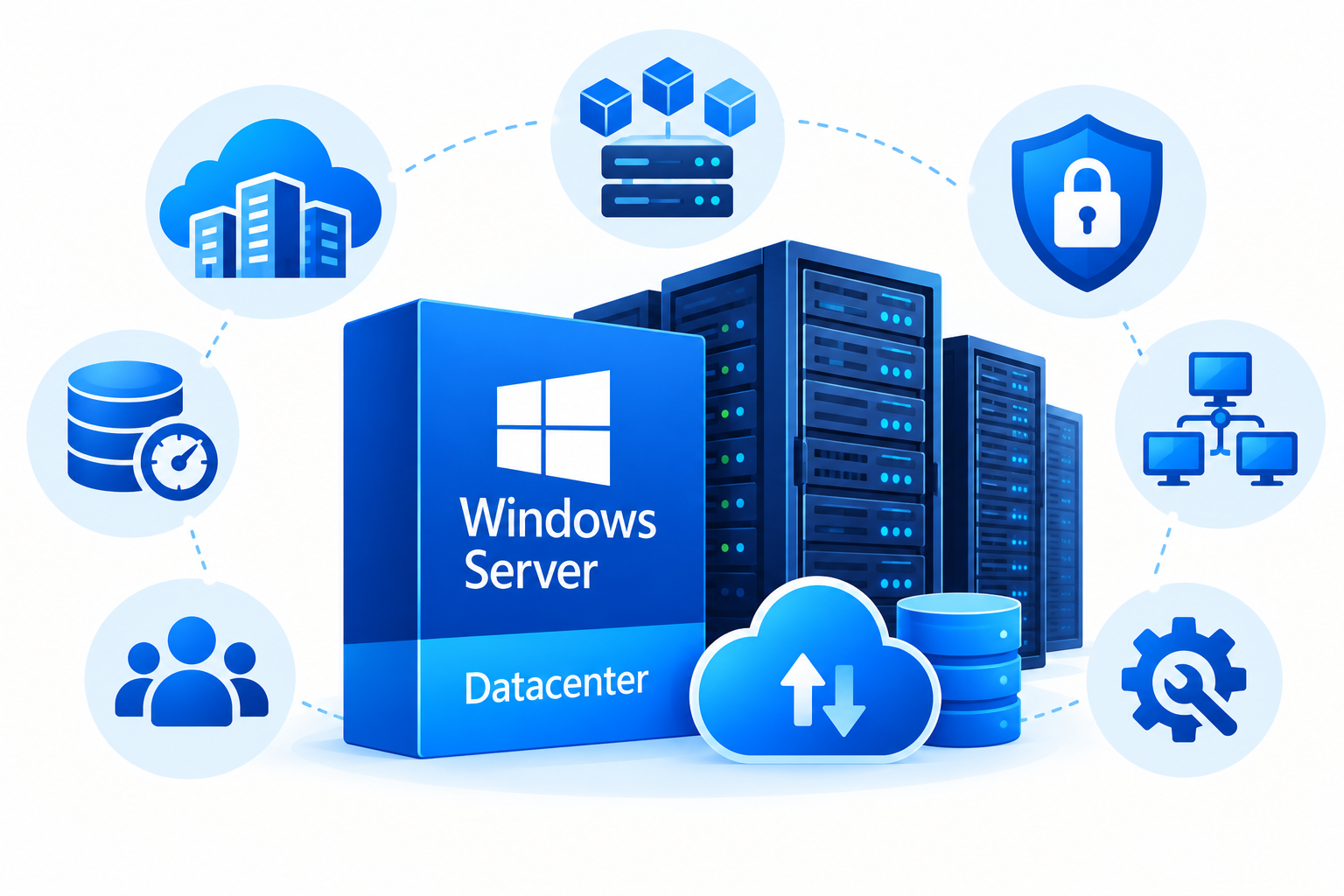
Windows Server Datacenter is designed for organizations running highly virtualized workloads or requiring advanced software-defined infrastructure capabilities.
Its main advantages include:
- Unlimited operating system environments under applicable physical-core licensing
- Advanced virtualization security features, including Shielded Virtual Machines
- Software-defined networking capabilities
- Storage Spaces Direct for supported software-defined storage deployments
- Broader Storage Replica functionality
Datacenter is particularly useful when multiple Windows Server virtual machines run on the same physical server or when an organization needs infrastructure features unavailable in Standard.
For example, a hosting provider operating a physical virtualization host with many Windows Server guests may find Datacenter more practical than repeatedly stacking Standard licenses.
However, Datacenter does not automatically deliver better application performance. Actual performance depends on the hardware, workload, configuration, and resources available to each virtual machine.
3. Virtualization Rights: The Main Difference
Virtualization rights are often the deciding factor when comparing Windows Server Standard vs Datacenter.
Under physical-core licensing, Standard provides rights for two operating system environments on a fully licensed server. Additional sets of two environments generally require another complete set of core licenses assigned to that server.
Datacenter provides rights for unlimited operating system environments on a fully licensed server.
Example: A physical server with 16 cores
Assume a server has 16 physical cores and all 16 cores have been appropriately licensed.
| Windows Server OSEs | Standard core licensing | Datacenter core licensing |
| 2 | 16 core licenses | 16 core licenses |
| 4 | 32 core licenses | 16 core licenses |
| 6 | 48 core licenses | 16 core licenses |
| 8 | 64 core licenses | 16 core licenses |
This example illustrates virtualization entitlements, not the total purchase price. It assumes physical-core licensing and the applicable minimums are satisfied.
Under these assumptions, each additional pair of Standard OSEs requires another 16-core license assignment. Datacenter does not require additional physical-core license stacking to obtain more OSE rights on the same licensed server.
For eligible customers with subscription licenses or active Software Assurance, licensing by virtual machine may also be available. That model has separate eligibility requirements and minimum core licensing rules.
4. Advanced Features Available in Datacenter
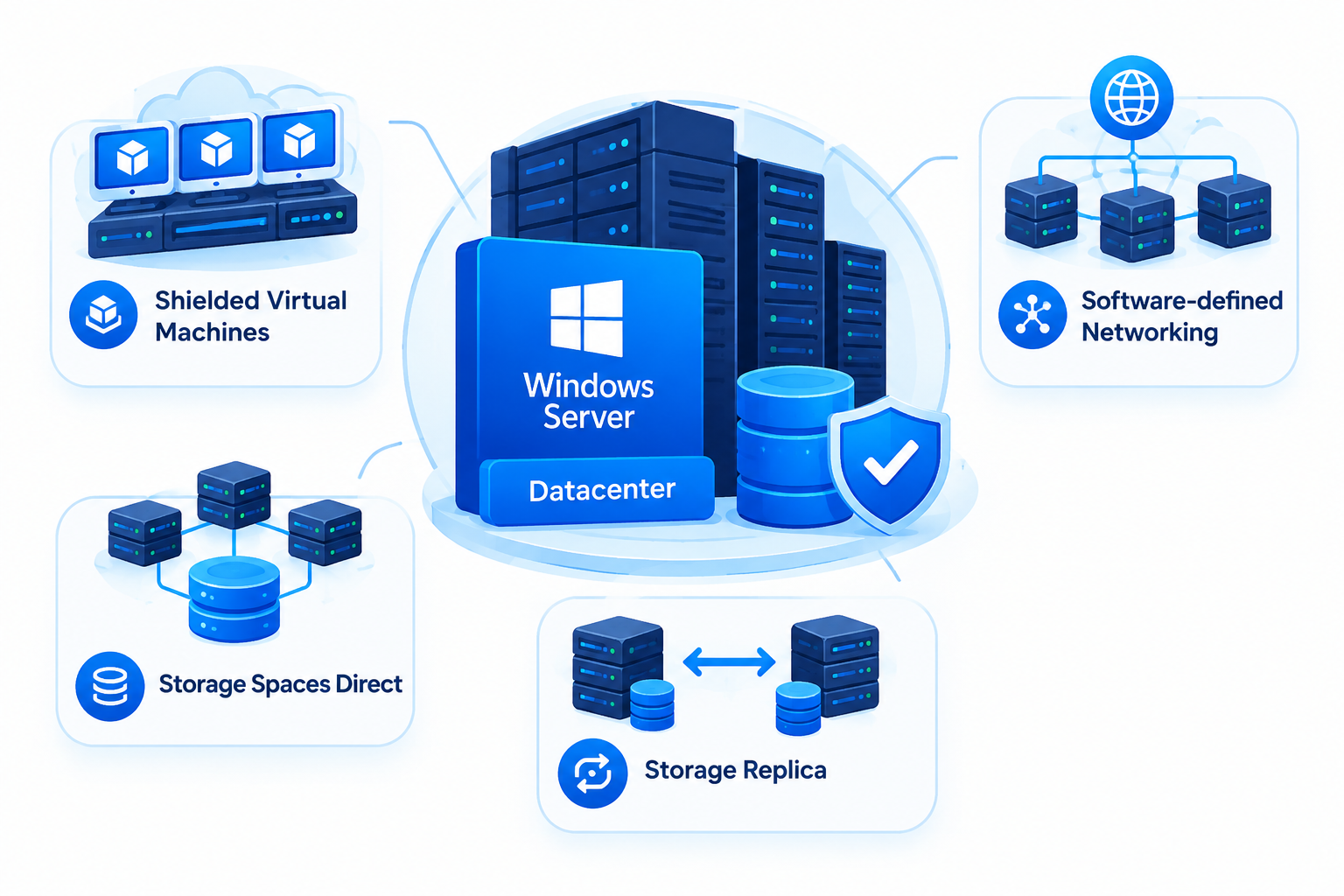
Both editions support many standard Windows Server roles. The principal feature differences concern advanced virtualization, storage, and software-defined infrastructure.
Shielded Virtual Machines
Shielded Virtual Machines help protect supported virtual machines against certain threats from compromised or untrusted host environments and administrators.
This capability is relevant when organizations need additional protection for sensitive workloads.
Software-defined networking
Datacenter includes software-defined networking capabilities for supported deployments. These capabilities help administrators manage network infrastructure through software-defined configuration and control.
Storage Spaces Direct
Storage Spaces Direct enables supported deployments to create software-defined storage using local drives across clustered servers. It is primarily relevant to organizations building supported hyperconverged infrastructure.
Storage Replica
Storage Replica provides block-level replication for supported disaster recovery and availability scenarios. Standard has restricted Storage Replica rights, while Datacenter offers broader capabilities.
These advanced features are not necessary for every business. Choose Datacenter when its additional capabilities or virtualization rights meet a real requirement.
5. Windows Server Standard vs Datacenter Licensing
Both Standard and Datacenter use core-based licensing, with applicable access licensing requirements.
Under the physical-core model, all physical cores on the licensed server must be covered, subject to Microsoft’s minimum requirements. For Windows Server 2025, the general minimum is 8 core licenses per physical processor and 16 core licenses per server.
The main difference is what the assigned licenses permit you to run.
Before choosing an edition, consider:
- Physical core count: Determine the number of physical cores that must be licensed.
- Virtual machine requirements: Estimate how many Windows Server OSEs you need now and in the future.
- License stacking: Account for additional Standard licensing when more OSE rights are required under the physical-core model.
- Advanced features: Confirm whether you need Datacenter-specific capabilities.
- Access licensing: Check applicable Windows Server CAL or other licensing requirements.
- Deployment model: Confirm whether you are licensing your own physical server, a virtualized environment, or a hosted Windows VPS.
Do not compare edition prices alone. Standard may have a lower initial licensing cost, but repeated license stacking can change the total cost for a highly virtualized deployment.
Licensing by virtual machine may be available under qualifying subscription licenses or licenses with active Software Assurance. Because the requirements differ from physical-core licensing, evaluate that option separately.
Always consult Microsoft’s current Product Terms and licensing guidance before purchasing or deploying Windows Server.
6. Which Edition Should You Choose?
The best edition depends on the workloads you intend to run and the features you require.
Choose Windows Server Standard if:
- You operate a physical server with limited virtualization needs.
- You run conventional business applications or infrastructure services.
- You need a small number of Windows Server virtual machines.
- You do not require Datacenter-exclusive infrastructure features.
- Your planned deployment makes Standard licensing practical.
Choose Windows Server Datacenter if:
- You need many Windows Server virtual machines on the same licensed physical server.
- You operate a highly virtualized infrastructure.
- You require Shielded Virtual Machines or software-defined networking.
- You plan to use Storage Spaces Direct or other advanced Datacenter capabilities.
- Your virtualization requirements make unlimited OSE rights valuable.
Evaluate your present needs and expected growth before deciding. The number of virtual machines matters, but advanced feature requirements can also determine the appropriate edition.
7. How Does This Difference Apply to Windows VPS Hosting?
Windows Server editions and Windows VPS plans serve different purposes.
The Windows Server edition determines operating system capabilities and licensing rights. A VPS plan defines the virtual server resources and services supplied to the customer.
If you rent a Windows VPS, confirm which Windows Server edition is installed and how the provider handles operating system licensing.
A customer renting one Windows VPS does not automatically need to purchase Datacenter. Equally, installing a Datacenter guest operating system does not grant the customer unlimited rights to create virtual machines on the underlying physical infrastructure.
The hosting provider’s licensing arrangement, the host’s configuration, and the customer’s agreement determine the applicable rights.
For more information about virtual server environments, readers can explore CreativeON’s Windows VPS hosting resources.
Frequently Asked Questions
