
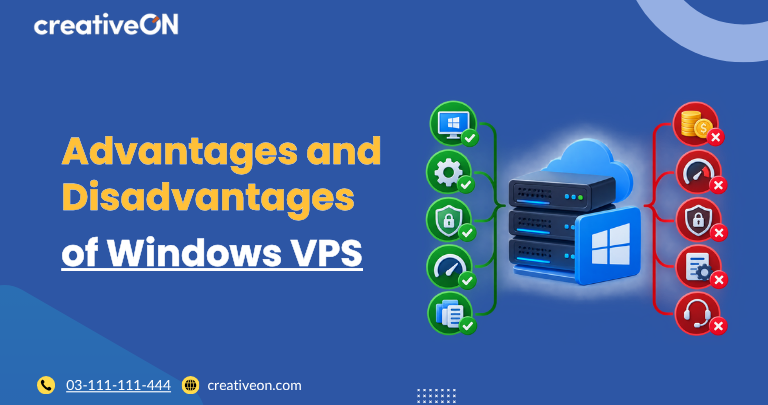
If you’re considering Windows VPS hosting, the decision usually comes down to four things: application compatibility, licensing, server resources, and management requirements.
A Windows VPS can be an excellent choice for applications that depend on Windows Server, IIS, ASP.NET, .NET, or other Microsoft technologies. At the same time, it may cost more or provide little benefit when your application does not actually require a Windows environment.
Understanding the advantages and disadvantages of Windows VPS hosting can help you decide whether it is the right environment for your website, application, or business workload.
Windows VPS Pros and Cons at a Glance
|
Advantages |
Disadvantages |
|
Supports Windows-based applications |
Windows licensing can increase costs |
|
IIS and .NET support |
Some workloads may require more resources |
|
Familiar graphical administration |
Requires Windows Server management |
|
Convenient remote administration |
Security configuration is your responsibility |
|
Suitable for Microsoft-based workloads |
May be unnecessary for non-Windows applications |
|
Supports Windows Server tools and services |
Additional licensing may apply to some Microsoft services |
The right choice depends less on the operating system itself and more on what you need to run on the VPS.
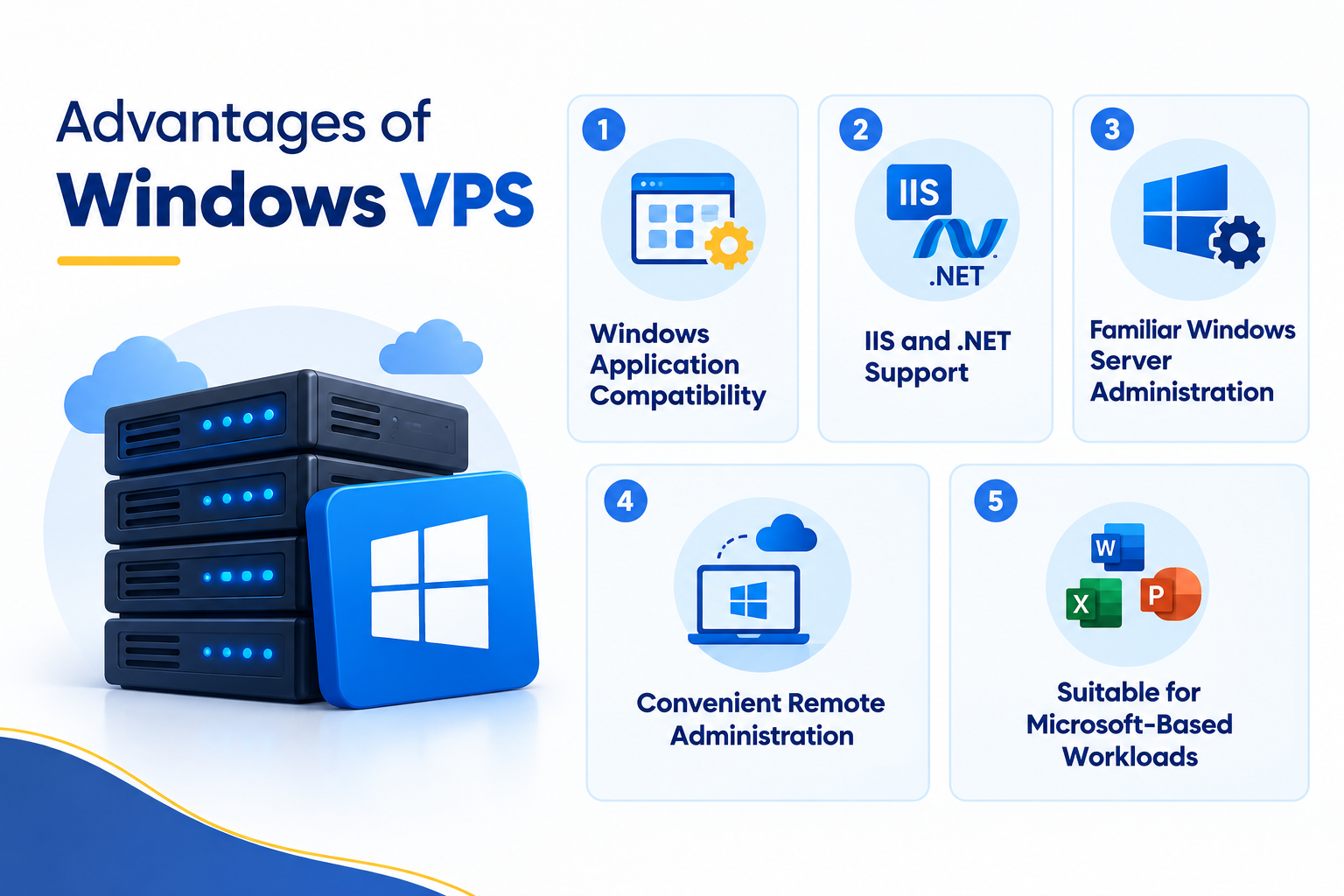
Advantages of Windows VPS
1. Windows Application Compatibility
The biggest advantage of a Windows VPS is compatibility with applications designed for the Windows Server environment.
A Windows VPS can be suitable when your application depends on technologies such as:
- ASP.NET
- .NET
- IIS
- Microsoft SQL Server
- Windows Services
- PowerShell
- Other software that specifically requires Windows Server
If your software vendor requires Windows Server, using a Windows VPS can avoid compatibility issues associated with deploying the application in an unsupported environment.
2. IIS and .NET Support
Windows VPS hosting provides access to Internet Information Services (IIS), Microsoft’s web server platform.
IIS is commonly used for Windows-based web applications and can host workloads built with Microsoft’s .NET ecosystem.
A Windows VPS can therefore be a practical choice for:
- ASP.NET websites
- .NET applications
- APIs
- Business applications
- Windows-based web services
If your application architecture is built around IIS and .NET, Windows Server provides a natural environment for running those components.
3. Familiar Windows Server Administration
Administrators who already work with Windows may find the Windows Server environment familiar.
Depending on the Windows Server configuration, administrators can use tools such as:
- Server Manager
- Windows Admin Center
- Event Viewer
- Task Manager
- Windows Services
- Windows Firewall
- PowerShell
This can make certain administration and troubleshooting tasks easier for teams that are comfortable with Windows.
However, a graphical interface does not remove the need for proper server administration. Updates, permissions, services, security settings, backups, and applications still need to be managed correctly.
4. Convenient Remote Administration
Windows VPS environments can be administered remotely using Remote Desktop.
For administrators who prefer a graphical interface, this can be more convenient than working exclusively through command-line tools.
Remote administration is useful for tasks such as:
- Managing Windows Server settings
- Installing applications
- Checking running services
- Reviewing Event Viewer logs
- Managing users and permissions
- Troubleshooting applications
Remote Desktop should be secured properly rather than treated as an unrestricted method of accessing the server.
If a server is being used as a Remote Desktop Services (RDS) environment for multiple users or application delivery, additional licensing requirements may apply. RDS licensing is different from simply using Remote Desktop for server administration.
5. Suitable for Microsoft-Based Workloads
Windows VPS can be particularly useful when several parts of an application stack depend on Microsoft technologies.
For example, an application might use:
Windows Server → IIS → .NET → Microsoft SQL Server
Running these components in an environment designed for Windows workloads can simplify compatibility and administration.
The exact configuration will depend on the application’s requirements and the versions of Windows Server and Microsoft software it supports.
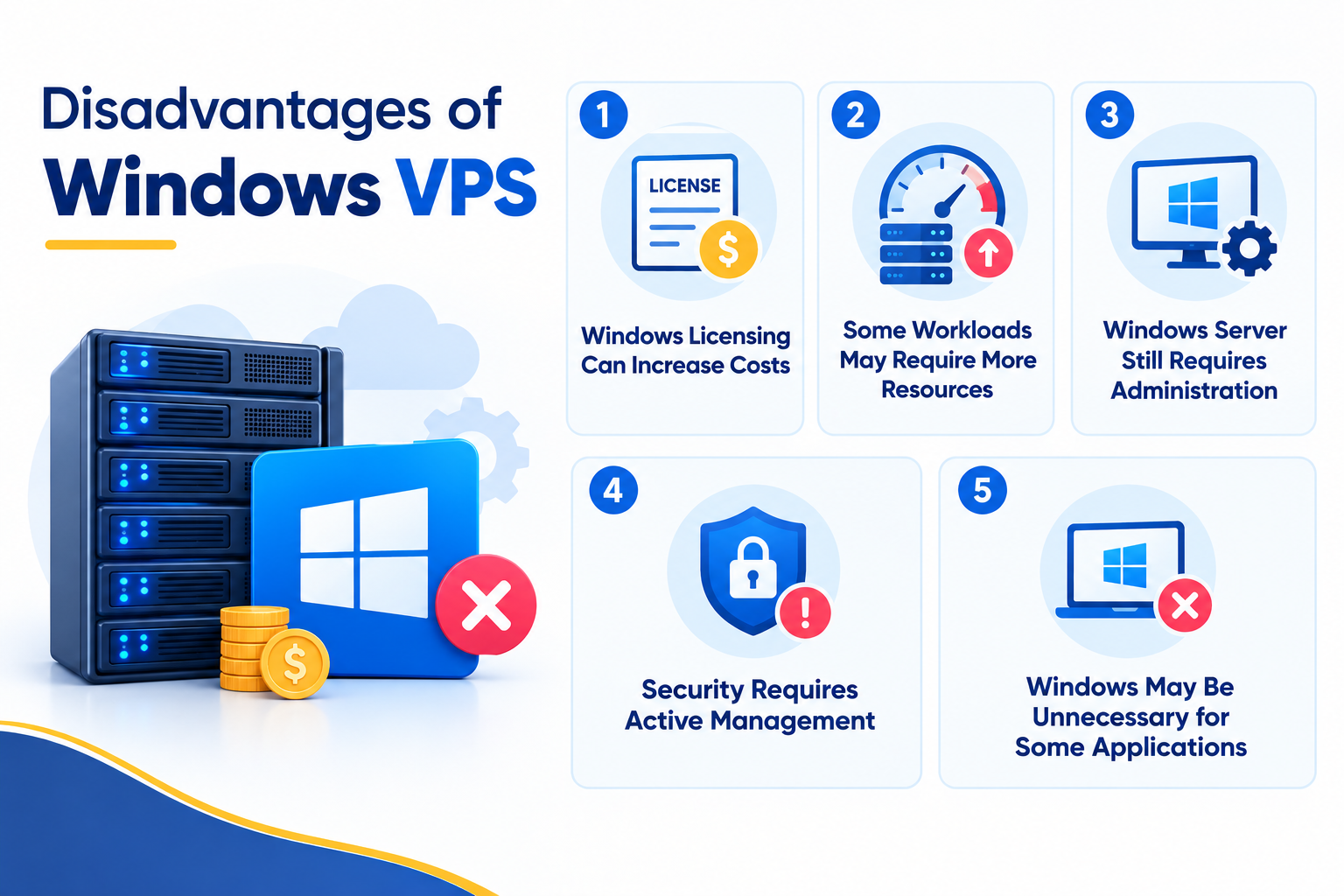
Disadvantages of Windows VPS
1. Windows Licensing Can Increase Costs
Windows Server licensing can contribute to the overall cost of a Windows VPS.
Microsoft’s current Windows Server licensing model includes core-based licensing for Windows Server Standard and Datacenter editions, with access licensing requirements applying as well. The exact licensing arrangement depends on how Windows Server is deployed and licensed.
For hosting customers, this does not necessarily mean a separate Microsoft invoice. A hosting provider may include Windows licensing within the VPS plan. However, licensing is one reason Windows VPS hosting can cost more than some alternatives.
Before purchasing a plan, check what operating-system licensing is included.
2. Some Workloads May Require More Resources
Windows Server resource requirements depend on the server configuration, installed roles, applications, and workload. Microsoft notes that actual hardware requirements can vary according to the features and applications being used.
For example, a Windows VPS running IIS, a .NET application, background services, and a database may require considerably more RAM and CPU than a basic website.
The important point is not to assume that every Windows VPS needs the same resources.
Instead, consider:
- Application memory requirements
- CPU usage
- Database requirements
- Number of concurrent users
- Background services
- Storage requirements
- Expected traffic
Choose VPS resources according to the workload rather than the operating system alone.
3. Windows Server Still Requires Administration
A Windows VPS gives you server-level control, but that also means you need to manage the environment properly.
Typical responsibilities can include:
- Installing Windows updates
- Managing user accounts
- Configuring permissions
- Managing Windows Services
- Configuring the firewall
- Installing and updating applications
- Monitoring system resources
- Reviewing system logs
- Maintaining backups
If your team does not have Windows Server administration experience, consider whether managed server support would be useful.
4. Security Requires Active Management
A Windows VPS is exposed to many of the same security concerns as any internet-facing server. Server security therefore needs to be treated as an ongoing responsibility.
For remote administration, consider:
- Using strong, unique passwords
- Keeping Windows Server and applications updated
- Using Windows Firewall appropriately
- Restricting unnecessary ports
- Limiting administrative access
- Keeping Network Level Authentication (NLA) enabled where appropriate
- Avoiding unnecessary exposure of management services to the public internet
Microsoft recommends NLA for Remote Desktop connections because authentication takes place before a full remote session is established.
Security should also extend beyond RDP. Outdated applications, excessive privileges, weak accounts, and unnecessary services can all increase the attack surface.
5. Windows May Be Unnecessary for Some Applications
A Windows VPS is not automatically the best choice simply because it provides a familiar graphical environment.
If your application does not require Windows Server, IIS, .NET, Microsoft SQL Server, or another Windows-dependent technology, the benefits of choosing Windows may be limited.
In such cases, paying for Windows licensing and allocating resources to a Windows environment may not provide meaningful value.
The operating system should therefore be selected based on application requirements first and personal preference second.
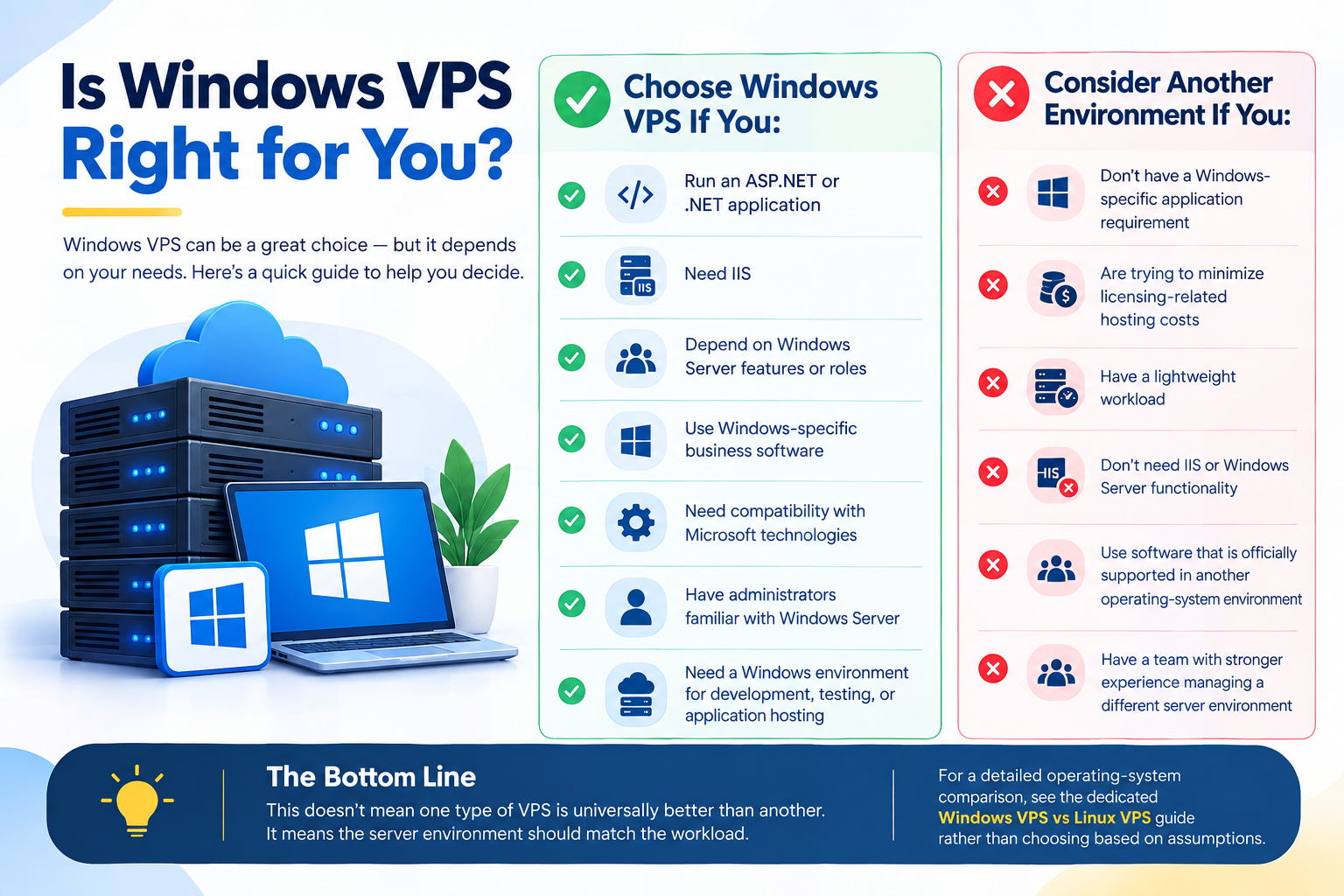
Is Windows VPS Right for You?
The easiest way to evaluate Windows VPS is to start with your application.
Choose Windows VPS If You:
- Run an ASP.NET or .NET application
- Need IIS
- Depend on Windows Server features or roles
- Use Windows-specific business software
- Need compatibility with Microsoft technologies
- Have administrators familiar with Windows Server
- Need a Windows environment for development, testing, or application hosting
Consider Another Environment If You:
- Don’t have a Windows-specific application requirement
- Are trying to minimize licensing-related hosting costs
- Have a lightweight workload
- Don’t need IIS or Windows Server functionality
- Use software that is officially supported in another operating-system environment
- Have a team with stronger experience managing a different server environment
This doesn’t mean one type of VPS is universally better than another. It means the server environment should match the workload.
For a detailed operating-system comparison, see the dedicated Windows VPS vs Linux VPS guide rather than choosing based on assumptions.
What to Check Before Choosing Windows VPS
Before ordering a Windows VPS, check these five areas.
1. Application Compatibility
Confirm that your application supports the Windows Server version offered by the provider.
This is especially important for older applications that may depend on particular .NET, IIS, database, or Windows Server versions.
2. Resource Requirements
Estimate the application’s CPU, RAM, storage, and database requirements.
Don’t choose a VPS solely because it has enough storage. RAM and CPU can be equally important for application performance.
3. Licensing
Check which licenses are included in the hosting plan.
Depending on your workload, you may need to consider licensing for:
- Windows Server
- Microsoft SQL Server
- Remote Desktop Services
- Other commercial applications
For RDS deployments, Microsoft’s licensing requirements should be checked separately from ordinary remote server administration.
4. Management Requirements
Decide who will manage the server.
If your team will handle administration, make sure someone is comfortable with Windows Server updates, security, permissions, firewall configuration, monitoring, and troubleshooting.
5. Remote Access and Security
If remote administration is required, determine how RDP access will be secured.
Use appropriate authentication and firewall controls, avoid exposing unnecessary services, and give administrative access only to users who need it.
Frequently Asked Questions
