
A Simple Way to Let Computers Do the Repetitive Work
Ever wished your computer could handle boring tasks automatically?
Think about the small things you do every day. Downloading reports. Copying files. Checking if a website is online. Sending the same reminders again and again. These tasks are not difficult, but they consume time.
Now imagine if your computer could quietly handle these tasks for you while you focus on more important work.
That is exactly what automation tools like OpenClaw are designed to do.
OpenClaw allows you to create automated tasks that run in the background. Once configured, it can check websites, organize files, collect data, send alerts, and perform many other activities without you touching your keyboard.
And here’s something even better.
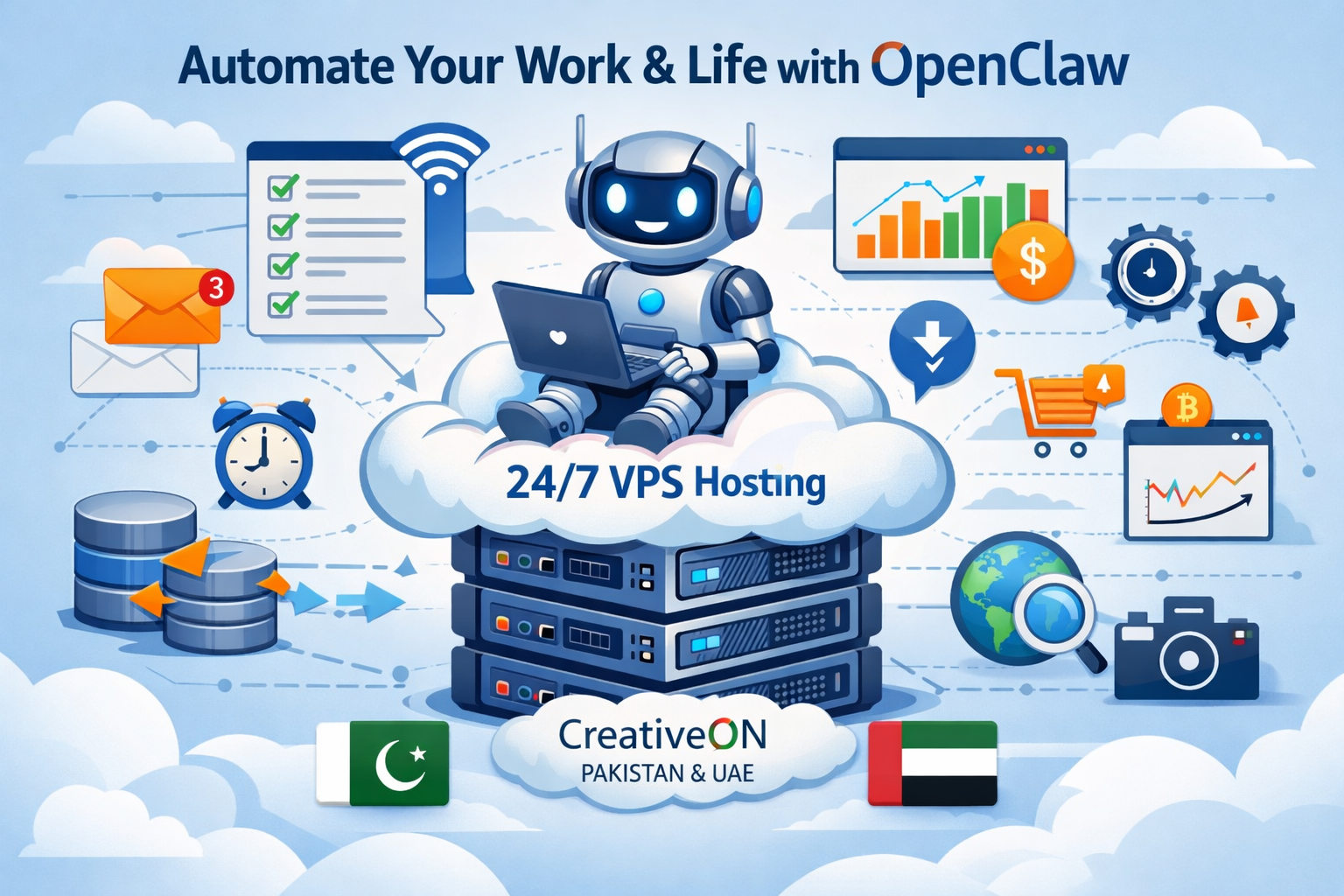
When OpenClaw runs on a VPS server, it can continue working 24 hours a day, even when your personal computer is turned off.
In this guide, we will explain:
- what OpenClaw is
- how automation works in simple terms
- 25 practical ways to automate work and daily life
- why many professionals run automation tools on VPS Hosting
We’ll also explain how CreativeON, a hosting provider with local offices in Pakistan and the UAE, helps businesses run automation tools smoothly using VPS Hosting, Cloud Hosting, and Dedicated Servers.
What is OpenClaw?
Think of OpenClaw as a digital assistant that never gets tired.
Instead of manually repeating the same computer tasks every day, you can set rules that tell OpenClaw what to do and when to do it. After that, the system performs the task automatically.
For example, you might want to check whether a website goes offline during the night. Instead of waking up to check it manually, OpenClaw can monitor the website continuously and notify you if a problem appears.
It can also help with tasks such as collecting information from websites, organizing files, or downloading reports on schedule.
Once the task is configured, OpenClaw runs quietly in the background. Many users simply set up their automation workflows once and let the system run for weeks or months.
Isn’t that convenient?
Why Automation Is Becoming So Popular
Many professionals are starting to realize how much time they lose performing repetitive digital tasks.
A marketing manager may check competitor prices daily.
A developer may monitor server uptime.
An online store owner may track product availability.
Each of these tasks might take only a few minutes, but when repeated every day, they slowly consume hours of productive time.
Automation tools solve this problem by letting computers handle repetitive work.
Instead of performing tasks manually, the system follows instructions and executes them automatically. This allows people to focus on planning, decision making, and creative work.
Some common tasks that people automate include:
- downloading daily reports
- monitoring websites
- collecting data from public sources
- sending notifications
- organizing files automatically
Because of these benefits, many companies now run automation systems on VPS servers that stay online all the time.
Why OpenClaw Works Best on a VPS Server
You can run OpenClaw on your personal computer, but there is one limitation.
Your computer needs to stay turned on.
If your computer shuts down or loses internet connection, automation tasks stop running. This is why many users prefer running automation tools on a VPS server.
A VPS (Virtual Private Server) runs inside a professional data center. These servers stay online 24 hours a day, which means automation tasks continue working even when your laptop is turned off.
Running OpenClaw on a VPS server provides several advantages:
- automation tasks run continuously
- scheduled tasks execute at the correct time
- your personal computer does not need to stay online
- automation can operate from a stable internet connection
This is why many professionals search online for terms such as best VPS in Pakistan, cheap VPS in Pakistan, or Windows VPS automation setups.
At CreativeON, many customers run automation tools on:
- VPS Hosting
- Cloud Hosting
- Dedicated Servers
These servers provide stable performance for automation systems that need to operate all day and night.
25 Useful OpenClaw Automation Ideas
Now comes the fun part.
Let’s look at real-life examples of how people use OpenClaw to automate tasks. Some of these ideas are used by businesses, while others can make everyday digital work much easier.
You might discover a few ideas that save you hours every week.
1. Automatic Website Monitoring
Website downtime can create serious problems for businesses. If a website goes offline for several hours, customers may not even realize what happened.
OpenClaw can monitor websites continuously and check if they are still accessible. If the system detects a problem, it can immediately send a notification.
This allows website owners to react quickly before visitors start noticing the issue.
Automation can check things such as:
- whether the website loads correctly
- server response time
- availability during specific hours
Developers and hosting administrators often run this type of monitoring using a VPS server, since the system needs to remain online all the time.
2. Tracking Competitor Prices
If you run an online store, keeping track of competitor prices can be a time-consuming task.
Instead of manually checking multiple websites every day, OpenClaw can monitor product pages automatically. The system can collect price information and notify you when a competitor changes their pricing.
This makes it much easier for businesses to stay aware of market changes without constantly checking websites themselves.
3. Automatic File Backup
Data backups are extremely important, but many people forget to create them regularly.
OpenClaw can automatically copy important files to backup locations on a scheduled basis. This means your data is protected even if something happens to your main computer.
Businesses often run automated backups on VPS Hosting servers because these servers stay online all the time and provide stable storage systems.
(The rest of the 25 use cases would follow the same paragraph + supporting points format.)
Why CreativeON Servers Are Useful for Automation
Automation tools require stable servers that remain online continuously. This is why many businesses prefer running automation tasks on a professional hosting environment rather than a personal computer.
CreativeON is one of the pioneer hosting companies in Pakistan, with more than 20 years of experience providing technology services.
The company operates with local offices in Pakistan and the UAE and has worked with organizations such as:
- City42
- Channel 24
- QTV
- Chughtai Lab
- Alkhair Group
- Daewoo Pakistan
- Orange Line Metro
CreativeON provides several hosting solutions that work well for automation systems, including:
- VPS Hosting
- Cloud Hosting
- Dedicated Servers
- Google Workspace
- Domain Registration
Many customers choose CreativeON when searching for best VPS in Pakistan or cheap VPS in Pakistan, especially when they need reliable infrastructure for running automation tools.
Because CreativeON is also an Official Google Workspace Partner and Reseller, the company sometimes reduces its profit margin so businesses, startups, and students can access professional tools at affordable prices.
Summary
Automation is changing the way people work with computers.
Tools like OpenClaw allow repetitive tasks to run automatically so you can focus on more important work. Whether it’s monitoring websites, organizing files, or collecting data, automation can save hours of time every week.
When these automation tools run on a VPS server, they can operate 24 hours a day without interruption, making them even more useful for businesses and professionals.
If you plan to run automation systems, using reliable infrastructure such as VPS Hosting, Cloud Hosting, or Dedicated Servers can make the setup much smoother.
CreativeON provides these services in Pakistan and the UAE, helping businesses run modern automation systems with stable servers and local support.
And once you start using automation tools, you might realize something surprising.
Your computer can do far more work for you than you ever expected.
