
Online classes have become a normal part of life for schools, colleges, and training centers. Whether you’re teaching students, running a coaching academy, or managing corporate training, keeping your online classes safe and organized is very important.
The good news? Google Workspace makes this much easier.
With tools like Google Meet, Google Classroom, Google Drive, and Business Emails, teachers and administrators can run classes smoothly while protecting students and data.
In this guide, we’ll talk about simple best practices for hosting safe online classes using Google Workspace. If you’re new to online teaching or want to improve your setup, don’t worry — we’ll walk through everything step by step.
Why Schools Use Google Workspace for Online Classes
Before we talk about safety tips, let’s quickly look at why so many schools and academies choose Google Workspace.
Google Workspace is a collection of tools that help teachers and students communicate, share files, and hold online classes in a secure way.
For example:
- Google Meet for live classes
- Google Classroom for assignments and course management
- Google Drive for sharing notes and documents
- Gmail Business Emails for professional communication
Instead of using many separate apps, everything works together in one system.
Many institutes today are switching to Google Workspace in Pakistan because it is simple, secure, and easy for teachers and students to learn.
What Does “Safe Online Classes” Mean?
When we say safe online classes, we are talking about protecting three important things:
- Student privacy
- Classroom access
- Learning materials
Imagine this situation:
A teacher shares a meeting link publicly. Suddenly random people join the class. That can interrupt lessons or even create security problems.
Using Google Workspace Pakistan, schools can control who enters the class and what they can do.
Isn’t that neat?
Best Practices for Hosting Safe Online Classes
Let’s look at the best ways to keep your online classes safe and professional.
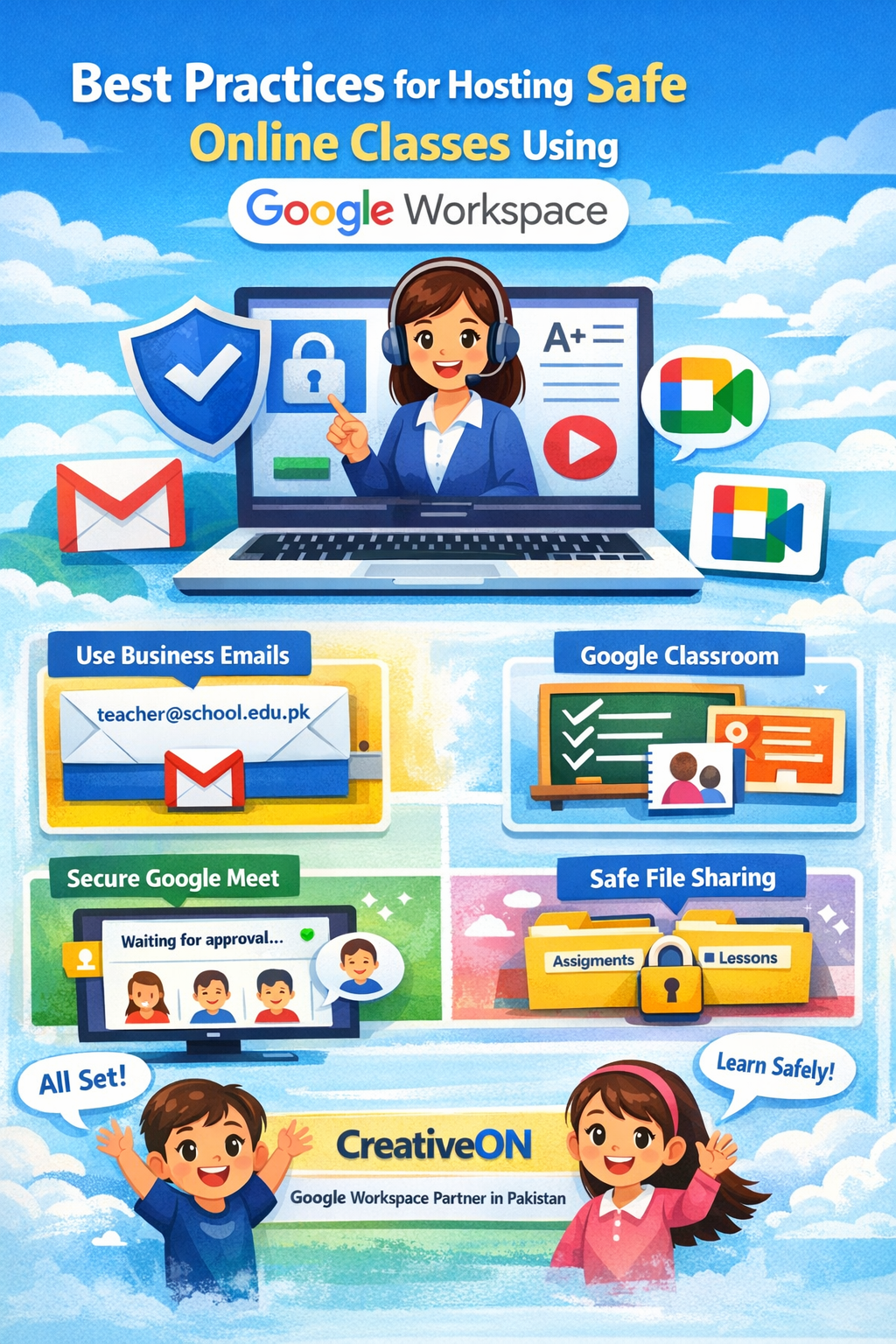
1. Use Official School Business Emails
The first and most important step is using Business Emails instead of personal Gmail accounts.
When students and teachers use official school email addresses like:
The school can control who joins classes and accesses files.
Benefits of Business Emails include:
- Only approved students can join classes
- Better identity verification
- More control for administrators
- Safer communication
Many institutions using Google Workspace in Pakistan start by creating Business Emails for all teachers and students.
2. Create Classes Inside Google Classroom
Instead of sharing random meeting links on WhatsApp or social media, teachers should create classes using Google Classroom.
Google Classroom acts like a digital school building where everything stays organized.
Inside Classroom you can:
- Schedule classes
- Share assignments
- Post announcements
- Attach meeting links
- Upload learning material
Students can only access the class if they are invited.
This simple step keeps strangers away from your classes.
3. Use Google Meet Security Controls
Did you know Google Meet has built-in security tools?
Teachers can control the meeting just like a real classroom.
Some useful controls include:
- Host approval before someone joins
- Mute participants
- Remove unwanted users
- Disable screen sharing
- Disable chat when needed
For example, if someone tries to enter the class who is not a student, the teacher can simply deny entry.
That keeps the class focused and safe.
4. Never Share Meeting Links Publicly
Here’s a common mistake.
Sometimes teachers post meeting links on:
- WhatsApp groups
- Public websites
This allows anyone to join the class.
Instead, always share links through:
- Google Classroom
- Official school emails
- Learning portals
This keeps access limited to students only.
5. Record Classes Safely
Recording lessons is helpful because students can watch them later.
Google Meet allows teachers to record online classes and save them to Google Drive.
This is useful when:
- A student misses a class
- Teachers want to review lessons
- Schools build a video learning library
But remember:
Always inform students before recording.
That way everyone feels comfortable.
6. Manage File Sharing with Google Drive
Students often share assignments and documents online.
Using Google Drive inside Google Workspace keeps files organized and safe.
Teachers can control:
- Who can view files
- Who can edit files
- Who can download files
Example:
A teacher can allow students to view a PDF but not edit it.
This prevents accidental changes.
7. Set Clear Classroom Rules
Online classes still need discipline.
Teachers should tell students simple rules like:
- Keep microphones muted
- Use chat only for class questions
- No sharing meeting links
- Respect other students
It may sound simple, but these rules make classes much smoother.
8. Use Waiting Rooms for Classes
Google Meet allows hosts to approve participants before they join.
Think of it like a school gate.
If someone unknown tries to enter the class, the teacher can reject the request.
This prevents unwanted visitors.
9. Train Teachers and Staff
Technology works best when people know how to use it.
Schools should train teachers on:
- Using Google Classroom
- Managing Google Meet settings
- Sharing files securely
- Handling student accounts
Even a short training session can make a big difference.
10. Use Admin Controls for Schools
One of the best parts of Google Workspace plans is the admin control panel.
School administrators can:
- Manage student accounts
- Control app permissions
- Monitor usage
- Reset passwords
- Protect student data
This makes Google Workspace Pakistan a strong solution for education.
Real-Life Example
Let’s say a school in Lahore wants to start online classes.
Instead of using random apps, they set up Google Workspace.
They create:
- Business Emails for teachers and students
- Google Classroom for each subject
- Google Meet links inside Classroom
Now every class is organized and secure.
Students join using their school email, teachers control meetings, and assignments stay in one place.
Simple and safe!
Google Workspace Pricing in Pakistan
Many schools worry about cost.
But the good news is that Google Workspace pricing in Pakistan is quite affordable, especially when purchased through official partners.
Google offers different Google Workspace plans, such as:
- Business Starter
- Business Standard
- Business Plus
- Enterprise
Each plan includes tools like Gmail, Google Meet, Google Drive, and Google Classroom.
Educational institutions may also qualify for special education editions.
Why Many Schools Buy Google Workspace from CreativeON
If you are planning to use Google Workspace in Pakistan, choosing the right partner matters.
CreativeON is an official Google Workspace Partner and Reseller in Pakistan.
Here’s why many organizations choose CreativeON:
- Official Google partner
- Support for setup and migration
- Help with domain and Business Emails
- Local customer support
- Very competitive pricing
CreativeON is also a PKNIC Gold Partner, which means they provide reliable domain services in Pakistan.
In many cases, CreativeON even reduces its own profit margin to make Google Workspace more affordable for schools and businesses.
That’s why many institutions prefer buying Google Workspace Pakistan accounts through CreativeON.
Common Questions About Safe Online Classes
Can students join Google Meet without permission?
No. Teachers can require approval before someone enters the meeting.
Is Google Workspace safe for schools?
Yes. Google Workspace includes security tools, admin controls, and secure login systems.
Do students need Gmail accounts?
Schools usually create Business Emails for students, which work like Gmail but are managed by the school.
Can classes be recorded?
Yes. Google Meet allows teachers to record sessions and save them in Google Drive.
Is Google Workspace available in Pakistan?
Yes, many businesses and educational institutes already use Google Workspace in Pakistan for email, meetings, and collaboration.
Quick Tips for Teachers
Before starting your next online class, remember these simple tips:
✔ Use Business Emails
✔ Create classes in Google Classroom
✔ Share links privately
✔ Use meeting approval features
✔ Record lessons when needed
✔ Store files safely in Google Drive
✔ Set simple classroom rules
Follow these steps and your online classes will run smoothly.
You’ve got this! 👍
Final Thoughts
Online learning is here to stay. When done the right way, it can be safe, organized, and very effective.
Using Google Workspace, teachers can run classes, share materials, communicate with students, and protect data all in one place.
By following the best practices we discussed — like using Business Emails, managing Google Meet security, and organizing classes in Google Classroom — schools can create a safe learning environment for everyone.
And if you are planning to start using Google Workspace Pakistan, working with an official partner like CreativeON can make the process much easier.
